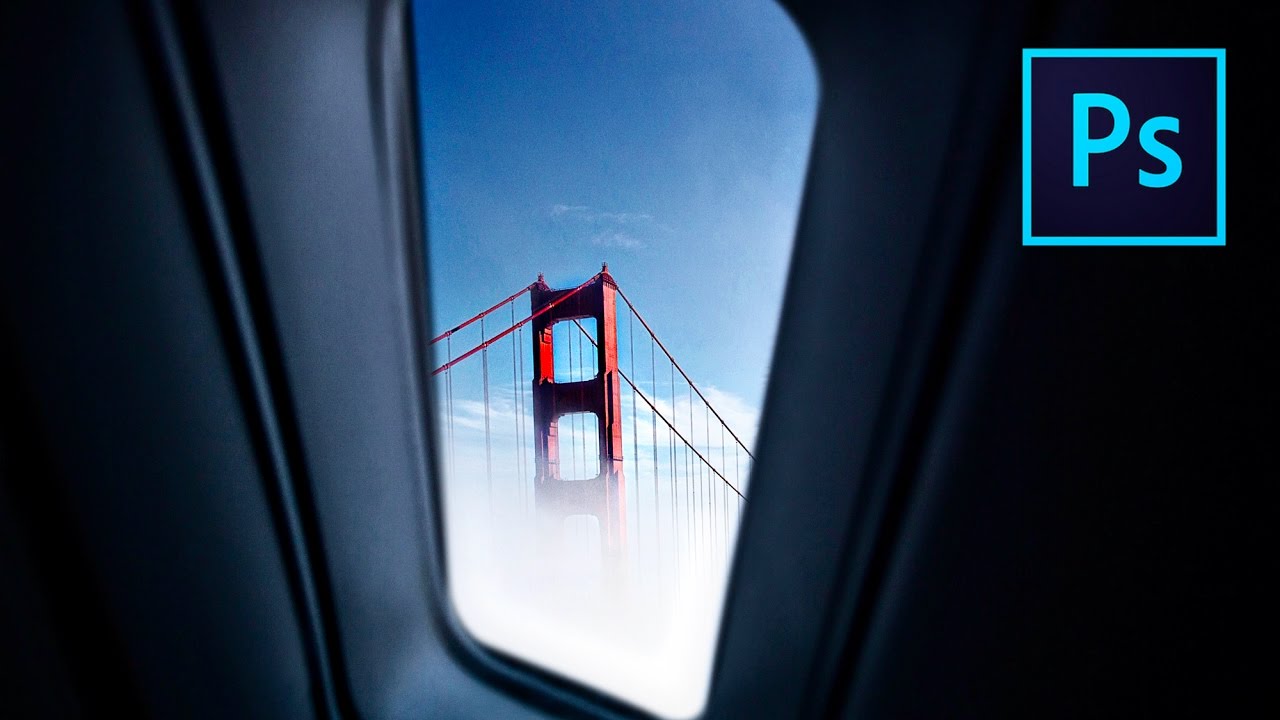
How to Composite Fake Backgrounds Into Your Photos Using Photoshop (And Why You Shouldn't Feel Guilty About It)

How to Composite Fake Backgrounds Into Your Photos Using Photoshop (And Why You Shouldn't Feel Guilty About It)

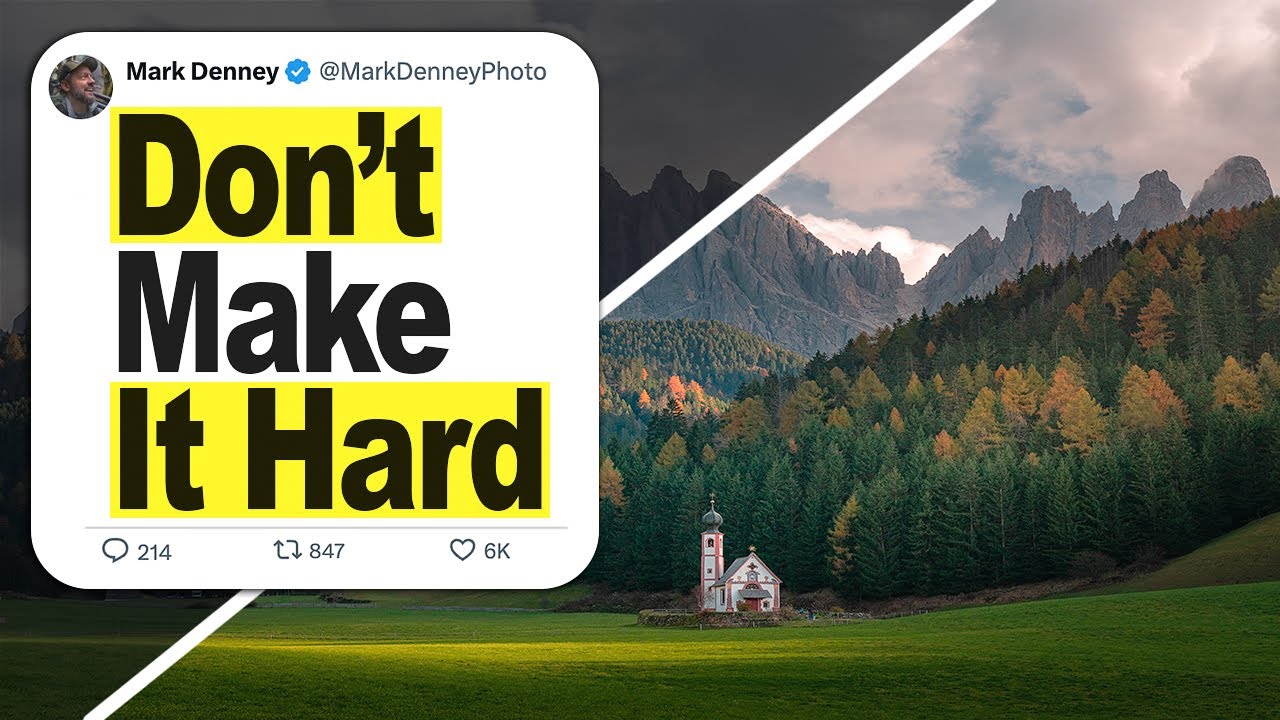
Every Sunday morning I do a photo walk around Seattle, and I come back with about two hundred shots. Maybe ten of them are genuinely interesting. A handful have great light but a cluttered background. A few have a compelling subject and a completely dead sky. For years I either published the mediocre version or deleted the file entirely. It took watching other photographers talk openly about compositing for me to realize there was a third option.
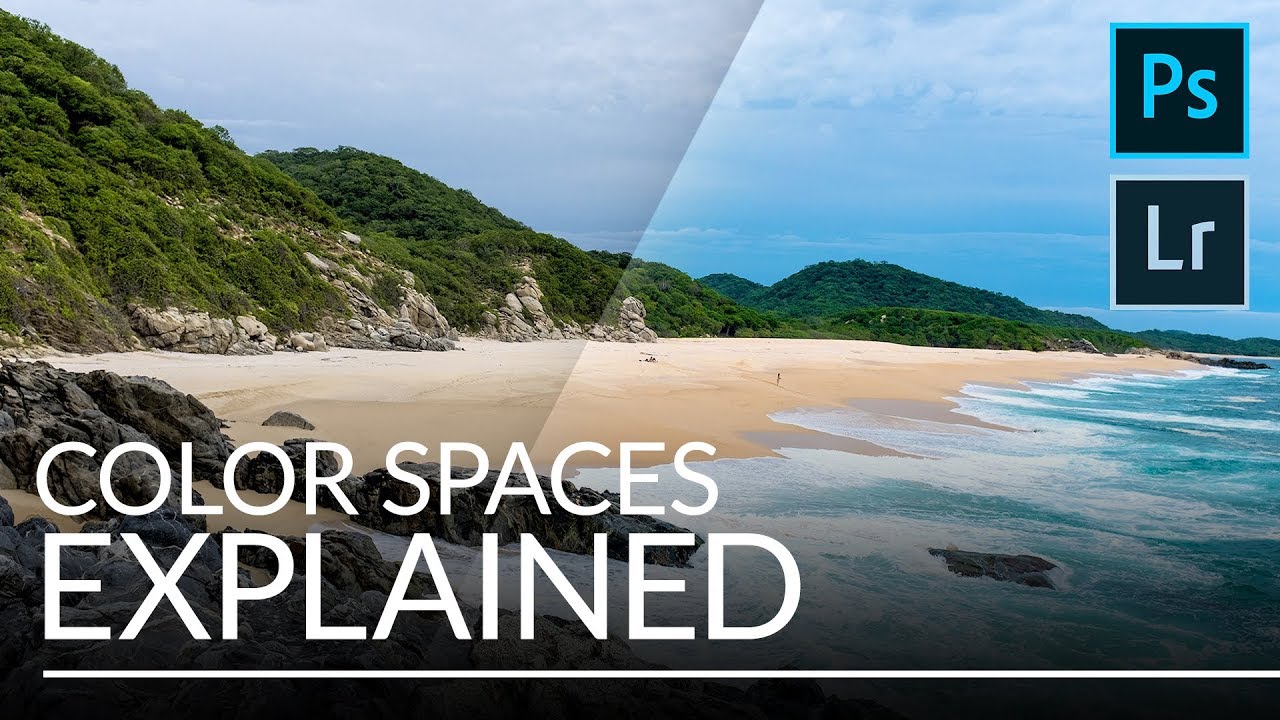
sRGB, Adobe RGB, or ProPhoto RGB? Here's How to Actually Choose the Right Color Space

sRGB, Adobe RGB, or ProPhoto RGB? Here's How to Actually Choose the Right Color Space

I used to export photos straight from Lightroom without giving color spaces a second thought. The images looked fine on my monitor, I’d post them, and then wonder why they looked slightly dull or weirdly shifted on my phone or a friend’s laptop. It wasn’t until I started digging into color management that I realized I had been skipping one of the most consequential settings in my entire workflow. This is one of those invisible problems that affects every single image you share, and most photographers don’t even know it’s happening.

How to Actually Edit RAW Landscape Photos: A 5-Step Lightroom Workflow That Works

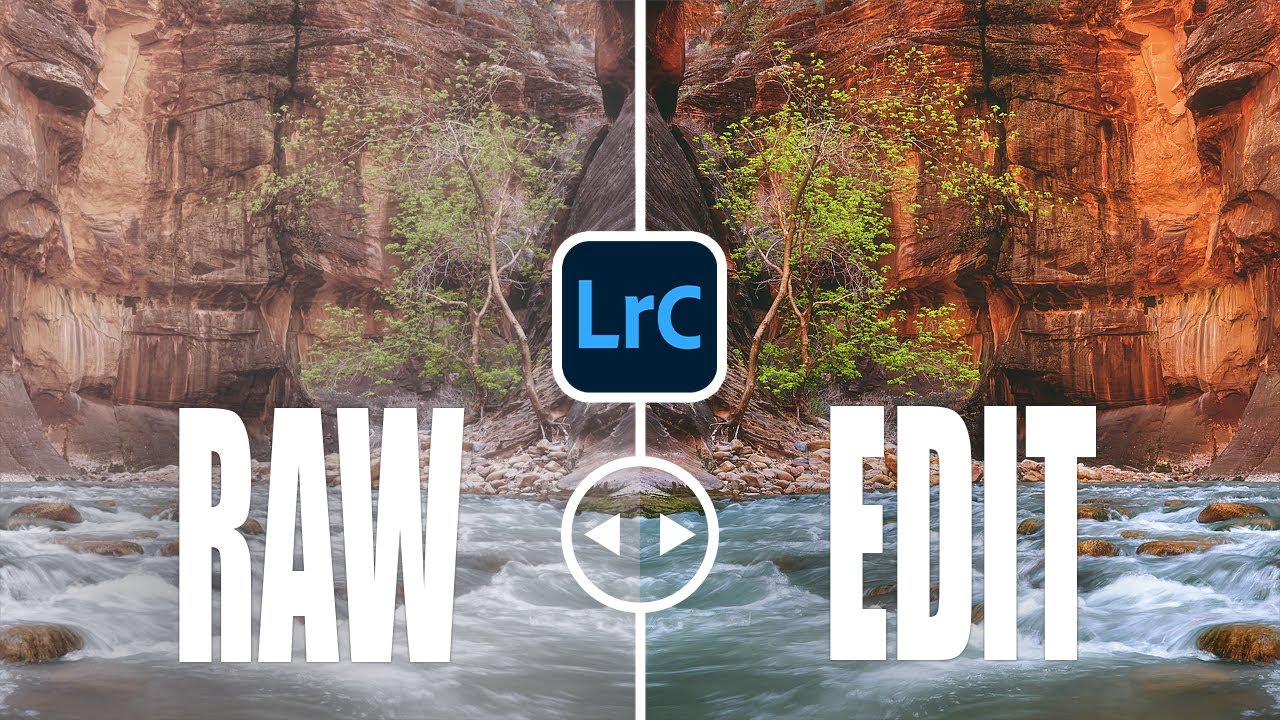
How to Actually Edit RAW Landscape Photos: A 5-Step Lightroom Workflow That Works

I spent an entire vacation chasing a waterfall shot. Five days, missed dinners, soaked boots. When I finally got home and opened the RAW files, I had no idea what I was doing in Lightroom and nearly threw away some of the best frames I’d ever captured. That experience is exactly why I get a little emotional when beginners tell me they just shoot JPEG because it’s “easier.” I understand the logic.

Why Balancing Your Exposure Isn't Enough — And What to Do Instead

Why Balancing Your Exposure Isn't Enough — And What to Do Instead

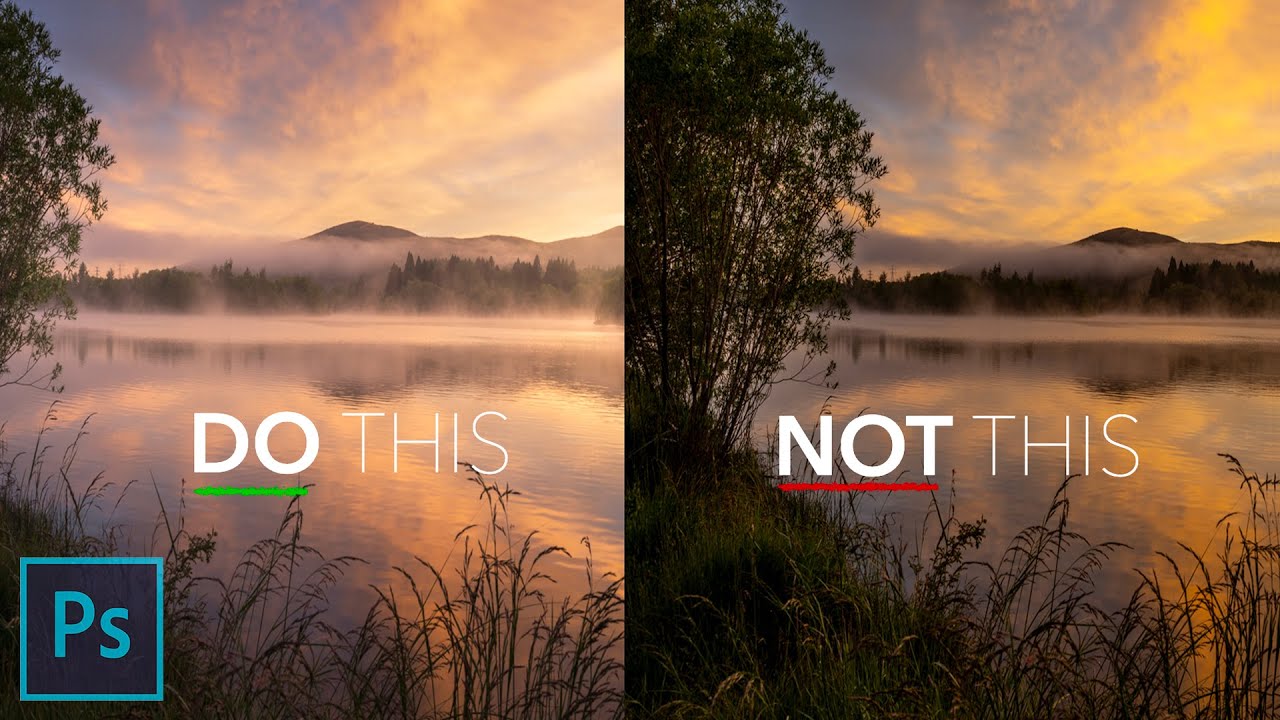
I used to think the goal of editing was simple: make the photo look like what I saw with my eyes. So I’d drag sliders around until everything was bright, balanced, and visible. The highlights came down, the shadows came up, and technically the image looked “correct.” But something always felt off. The photos were readable, sure, but they weren’t engaging. They looked flat in a way I couldn’t quite name, and I spent a long time blaming my camera or my locations instead of my editing logic.

How to Fake a Warm Glow Through Windows in Lightroom (And Make It Look Real)

How to Fake a Warm Glow Through Windows in Lightroom (And Make It Look Real)

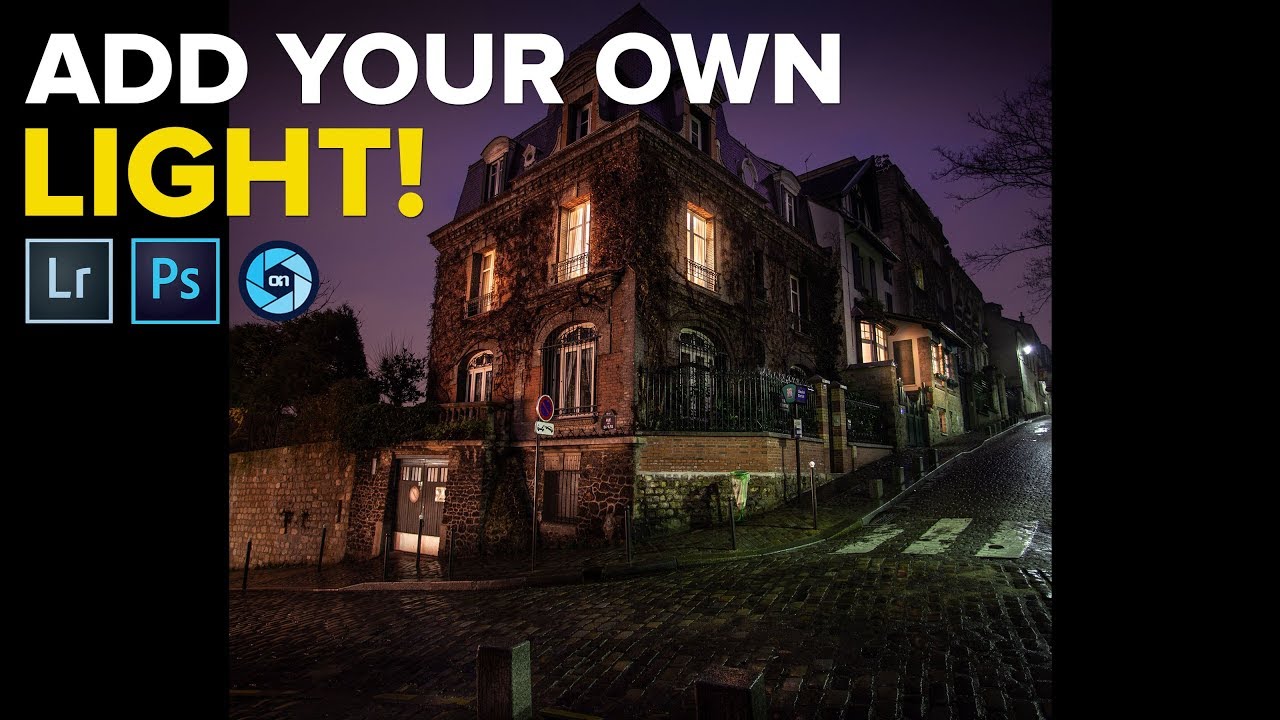
There’s a specific kind of frustration I know well: you’re out shooting at night, the scene is gorgeous, the windows of a building are glowing amber, and you come home with a photo that’s technically fine but emotionally flat. The warmth you felt standing there is just… gone. The light looks cold and purple and nothing like what drew you to the shot in the first place. I’ve been there more times than I can count, usually on a Sunday photo walk when the light does something magic and my camera somehow fails to feel it.

How to Brighten Your Photos for Print (Without Blowing Out Your Edits)

How to Brighten Your Photos for Print (Without Blowing Out Your Edits)

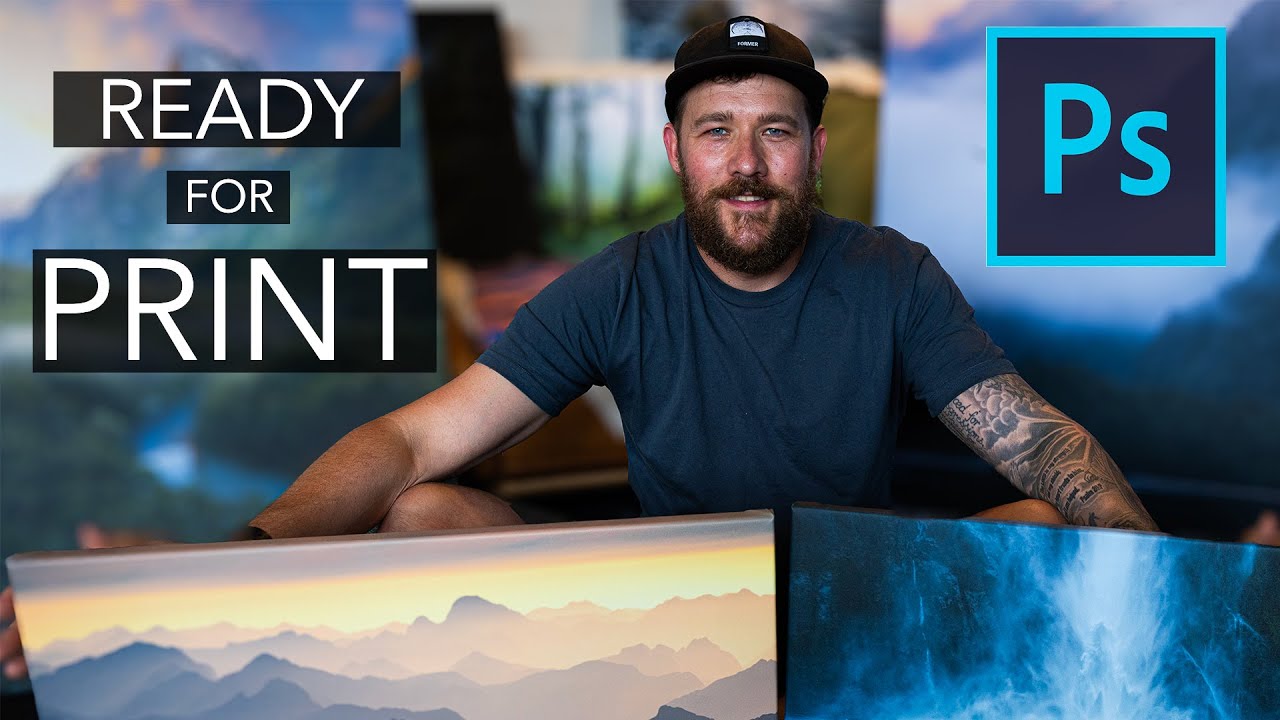
There is a specific kind of disappointment that hits when you pick up a print order and the image looks like it was shot in a cave. You edited it perfectly on your monitor. It looked rich and moody and exactly right. Then it came back from the lab dark, flat, and missing half the shadow detail you spent an hour coaxing out in post. I have been there more than once, and for a long time I chalked it up to “the lab” as if it were some mysterious force beyond my control.

One Backdrop, Infinite Looks: How to Add Texture and Color to Portrait Backgrounds in Photoshop

One Backdrop, Infinite Looks: How to Add Texture and Color to Portrait Backgrounds in Photoshop

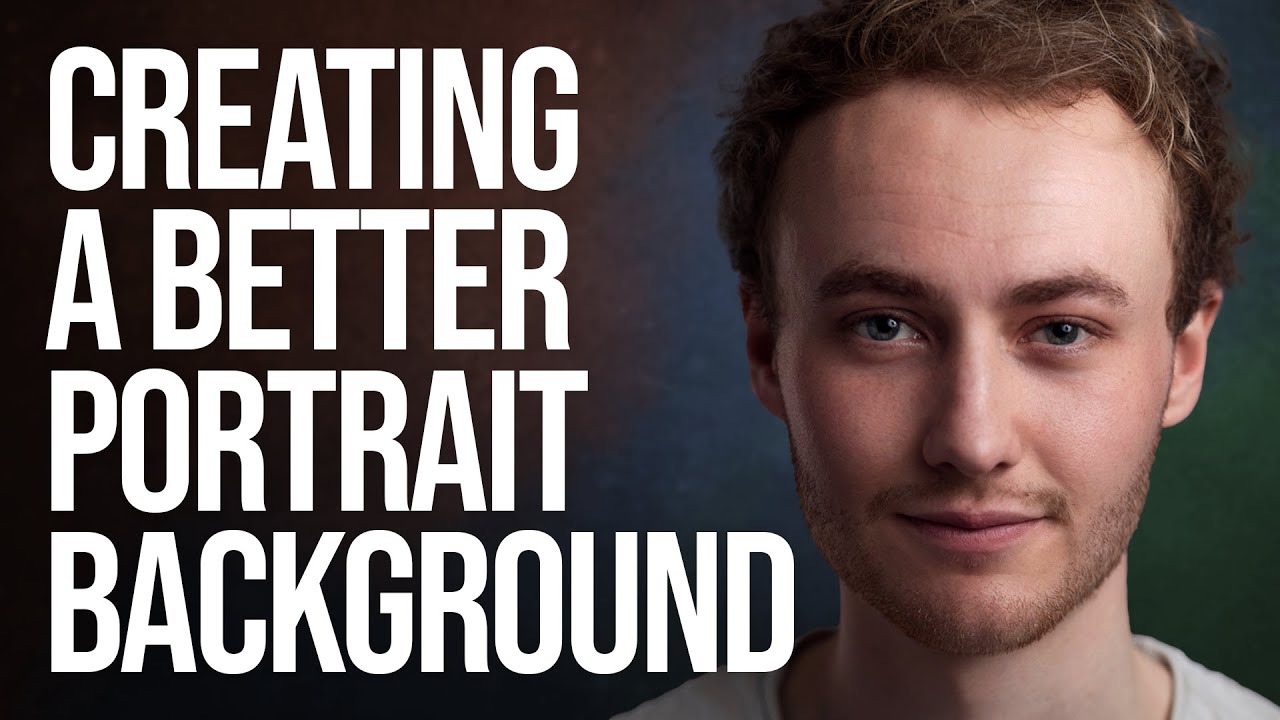
Most of us aren’t running a studio with a wall of seamless paper rolls in every color. I shoot out of a converted spare bedroom in Seattle, and for the longest time I felt limited by the single gray backdrop I owned. Every portrait session started to look like it came from the same universe, which is fine, but it’s not exactly inspiring for clients or for me. What changed things for me was watching Sean Tucker work through this exact problem.

How to Use Adobe Camera Raw as a Full Editing Suite Inside Photoshop

How to Use Adobe Camera Raw as a Full Editing Suite Inside Photoshop

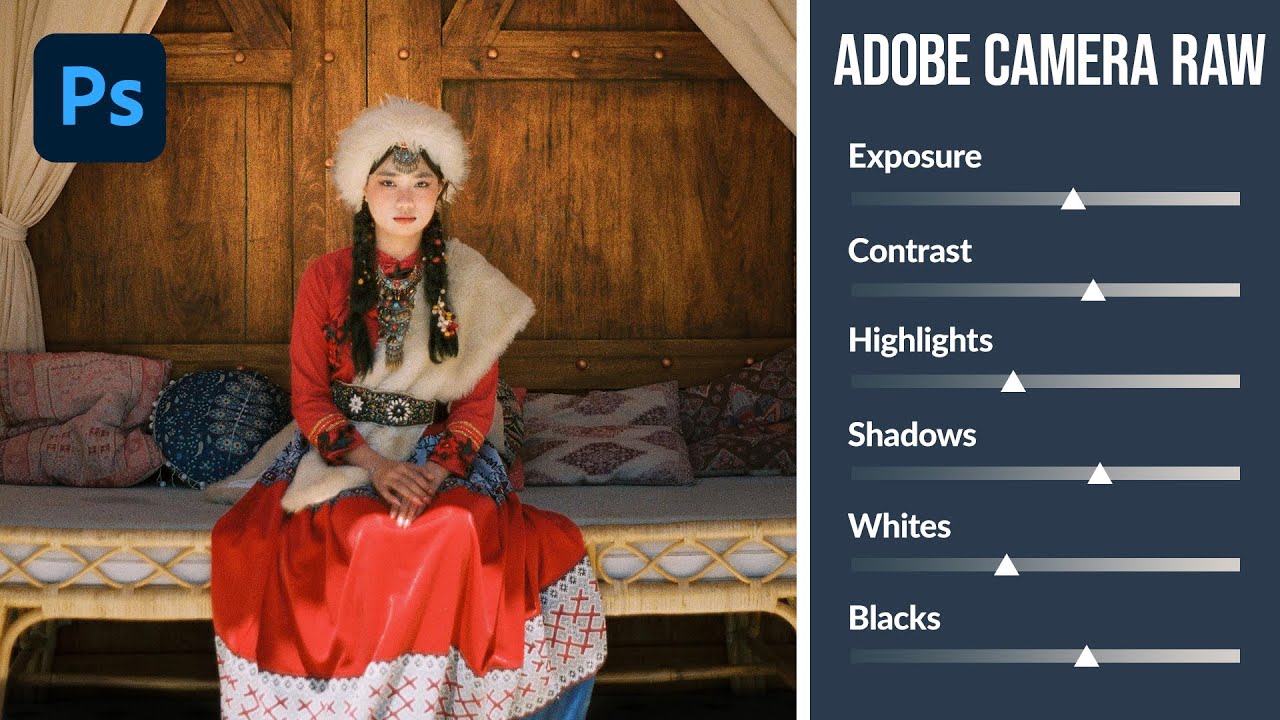
If you’ve ever felt like Lightroom and Photoshop exist in two separate universes that you have to keep shuttling between, this workflow is going to feel like a relief. For years I edited portraits in Lightroom, exported a TIFF, dragged it into Photoshop for any compositing or retouching work, then realized I needed to tweak the exposure again and had to start the whole round-trip over. It was tedious, and honestly it made me avoid certain edits just because the back-and-forth wasn’t worth it.

Why Your Bird Photos Look Crooked (And the Water-Level Fix That Changes Everything)

Why Your Bird Photos Look Crooked (And the Water-Level Fix That Changes Everything)

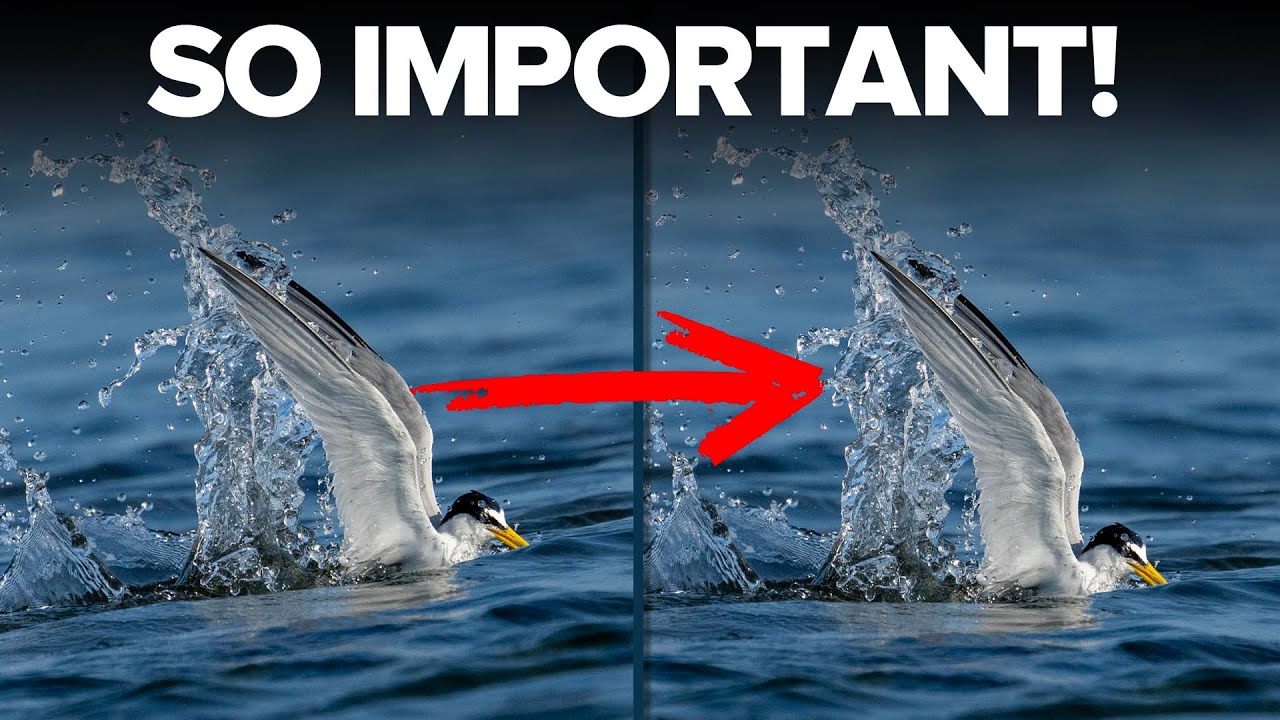
Every Sunday morning I’m out walking with my camera, and shorebirds near the water are some of my favorite subjects. I’ve spent more Sunday mornings than I’d like to admit standing at the edge of Puget Sound, thrilled with a shot in the field, only to get home and feel like something is subtly off about the image. The bird is sharp. The light is good. But the whole frame feels like it’s sliding to one side.

Why Your Edited Photos Look Flat (And the Lightroom Technique That Fixed It for Me)

Why Your Edited Photos Look Flat (And the Lightroom Technique That Fixed It for Me)

For a long time, I had a complicated relationship with photo editing. I’d come home from a Sunday morning photo walk with images I was genuinely excited about, sit down at my desk, open Lightroom, and immediately feel the enthusiasm drain out of me. I knew the tools were there. I just didn’t know what I was actually trying to do with them beyond making things brighter and hoping for the best.

How to Use Atmospheric Perspective in Photoshop to Make Your Photos Feel Three-Dimensional

How to Use Atmospheric Perspective in Photoshop to Make Your Photos Feel Three-Dimensional

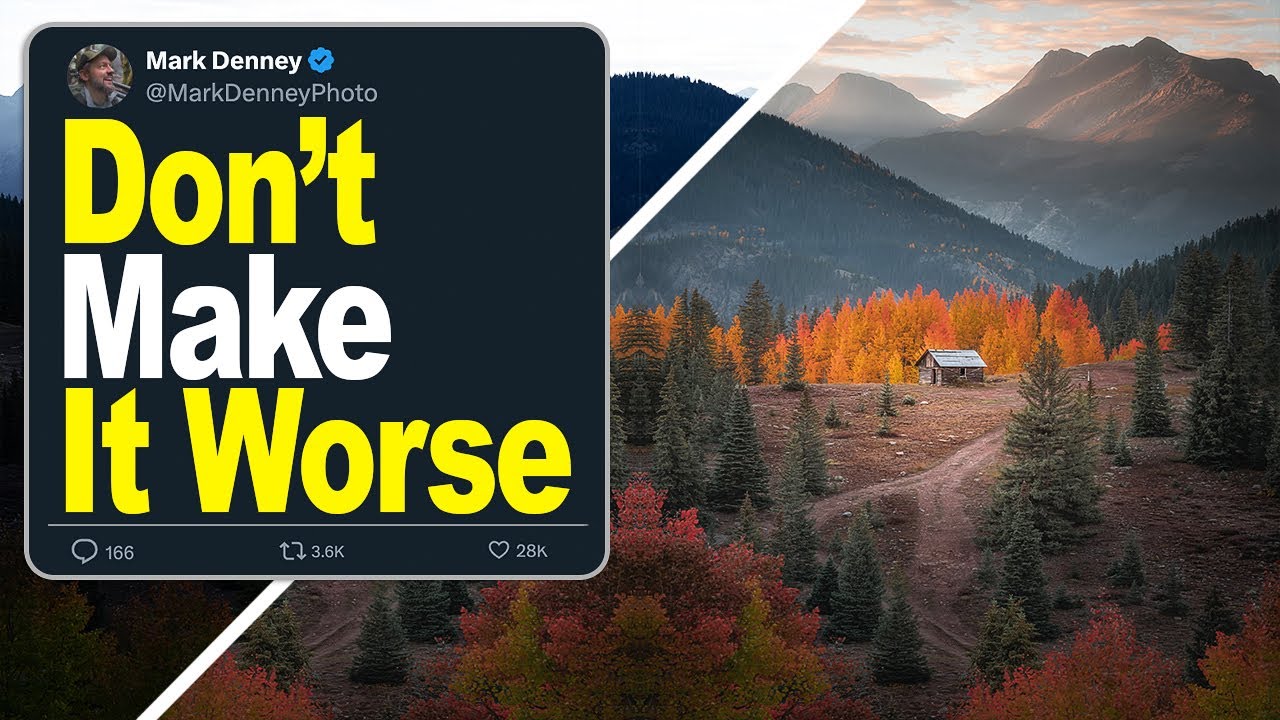
There’s a version of every photographer who resists post-processing for as long as humanly possible. I was that person. For the first year or so of shooting seriously, I told myself that a good photo should speak for itself straight out of camera. Then I started comparing my raw files to the finished work of photographers I admired, and the gap was humbling. The camera captures light. Post-processing is where you tell the viewer how to read that light.

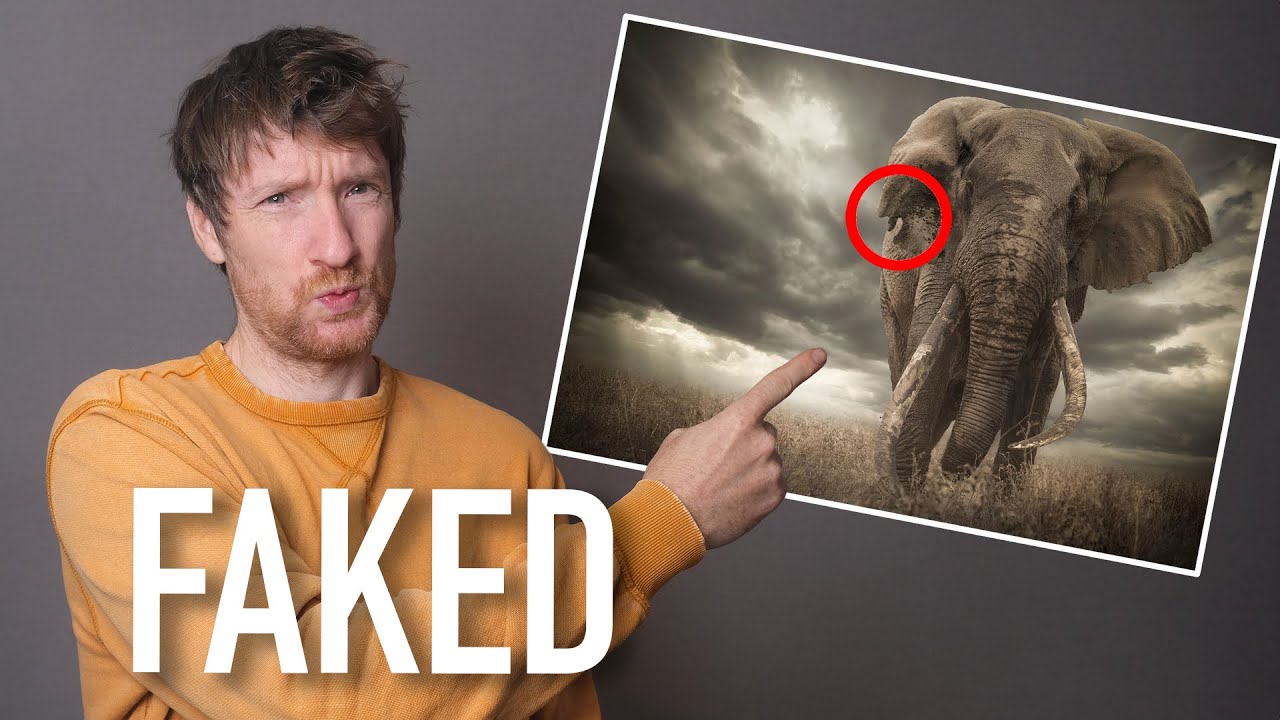
When Editing Becomes Cheating: What Disqualified Photos Teach Us About Competition Rules

When Editing Becomes Cheating: What Disqualified Photos Teach Us About Competition Rules

Photography competitions are one of those topics I find genuinely fascinating, partly because they matter so much to people’s careers and partly because the rules around them reveal a lot about how we collectively define “truth” in an image. A single win in the right competition can shift everything: editorial assignments, gallery interest, licensing deals. The stakes are real. And where there are high stakes, there are people who push boundaries, sometimes accidentally, sometimes not.