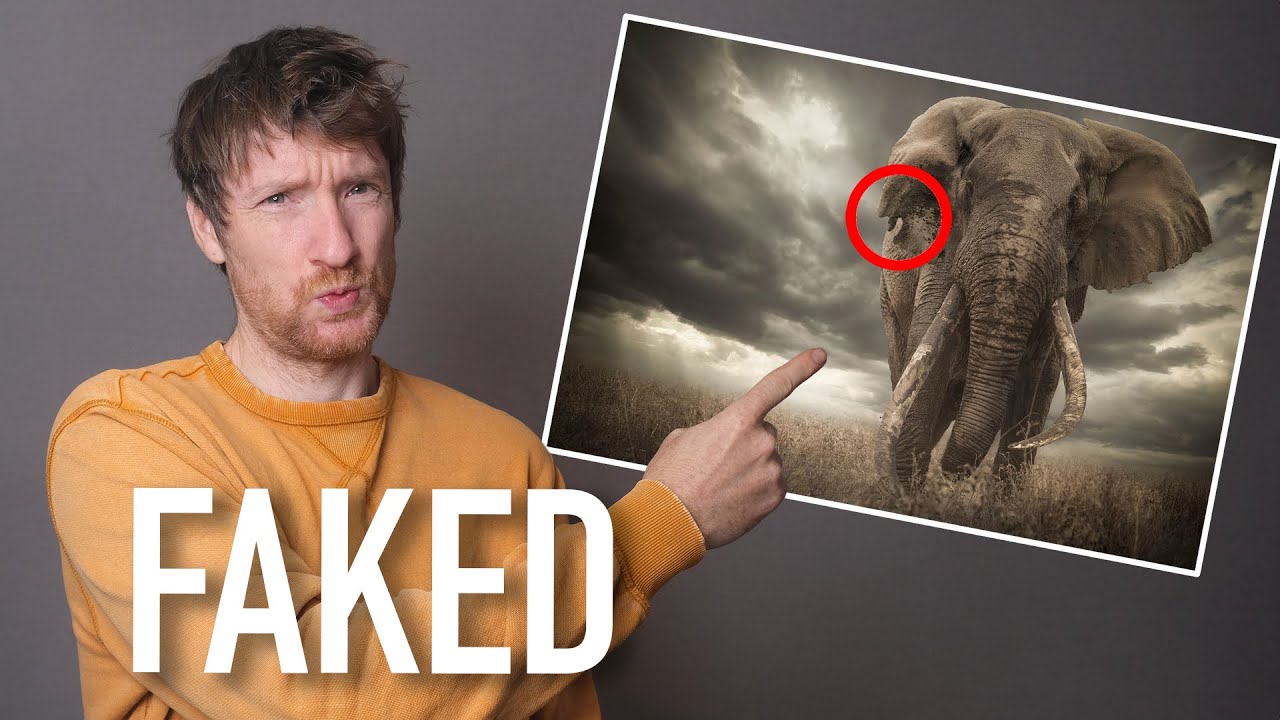
Photography competitions are one of those topics I find genuinely fascinating, partly because they matter so much to people’s careers and partly because the rules around them reveal a lot about how we collectively define “truth” in an image. A single win in the right competition can shift everything: editorial assignments, gallery interest, licensing deals. The stakes are real. And where there are high stakes, there are people who push boundaries, sometimes accidentally, sometimes not.
In this Thomas Heaton breakdown (Watch the full tutorial on YouTube), he walks through several real-world cases where photographers were disqualified from major competitions for image manipulation. Some of the examples are jaw-dropping. Some are genuinely debatable. All of them are useful, because understanding where the line gets drawn helps you make smarter decisions in your own editing workflow, whether you plan to enter competitions or not.
What surprised me most watching this was how often the photographers involved weren’t doing anything I wouldn’t do on a typical edit. A cloned-out shoe. A removed plastic bag. Small things that most of us do without a second thought. The difference is that in certain contexts, those small things carry enormous consequences.
Step 1: Understand What “No Manipulation” Actually Means in Competition Rules
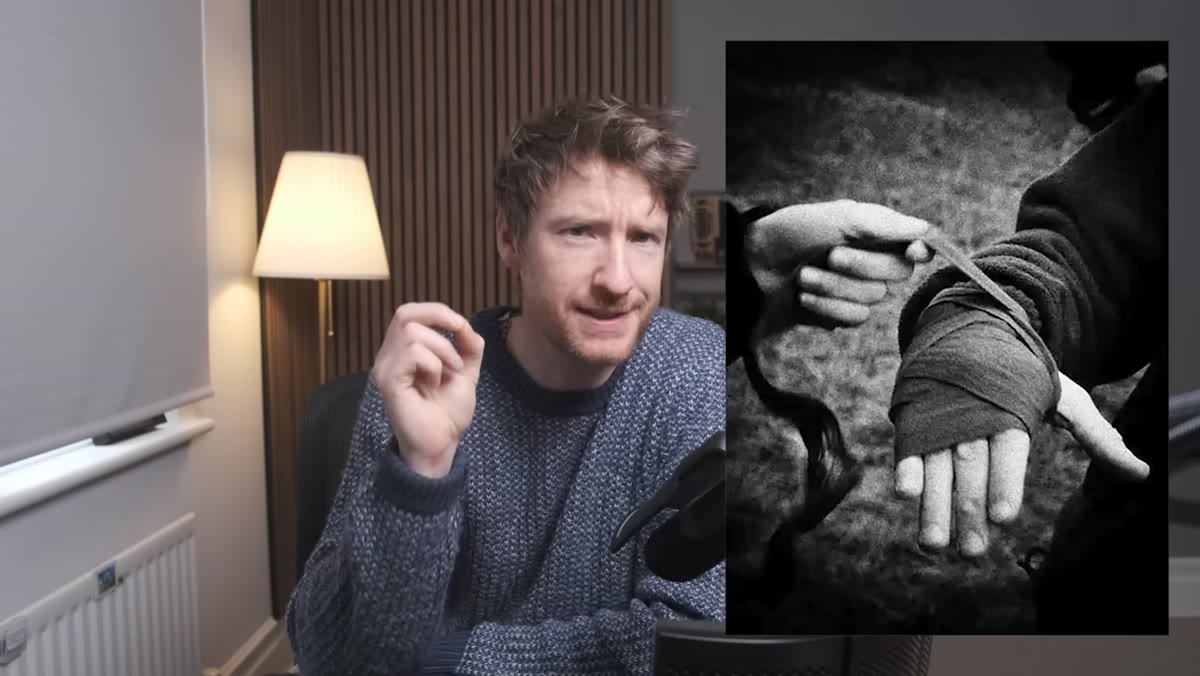 Disqualified competition photo shown on screen
Before you enter any photography competition, read the rules three times. I mean that literally. Competition organizers use specific language, and phrases like “no manipulation” or “minimal post-processing” do not always mean the same thing across different contests. Some allow basic exposure and color correction. Others prohibit removing even a single distracting pixel from the background.
Disqualified competition photo shown on screen
Before you enter any photography competition, read the rules three times. I mean that literally. Competition organizers use specific language, and phrases like “no manipulation” or “minimal post-processing” do not always mean the same thing across different contests. Some allow basic exposure and color correction. Others prohibit removing even a single distracting pixel from the background.
The first case Heaton covers involves a World Press Photo disqualification where the photographer cloned out a small portion of a foot visible in the background. The edit was subtle. The intent was clearly just to clean up the frame. But the competition’s rules drew a hard line at any content removal, and that line doesn’t care about intent. The lesson here is practical: before you touch the clone stamp on any image you plan to submit, look up exactly what your target competition permits. Print it out if you have to.
Step 2: Recognize That “Cleaning Up” a Scene Is Still Manipulation
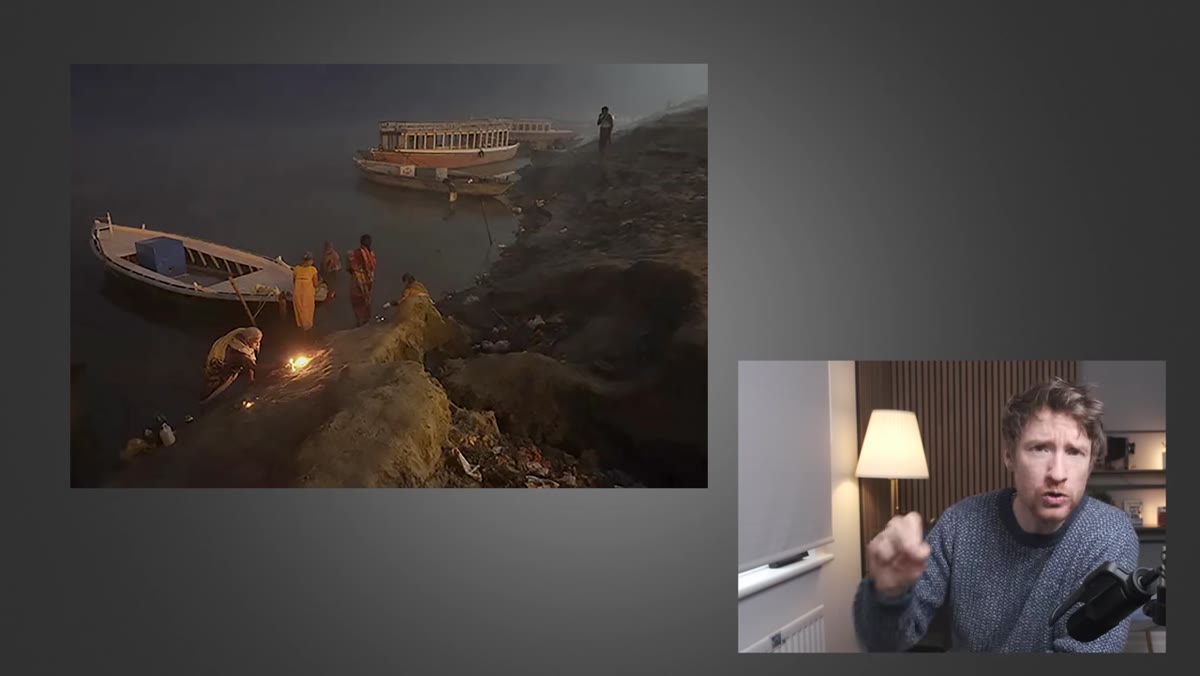 Original image with litter visible on right side
The second example Heaton discusses involves a National Geographic competition winner from 2012 that was later stripped of its title. The reason? A plastic bag visible on the edge of the frame had been cloned out of the final submission. Heaton is pretty candid that he would have done the same thing, and honestly, so would I. Removing litter from a landscape shot feels less like cheating and more like good visual hygiene.
Original image with litter visible on right side
The second example Heaton discusses involves a National Geographic competition winner from 2012 that was later stripped of its title. The reason? A plastic bag visible on the edge of the frame had been cloned out of the final submission. Heaton is pretty candid that he would have done the same thing, and honestly, so would I. Removing litter from a landscape shot feels less like cheating and more like good visual hygiene.
But here is the thing: the rules do not distinguish between removing a candy wrapper and removing a person. If the competition says the image must represent the scene as it was captured, any removal counts as manipulation. This is the category of disqualification that stings the most, because the photographer almost certainly knew how to follow the rules. They just made an editorial judgment call without checking whether that call was permitted. Always ask yourself: does this change what was present in the scene? If yes, check the rules before submitting.
Step 3: Pay Attention to Subtle Retouching on Subjects
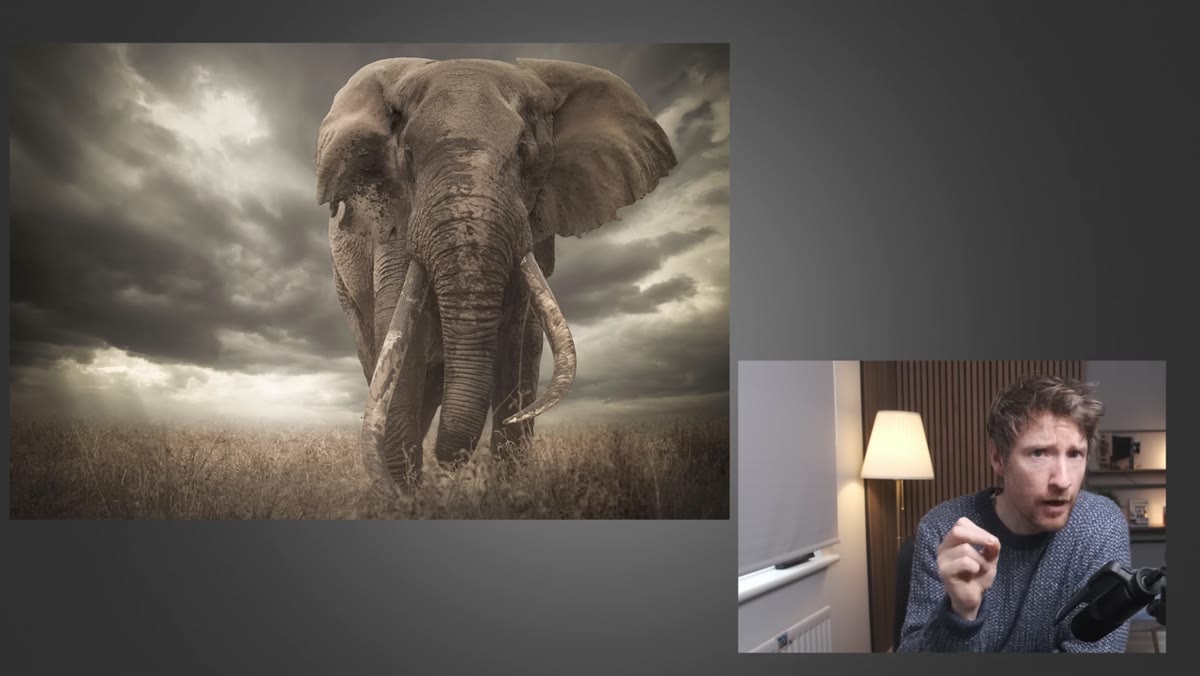 Award-winning elephant photograph displayed
This is where the cases get more complicated. Heaton covers a photograph of an elephant that won Africa Geographic Photographer of the Year, then had the title revoked when image analysis suggested the animal’s ear had been altered. At first glance the edit seemed minor, just some smoothing of a torn and ragged ear. But the deeper investigation that Heaton and his wife stumble into mid-video is genuinely interesting.
Award-winning elephant photograph displayed
This is where the cases get more complicated. Heaton covers a photograph of an elephant that won Africa Geographic Photographer of the Year, then had the title revoked when image analysis suggested the animal’s ear had been altered. At first glance the edit seemed minor, just some smoothing of a torn and ragged ear. But the deeper investigation that Heaton and his wife stumble into mid-video is genuinely interesting.
What appears to have happened is not simple cloning or healing. The ears appear to have been swapped between the left and right sides of the animal. The distinctive chunk of flesh missing from one ear shows up on the wrong side in the competition image. That moves this from “minor cleanup” into compositional fabrication, which is a different category of problem entirely. The practical takeaway for your own work: retouching that changes the physical characteristics of your subject, whether that’s a person or an animal, crosses into territory that most serious competitions will not accept. Document your original RAW files and keep your editing history if you plan to submit anywhere prestigious.
Step 4: Know the Difference Between Photojournalism Standards and Other Genres
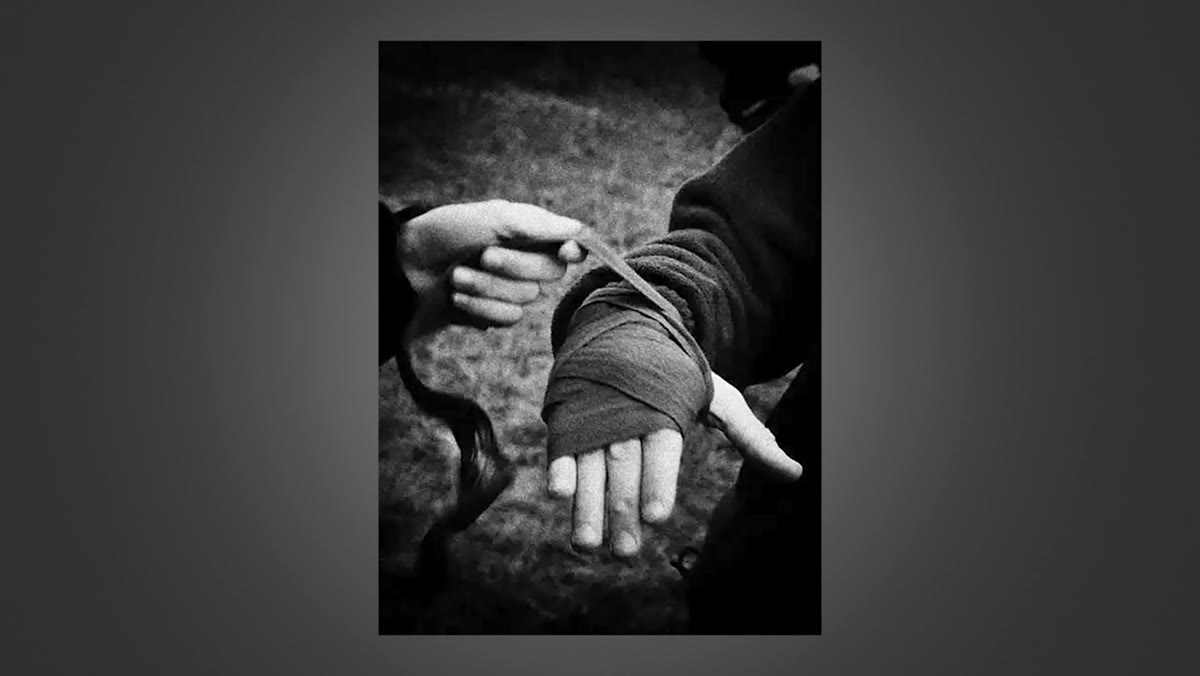
 Competition rules text referenced on screen
Not all photography competitions hold their entrants to the same standard, and that distinction matters. Photojournalism competitions like World Press Photo operate under strict documentary ethics because their images are presented as factual records of events. Removing a foot from a background is not just a rule violation there. It is a credibility issue, because audiences trust those images to represent what actually happened.
Competition rules text referenced on screen
Not all photography competitions hold their entrants to the same standard, and that distinction matters. Photojournalism competitions like World Press Photo operate under strict documentary ethics because their images are presented as factual records of events. Removing a foot from a background is not just a rule violation there. It is a credibility issue, because audiences trust those images to represent what actually happened.
Fine art or landscape competitions often have more flexible standards around compositing, sky replacement, or creative editing. Nature and wildlife competitions typically land somewhere in between, usually permitting basic tonal corrections but prohibiting content removal or compositing. Before you invest serious time in editing an image for submission, identify which category your target competition falls into and calibrate your editing accordingly.
Step 5: Build an Editing Habit That Keeps Competition Versions Separate
 Photographer’s edited image compared to original
One practical system I started using after diving into cases like these is keeping a dedicated “competition export” version of any image I think I might submit somewhere. I do my full personal edit, then I go back to the original and create a second edit that only uses what the target competition explicitly allows. It takes extra time, but it prevents the situation where you accidentally submit your heavily processed creative version when you meant to send the clean one.
Photographer’s edited image compared to original
One practical system I started using after diving into cases like these is keeping a dedicated “competition export” version of any image I think I might submit somewhere. I do my full personal edit, then I go back to the original and create a second edit that only uses what the target competition explicitly allows. It takes extra time, but it prevents the situation where you accidentally submit your heavily processed creative version when you meant to send the clean one.
Lightroom makes this relatively easy with virtual copies. Create your standard edit on the original, right-click and create a virtual copy, then strip it back to only permitted adjustments. Label it clearly with the competition name and submission deadline. This keeps your creative process intact while making sure your submission stays within bounds.
My Own Addition: The Ethics Question Is Worth Having With Yourself
I think about this stuff on my Sunday morning photo walks more than I probably should. The cases Heaton covers exist on a real spectrum, from accidental tidying to intentional fabrication, and most photographers I know sit somewhere in the middle without having ever consciously examined where they stand.
My honest position is this: for competitions, follow the rules exactly, no exceptions. But outside of competitions, in personal work and client work, the ethics of editing are something each of us gets to define for ourselves. The photographers who got into trouble were not necessarily bad photographers or bad people. They were people who had not clearly separated those two contexts in their heads. Getting clear on your own standards before you face a high-pressure submission deadline is worth more than any editing technique I could teach you.
The single most important thing to take from all of these cases is deceptively simple: read the rules before you edit for submission, not after. Every one of the disqualifications Heaton covers could have been avoided if the photographer had checked what was permitted before opening Photoshop. Your editing instincts might be completely sound. The rules just might not care.
Watch the full tutorial on YouTube to see the actual images side by side. Seeing the before and after comparisons yourself makes the elephant ear situation especially hard to look away from.
Comments
Leave a Comment