The Painterly Landscape Edit: How to Stop Fighting Your RAW Files and Start Sculpting Light

The Painterly Landscape Edit: How to Stop Fighting Your RAW Files and Start Sculpting Light

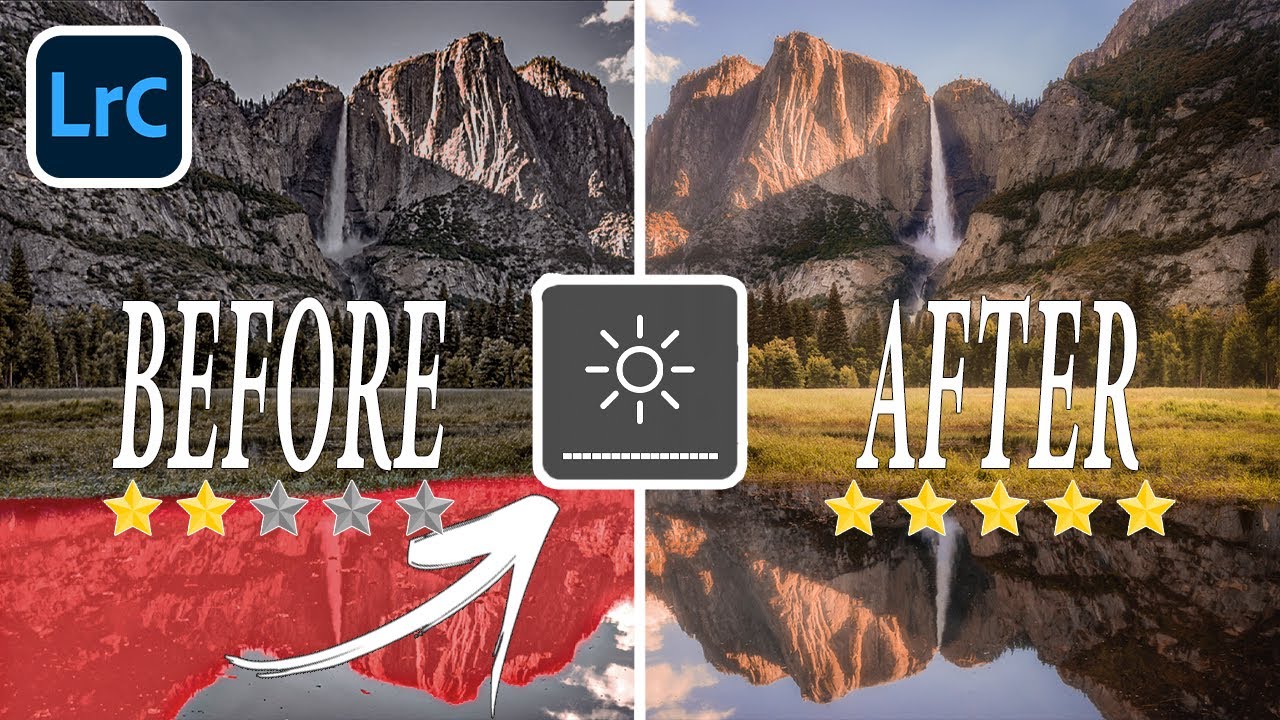
I spent three evenings one fall chasing a waterfall shot in Olympic National Park. I had the composition. I had the light. What I did not have was an edit that matched what I remembered feeling when I was standing there. Every time I opened the file, I’d reach for the contrast slider, drag it too far, pull it back, overcorrect with shadows, and end up with something that looked processed rather than felt.

Get Stunning Photo Edits in Minutes with Luminar Neo (No Experience Needed)

Get Stunning Photo Edits in Minutes with Luminar Neo (No Experience Needed)

Every Sunday morning I take a photo walk around Seattle. No agenda, no client brief, just me and whatever lens I feel like throwing on. The problem? I come home with a card full of shots that are almost there. The light was flat, I was standing in the wrong spot, or a tangle of power lines decided to photobomb my otherwise perfect frame. For years, fixing those “almost” shots meant opening Photoshop and losing an hour I didn’t have.

Stop Reaching for the Contrast Slider: Editing Mistakes That Are Flattening Your Landscape Photos

Stop Reaching for the Contrast Slider: Editing Mistakes That Are Flattening Your Landscape Photos

Every Sunday morning I take a photo walk around Seattle. No agenda, no client brief, just me and whatever light shows up. And for the first year of doing that, I’d come home with these gorgeous raw files that somehow looked flat and overworked by the time I was done editing them. I couldn’t figure out what I was doing wrong. I knew my way around Lightroom well enough, but something in my process was quietly killing the images.

The Floating Object Photo Trick: A Complete Beginner's Guide (No Magic Needed)

The Floating Object Photo Trick: A Complete Beginner's Guide (No Magic Needed)

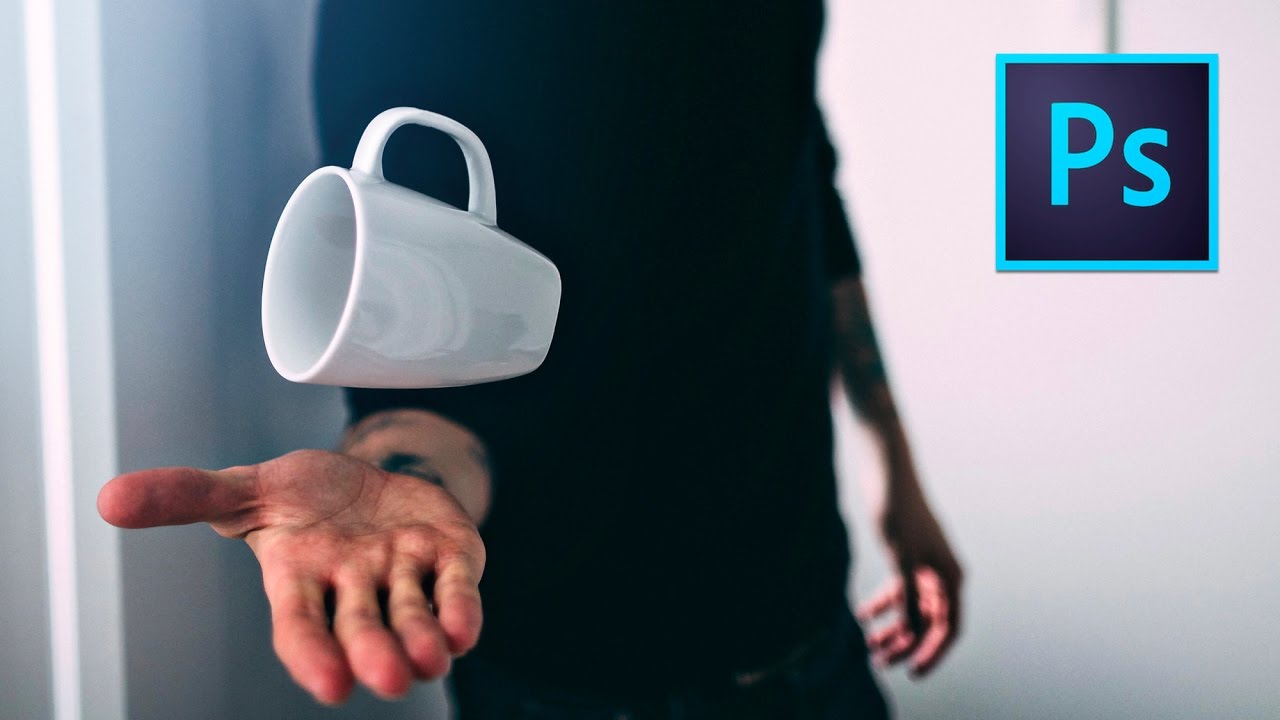
There’s a category of photo that stops thumbs mid-scroll. You’ve seen them: a coffee mug hovering in mid-air, a book suspended at a perfect angle, a jacket floating like its owner just vanished. I used to assume those shots required a full studio setup, an assistant, and some proprietary knowledge I hadn’t earned yet. Turns out the whole trick fits in a grocery bag and takes about an hour from setup to finished file.

How to Edit Travel Photos That Actually Feel Like the Place: Lessons from Peter McKinnon

How to Edit Travel Photos That Actually Feel Like the Place: Lessons from Peter McKinnon

Every time I come back from a trip with a memory card full of RAW files, I face the same problem: the photos are technically fine, but they don’t feel like the place. The Grand Canyon shot looks flat and blue instead of warm and dusty. The landmark photo is cluttered or blown out. The sky is a blank nothing when I remember it being dramatic. These aren’t problems with my camera settings.

How to Rescue a Bad Photo (And What It Teaches You About Getting It Right Next Time)

How to Rescue a Bad Photo (And What It Teaches You About Getting It Right Next Time)

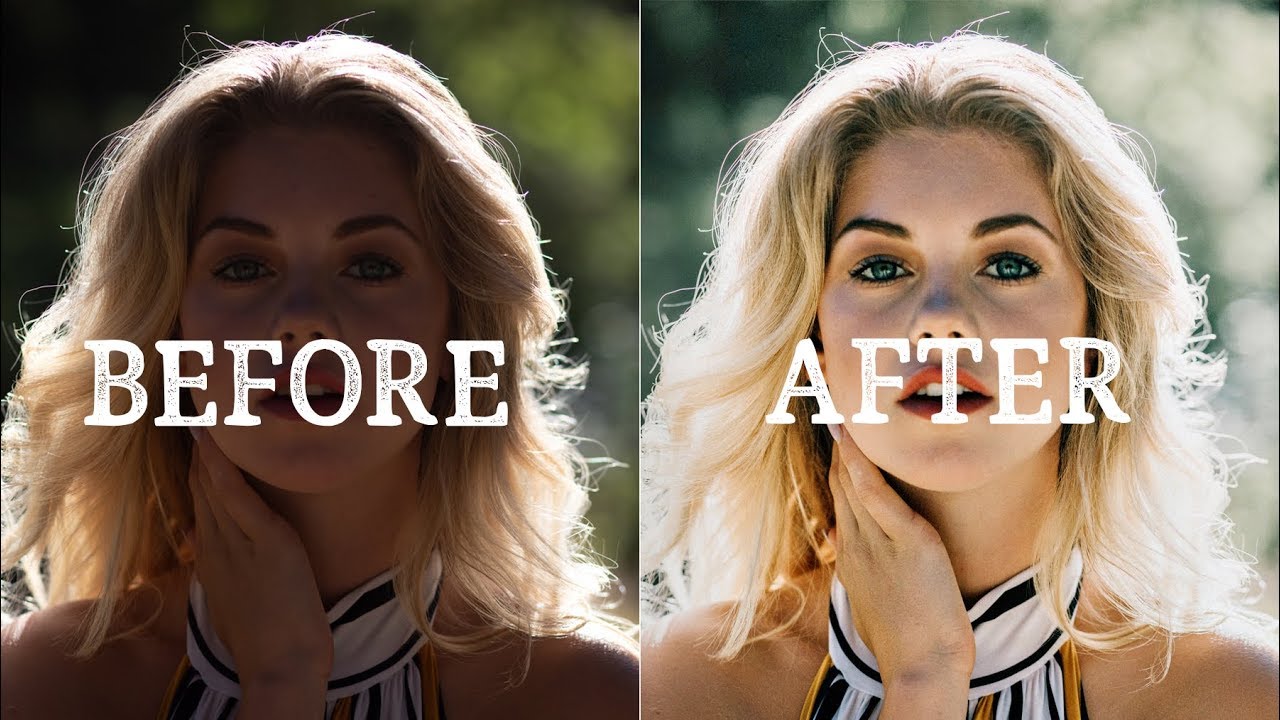
Every photographer I know has a folder they hope nobody finds. Mine is called “Drafts” — which is a polite name for “photos I took when I was confident and shouldn’t have been.” A blurry heron from last Sunday’s photo walk. A restaurant dish shot with the wrong white balance. A travel portrait where the focus landed on someone’s ear instead of their eyes. These happen to everyone, including photographers you follow and admire.

How to Cut Out Large Product Photos and Place Them on White Backgrounds in Lightroom

How to Cut Out Large Product Photos and Place Them on White Backgrounds in Lightroom

If you’ve ever had to shoot something bigger than a cereal box for a client, you already know the tutorials aren’t exactly lining up to help you. Most of the product photography content out there covers small objects on a tabletop with a couple of speedlights. Clean, tidy, easy to find. But the moment a client asks you to photograph a sofa, a dining set, or a king-sized bed frame, you’re mostly on your own.

5 Photo Editing Mistakes You're Probably Making Right Now (And How to Fix Them)

5 Photo Editing Mistakes You're Probably Making Right Now (And How to Fix Them)

There’s a particular kind of frustration that comes from spending an hour editing a photo, exporting it, and then looking at it on your phone and thinking, “That looks nothing like what I saw on my screen.” I’ve been there more times than I’d like to admit. For a long time I assumed it was a skill gap, that I just needed more practice. Turns out, some of it wasn’t about skill at all.

How to Make Your Photos Look Genuinely Old (Not Just Filtered)

How to Make Your Photos Look Genuinely Old (Not Just Filtered)

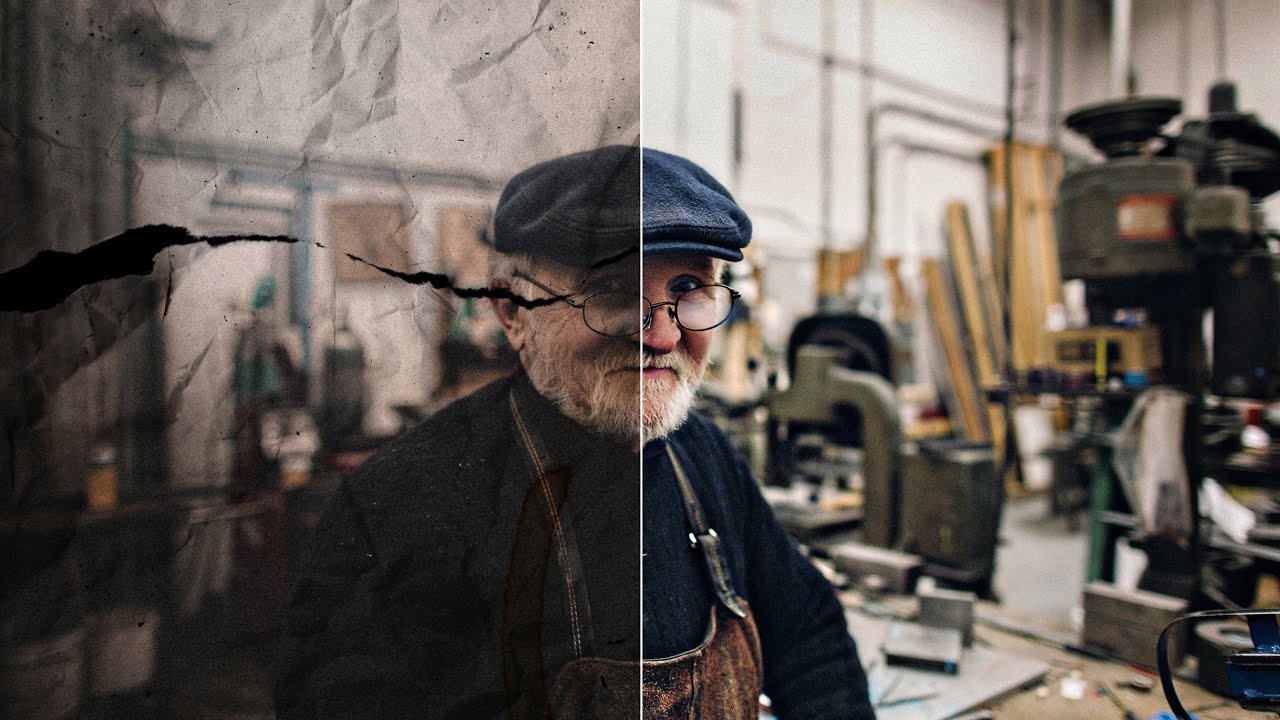
There’s a difference between a photo that looks old and a photo that looks fake old. You know the one I mean. The sepia slider gets cranked, maybe a vignette gets slapped on, and suddenly it looks like a Instagram filter from 2012 rather than something that’s actually been sitting in a shoebox for fifty years. I’ve been guilty of this. For a long time I thought aging a photo was purely a post-processing game, something you handled entirely on screen.

Stop Leaving Dead Weight in Your Photos: A Cropping Framework That Actually Works

Stop Leaving Dead Weight in Your Photos: A Cropping Framework That Actually Works

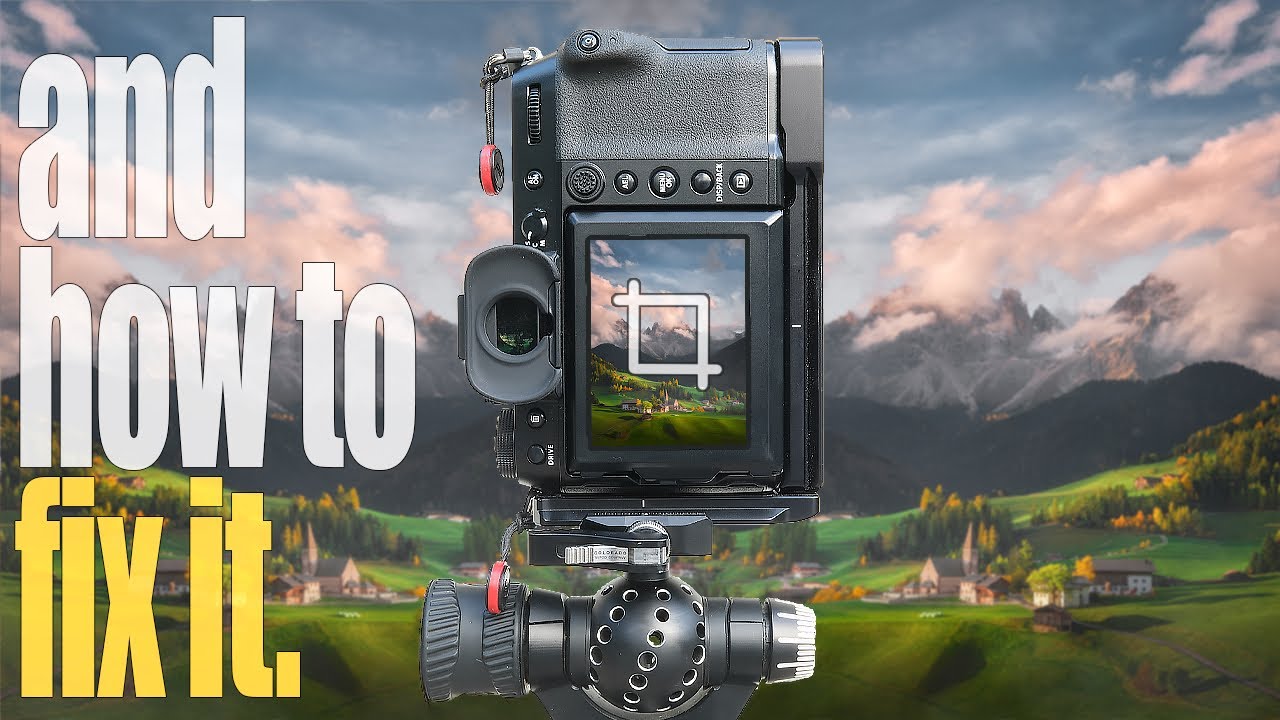
Every Sunday morning I take a photo walk. No agenda, no client, just me and whatever camera I feel like grabbing. And for years, I’d come home with shots I liked but couldn’t quite love. The framing felt loose. The subject was there, but so was a lot of other stuff, and all that extra stuff was quietly killing the image. I’d stare at the photo trying to figure out what was off, and honestly, I’d usually just move on.

How to Edit Travel Photos That Already Look Good (Without Wrecking Them)

How to Edit Travel Photos That Already Look Good (Without Wrecking Them)

Every Sunday morning I take a photo walk through whatever neighborhood I end up in, and I come home with a card full of shots that are already pretty decent. That’s where I always used to get stuck. The photos that need a lot of work are easy to approach because anything you do is an improvement. But the ones that are already good? I’d over-edit them every single time, chasing some imaginary better version until the light felt fake and the colors looked like a video game.

How to Edit Protest Photography with Purpose: Radial Masks, Drama, and Timeless Tone

How to Edit Protest Photography with Purpose: Radial Masks, Drama, and Timeless Tone

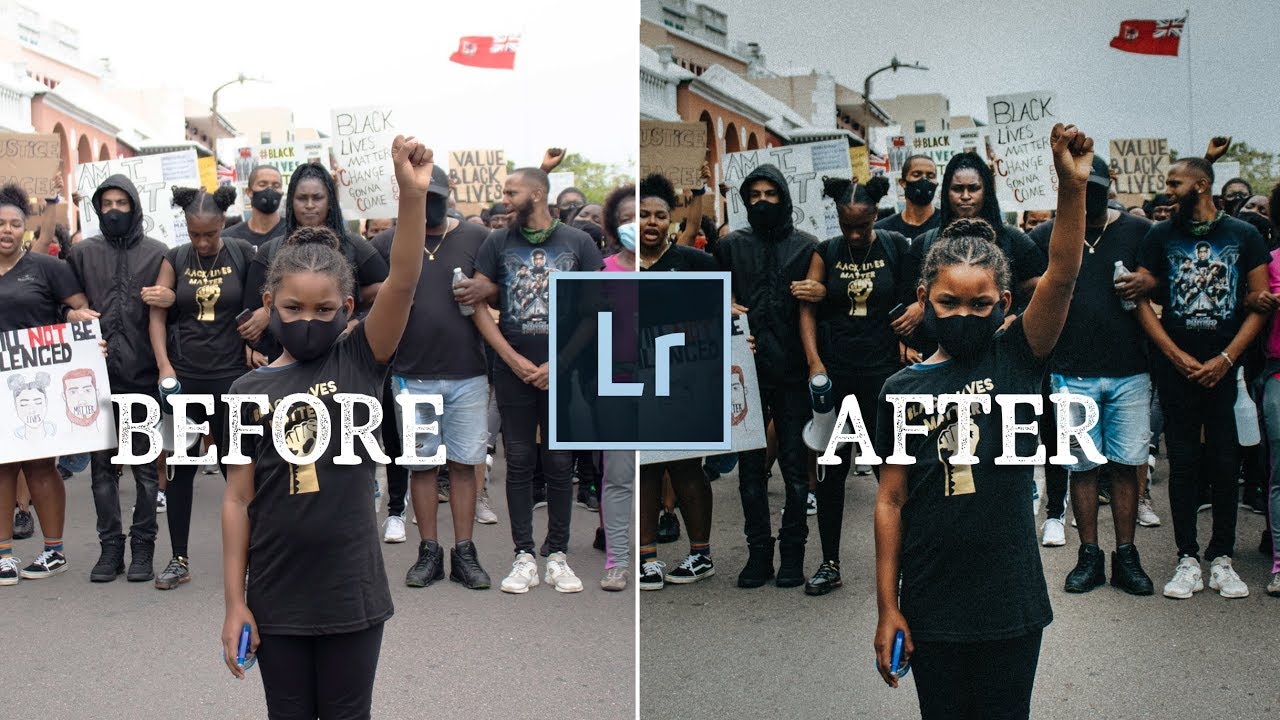
There’s a specific challenge that comes up when you’re editing photos that carry real emotional weight. Vacation shots and portraits have a certain forgiving quality to them. But when the image is documenting something that matters, something that needs to hold up a decade from now, the editing decisions feel higher stakes. You don’t want the processing to date the photo, and you don’t want style to get in the way of substance.