Why I Stopped Trusting Lightroom for Sharpening (And What I Use Instead)

Why I Stopped Trusting Lightroom for Sharpening (And What I Use Instead)

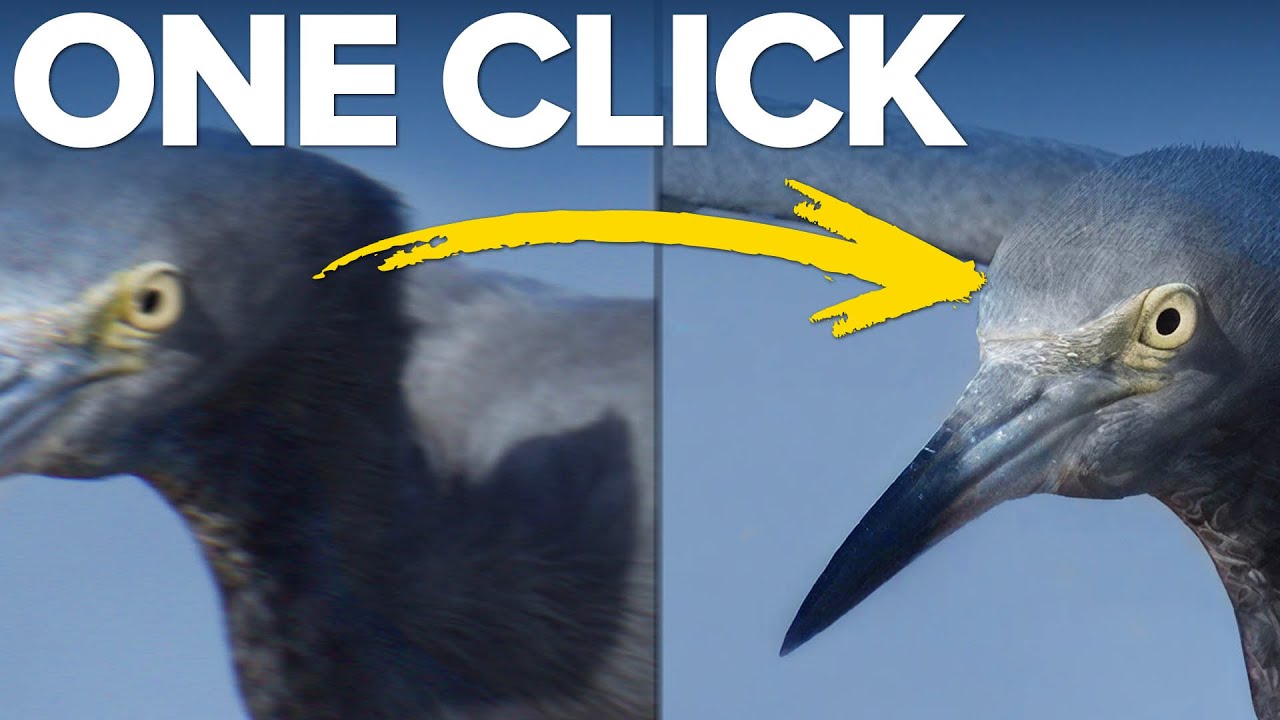
There’s a photo from last winter that I almost deleted. I’d hiked out before sunrise to catch the light hitting a frost-covered fence line, and the shot was beautiful in my head, but the RAW file came back soft and noisy in a way that Lightroom just couldn’t rescue cleanly. Sharpening in the Detail panel helped, but it introduced those tell-tale wormy artifacts along the edges. I kept the photo, but I wasn’t happy with it.
12 iPhone Photography Apps That Actually Fit Into a Real Shooting Workflow

12 iPhone Photography Apps That Actually Fit Into a Real Shooting Workflow

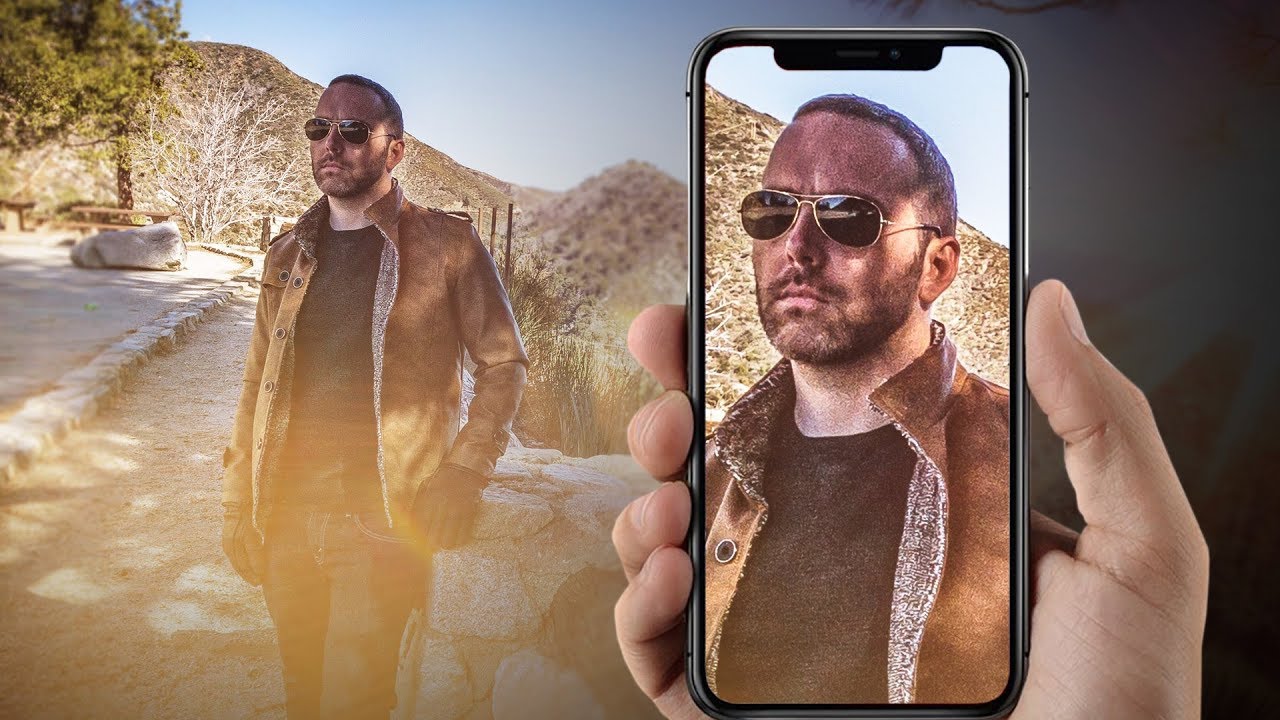
I take my camera on every trip. I also take my phone, and honestly, some of my favorite shots from the last few years came from the latter. There’s something useful about proving to yourself, and to students, that gear isn’t the ceiling. But using your phone well for serious photography isn’t just about pointing and tapping the shutter. It requires the same planning and workflow discipline you’d bring to any camera system.

Photography Editing Basics: Transform Your Images from Good to Great

Photography Editing Basics: Transform Your Images from Good to Great

Photography Editing Basics: Transform Your Images from Good to Great When I first started photography, I thought editing was cheating. I believed “real” photographers got everything right in-camera. I was wrong. Editing isn’t about fakery—it’s about intention. It’s the final step where your creative vision comes to life. Whether you’re using Lightroom, Capture One, or free tools like Darktable, these fundamental editing principles apply across all platforms. Let me walk you through the essentials I wish someone had explained to me clearly from the start.