Why Your Edited Photos Look Flat (And the Lightroom Technique That Fixed It for Me)

Why Your Edited Photos Look Flat (And the Lightroom Technique That Fixed It for Me)

For a long time, I had a complicated relationship with photo editing. I’d come home from a Sunday morning photo walk with images I was genuinely excited about, sit down at my desk, open Lightroom, and immediately feel the enthusiasm drain out of me. I knew the tools were there. I just didn’t know what I was actually trying to do with them beyond making things brighter and hoping for the best.

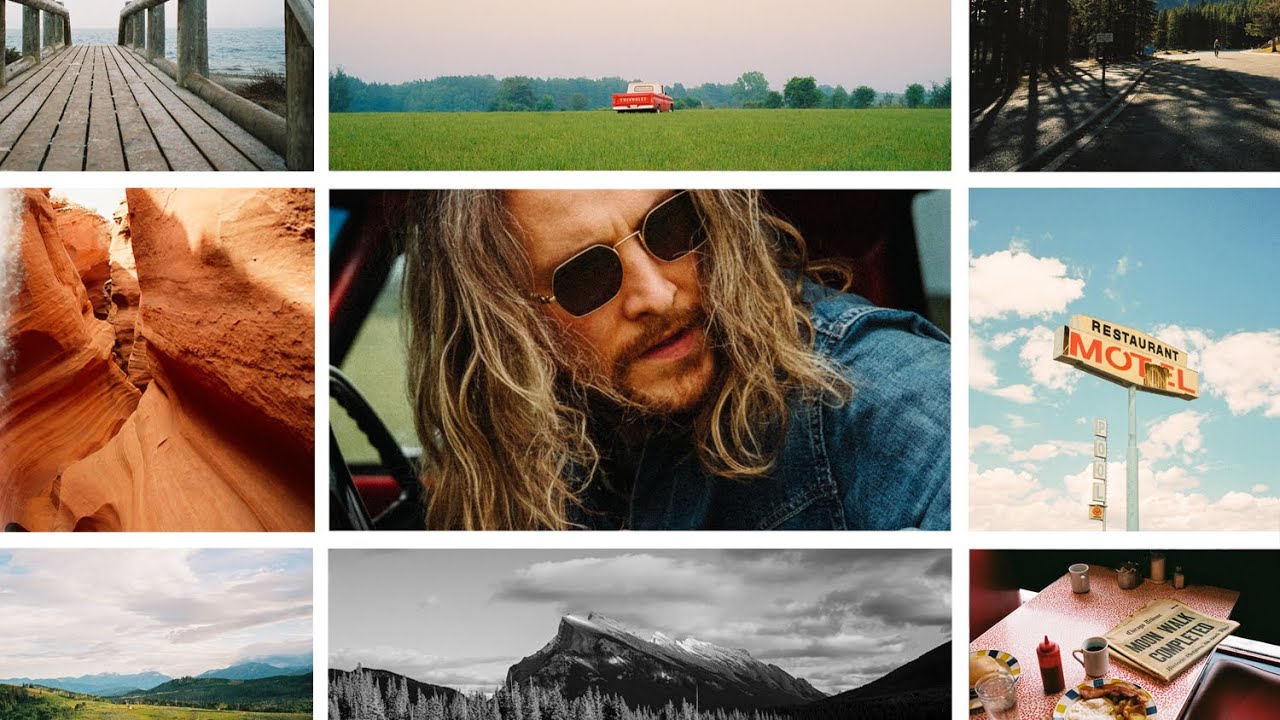
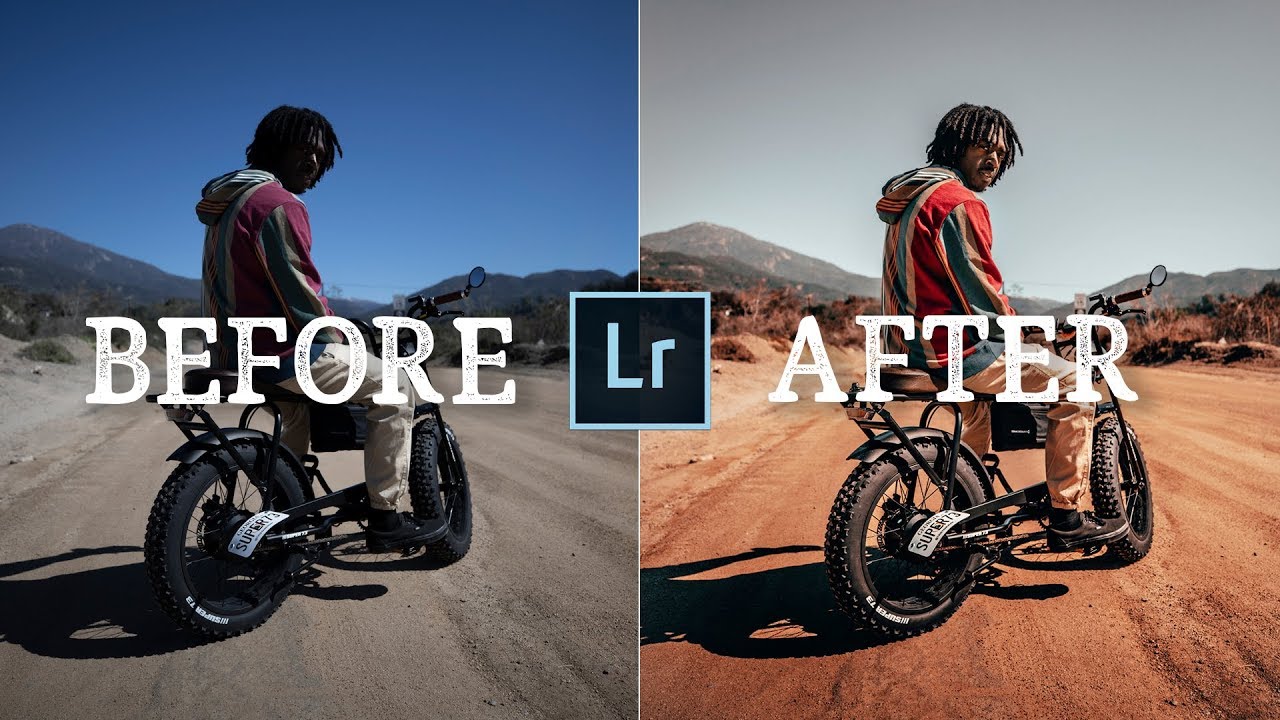
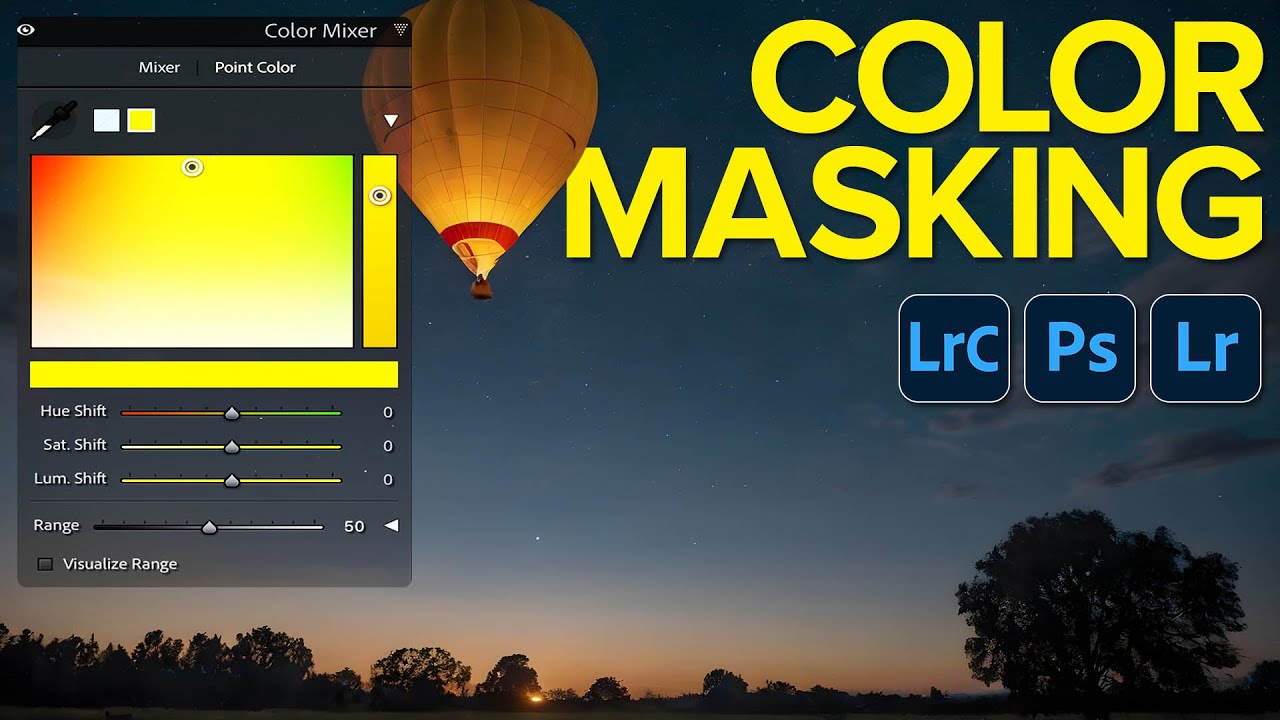
How to Control Color Like a Cinematographer Using HSL in Lightroom

How to Control Color Like a Cinematographer Using HSL in Lightroom

Every Sunday I do a photo walk through my neighborhood in Seattle. Rain, shine, 6am fog — it happens. And one thing I started noticing, especially when I’d get home and pull images into Lightroom, was that my shots felt scattered. Not technically wrong, just… unfocused in terms of mood. The colors were all over the place, and the images didn’t feel like they were telling a single story. They felt like a report.

Your Lightroom Catalog Is One Outage Away From Gone - Here's What To Do About It

Your Lightroom Catalog Is One Outage Away From Gone - Here's What To Do About It

There’s a conversation I keep having with photographer friends, usually over coffee, that goes something like this: “Where do you actually keep your photos?” The answer is almost always some version of “in Lightroom” - and that answer has started to genuinely worry me. Not because Lightroom is bad software, but because most of us have quietly handed over custody of our entire creative life to a subscription service without thinking too hard about what that means.

From Flat to Dramatic: How Joel Grimes Edits Black & White Portraits in Lightroom and Photoshop

From Flat to Dramatic: How Joel Grimes Edits Black & White Portraits in Lightroom and Photoshop

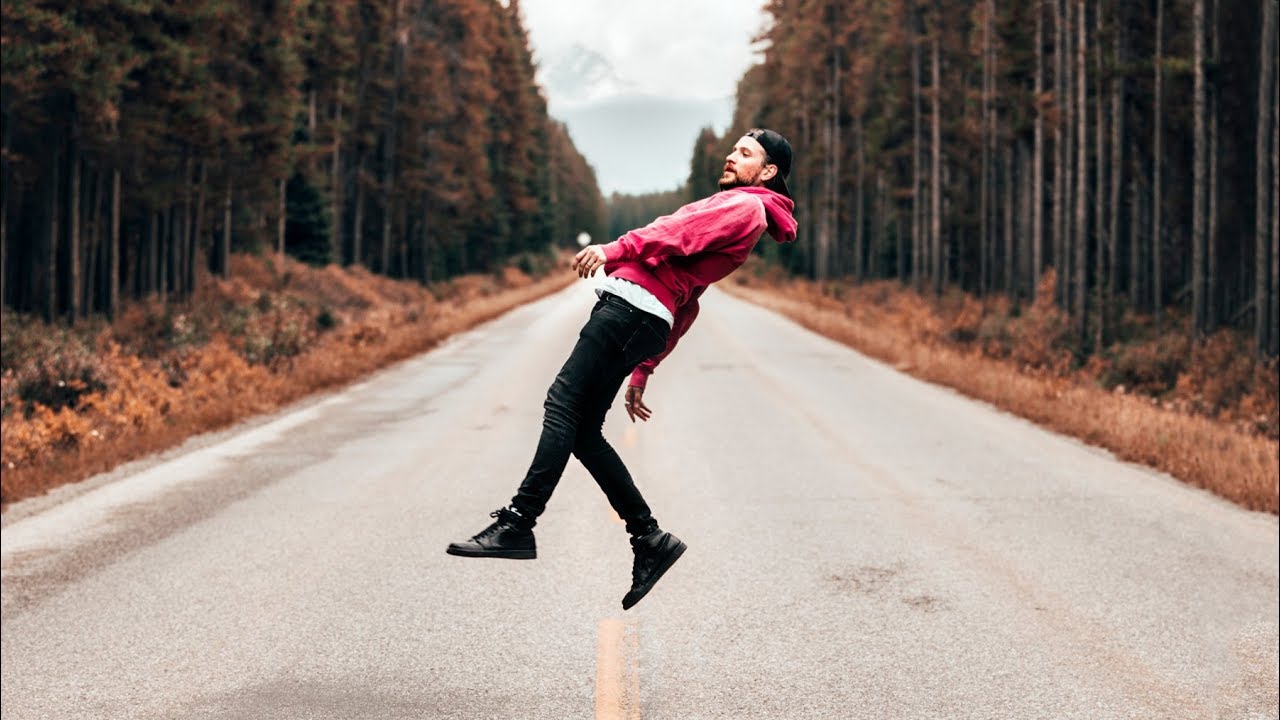
There’s a specific frustration I know well: you nail the lighting on a portrait, the subject’s expression is exactly right, and then you open the raw file and it just… sits there. Flat. Unimpressive. Nothing like what you saw in your head when you pressed the shutter. For a long time, my answer was to throw a high-contrast black and white preset at it and call it a day. The results were fine.

Adobe Camera Raw Just Got a Major Upgrade — Here's What Changed in the October 2024 Update

Adobe Camera Raw Just Got a Major Upgrade — Here's What Changed in the October 2024 Update

If you’ve been using Lightroom Classic and Camera Raw interchangeably, assuming they’re always in sync, October 2024 is the month that assumption finally breaks down. Adobe pushed a significant update to Camera Raw that did not land in Lightroom Classic or Lightroom Desktop at the same time, which means if you’re doing your raw editing in Photoshop’s Camera Raw plugin, you have access to tools your Lightroom-only friends don’t have yet.

How to Edit Raw Photos with Intention: Lessons from Peter McKinnon's Community Edit Series

How to Edit Raw Photos with Intention: Lessons from Peter McKinnon's Community Edit Series

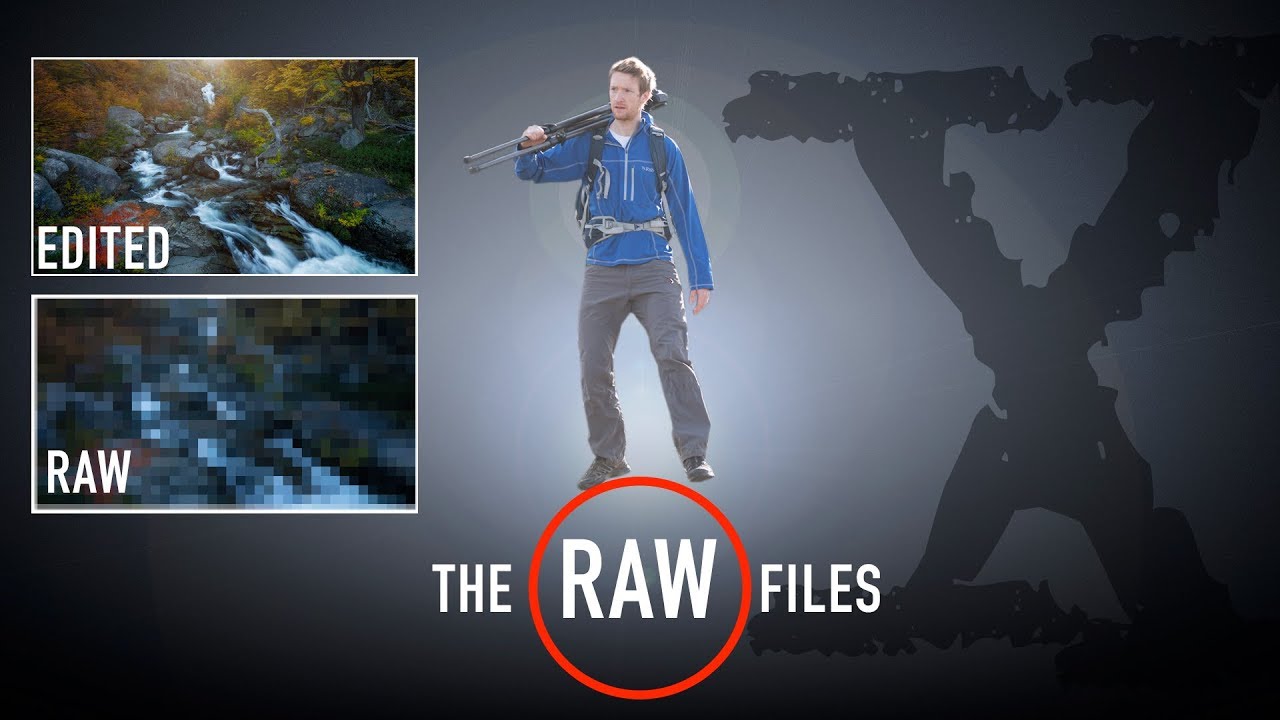
Every Sunday morning I take a photo walk around Seattle. Rain, sun, fog, it doesn’t matter. I come home with a card full of raw files, and here’s the thing I’ve noticed after years of doing this: taking the photo is only half the work. The edit is where you decide what the image actually says. That’s the part most beginners skip over or rush through, and it’s the part that separates a forgettable snapshot from something worth sharing.

How to Build a Signature Color Style (And Actually Stick to It)

How to Build a Signature Color Style (And Actually Stick to It)

Every Sunday morning I do a photo walk around Seattle. Rain, shine, fog off the water — doesn’t matter. And for years, when I’d come home and open Lightroom, I’d edit each session like it was its own little world. Warm and golden one week, cool and moody the next, high contrast the week after that. Individually, the images looked fine. Together, they looked like four different photographers had taken them.

How to Get Your Lightroom Presets onto Your Phone (And Actually Use Them)

How to Get Your Lightroom Presets onto Your Phone (And Actually Use Them)

I’ll be honest with you: some of my favorite photos I’ve ever taken were shot on my phone. My most-liked Instagram post to this day came from a $200 Android, which started a whole conversation about whether gear actually matters as much as we think. The answer, for the record, is no. But here’s what does matter: consistency in your editing style. And for a long time, that was the one thing I couldn’t carry with me when I left my camera at home.

How to Edit Other People's Photos (And What It Actually Teaches You About Your Own)

How to Edit Other People's Photos (And What It Actually Teaches You About Your Own)

Every Sunday morning I take a photo walk through my Seattle neighborhood, and I almost always come home with a card full of raw files I’m not entirely sure what to do with. The composition feels right, the light was good, but somewhere between capture and export the image loses the energy I felt when I pressed the shutter. That gap between what you saw and what the edit delivers is the thing I kept hearing photographers describe when I first started teaching, and it’s exactly the problem that editing tutorials built around real submitted photos solve so well.

Why I Stopped Trusting Lightroom for Sharpening (And What I Use Instead)

Why I Stopped Trusting Lightroom for Sharpening (And What I Use Instead)

There’s a photo from last winter that I almost deleted. I’d hiked out before sunrise to catch the light hitting a frost-covered fence line, and the shot was beautiful in my head, but the RAW file came back soft and noisy in a way that Lightroom just couldn’t rescue cleanly. Sharpening in the Detail panel helped, but it introduced those tell-tale wormy artifacts along the edges. I kept the photo, but I wasn’t happy with it.

12 iPhone Photography Apps That Actually Fit Into a Real Shooting Workflow

12 iPhone Photography Apps That Actually Fit Into a Real Shooting Workflow

I take my camera on every trip. I also take my phone, and honestly, some of my favorite shots from the last few years came from the latter. There’s something useful about proving to yourself, and to students, that gear isn’t the ceiling. But using your phone well for serious photography isn’t just about pointing and tapping the shutter. It requires the same planning and workflow discipline you’d bring to any camera system.

Photography Editing Basics: Transform Your Images from Good to Great

Photography Editing Basics: Transform Your Images from Good to Great

Photography Editing Basics: Transform Your Images from Good to Great When I first started photography, I thought editing was cheating. I believed “real” photographers got everything right in-camera. I was wrong. Editing isn’t about fakery—it’s about intention. It’s the final step where your creative vision comes to life. Whether you’re using Lightroom, Capture One, or free tools like Darktable, these fundamental editing principles apply across all platforms. Let me walk you through the essentials I wish someone had explained to me clearly from the start.