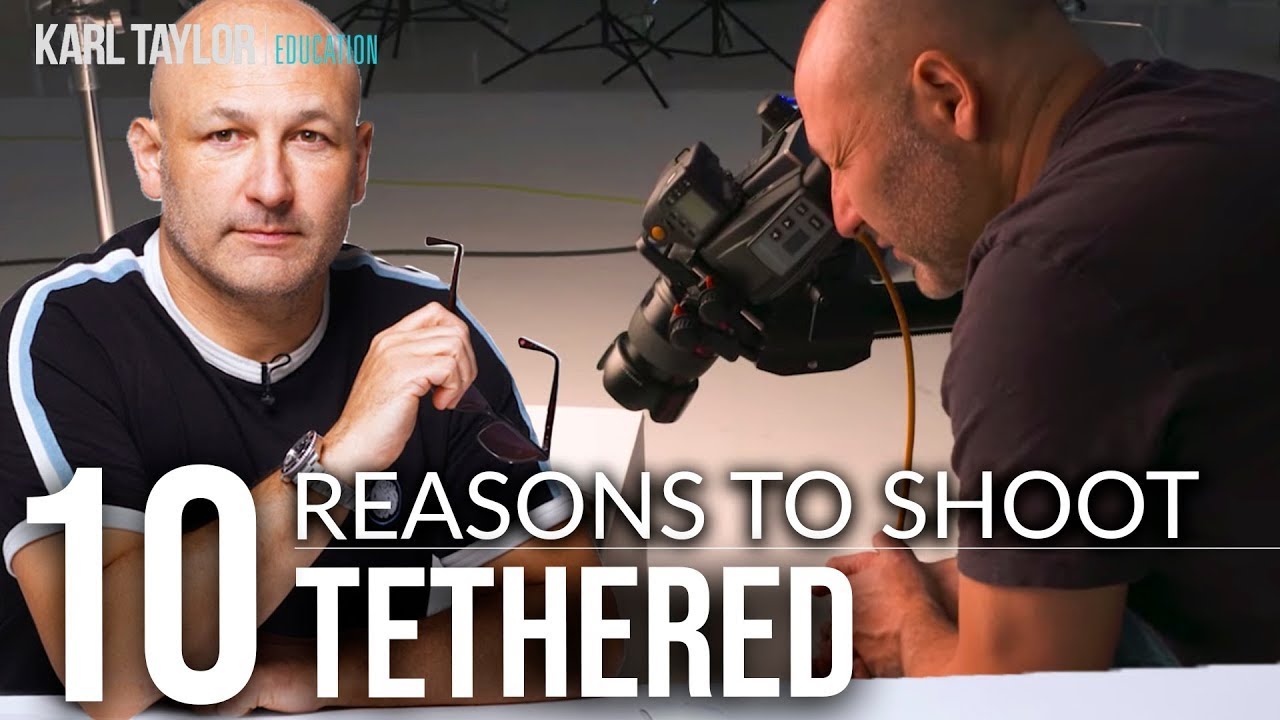
My first few studio shoots were humbling in the best way. I’d fire off what felt like a brilliant set of frames, chimp the back of my camera with total confidence, and then get home to find that my focus had missed my subject’s eyes by a centimeter, or my highlights were completely blown, or the whole scene had a sickly green cast I never noticed on that tiny LCD. The camera preview lies to you. Or at least, it doesn’t tell you the whole truth.
That’s the problem tethered shooting solves, and once I started doing it regularly, I couldn’t believe I’d wasted so much time guessing. Watch the full tutorial on YouTube - this Visual Education tutorial breaks down exactly why tethering is worth adding to your workflow, whether you’re shooting portraits, products, or anything that benefits from precision. The creator outlines ten concrete reasons, and I want to walk you through the most actionable ones with enough detail that you can start applying them right away.
Tethering simply means running a cable (usually USB) from your camera to your laptop or desktop, and using software like Lightroom Classic or Capture One to receive images the moment they’re shot. No importing later. No second-guessing. You see the file, full resolution, on a real screen, while the subject is still in front of you.
Step 1: Examine Your Images in Real Detail
 Tethered image preview displayed on large monitor
The single biggest reason to shoot tethered is image examination. Your camera’s LCD, even on high-end bodies, tops out around 3 inches and a few hundred pixels across. You genuinely cannot evaluate sharpness, prop placement, fabric wrinkles, or subtle compositional issues at that scale. When your images are piping directly into Lightroom on a 4K monitor, you can zoom in and assess every corner of the frame before your subject has even moved.
Tethered image preview displayed on large monitor
The single biggest reason to shoot tethered is image examination. Your camera’s LCD, even on high-end bodies, tops out around 3 inches and a few hundred pixels across. You genuinely cannot evaluate sharpness, prop placement, fabric wrinkles, or subtle compositional issues at that scale. When your images are piping directly into Lightroom on a 4K monitor, you can zoom in and assess every corner of the frame before your subject has even moved.
In practice, this means you catch problems on set, not in post. Clothing that’s bunched awkwardly, a stray hair across the face, a prop that’s slightly out of place - all of these become visible immediately. Scroll through the frame at 100% zoom and look critically. This single habit will cut your retouching time significantly.
Step 2: Verify Focus and Sharpness with Confidence
 Software focus controls shown alongside camera live view
Most tethering software gives you direct focus control from the computer, which means you can fine-tune focus without physically touching the camera. That matters enormously for focus stacking, where even the smallest camera shift between frames breaks the composite. With tethered software handling the incremental focus adjustments, the camera stays locked.
Software focus controls shown alongside camera live view
Most tethering software gives you direct focus control from the computer, which means you can fine-tune focus without physically touching the camera. That matters enormously for focus stacking, where even the smallest camera shift between frames breaks the composite. With tethered software handling the incremental focus adjustments, the camera stays locked.
Even if you’re not focus stacking, previewing your shots at full resolution on a large monitor tells you definitively whether your focus landed where you intended. The difference between “looks sharp on the LCD” and “actually sharp on a 4K screen” is the difference between a usable file and a deleted one. Check at 1:1 zoom every few frames, especially when shooting wide open.
Step 3: Dial In Exposure Using RGB Values
 RGB value readings shown in tethered capture software
Light meters are useful, but tethered shooting gives you more precise exposure feedback than most meters can provide. The key tool here is the RGB readout in your tethering software. Pure black reads as R:0, G:0, B:0. Pure white reads as R:255, G:255, B:255. By sampling specific areas in your frame, you can see exactly where your tones are landing with a precision of roughly one-thirtieth of a stop - compared to the one-tenth-of-a-stop resolution of a typical light meter.
RGB value readings shown in tethered capture software
Light meters are useful, but tethered shooting gives you more precise exposure feedback than most meters can provide. The key tool here is the RGB readout in your tethering software. Pure black reads as R:0, G:0, B:0. Pure white reads as R:255, G:255, B:255. By sampling specific areas in your frame, you can see exactly where your tones are landing with a precision of roughly one-thirtieth of a stop - compared to the one-tenth-of-a-stop resolution of a typical light meter.
Pair that with highlight clipping warnings, and you have a genuinely accurate picture of your exposure before you commit to a lighting setup. Take a test shot, sample the skin tones, check the whites, look for any channel that’s clipping, and adjust from there. Save those values as a reference point so you can match the same exposure on future shoots with the same setup.
Step 4: Compare Images Side by Side While You Shoot
 Two images displayed side by side in comparison view
One underrated feature of tethered shooting is the ability to compare frames in real time. When you get a shot that feels right, lock it as a reference image. Every subsequent frame sits next to it on screen so you can immediately see whether the new shot is an improvement or a step back.
Two images displayed side by side in comparison view
One underrated feature of tethered shooting is the ability to compare frames in real time. When you get a shot that feels right, lock it as a reference image. Every subsequent frame sits next to it on screen so you can immediately see whether the new shot is an improvement or a step back.
You can also rate and color-label images as you go, which makes your selects edit nearly painless. By the time the shoot wraps, you’ve already done a rough cull. The images you care about are marked, and you’re not starting from scratch sorting through hundreds of nearly identical frames trying to remember which one had the expression you wanted.
Step 5: Catch and Fix Errors Before They Cost You
 Highlight and shadow sliders being adjusted in real time
Accidents happen during shoots. An aperture gets bumped. A light stand gets nudged. Tethered shooting means you see the result of that accident immediately, and more importantly, you can test whether it’s recoverable. Pull up the raw sliders in your tethering software and see right there on set whether dropping the highlights or lifting the shadows rescues the image - or whether you need to reshoot.
Highlight and shadow sliders being adjusted in real time
Accidents happen during shoots. An aperture gets bumped. A light stand gets nudged. Tethered shooting means you see the result of that accident immediately, and more importantly, you can test whether it’s recoverable. Pull up the raw sliders in your tethering software and see right there on set whether dropping the highlights or lifting the shadows rescues the image - or whether you need to reshoot.
White balance is another quick win here. Shooting raw means you can always change it later, but if you’re tethered, you can toggle between warmer and cooler settings and actually see the effect on your subject in the moment. This is especially useful when you’re working with colored gels, because you can make an informed decision about your lighting before you’ve burned through an hour of setup time.
Step 6: Apply a Style Profile to Every Frame Automatically
 Pre-saved treatment profile applied to incoming tethered image
If you’re working toward a specific look - a cooler, high-contrast editorial style, or a warm and hazy lifestyle feel - you can build that as a preset and apply it to every incoming image automatically. Each frame loads into your software already wearing that look, which lets you evaluate the mood of the shoot as it’s happening rather than imagining how it might look in post.
Pre-saved treatment profile applied to incoming tethered image
If you’re working toward a specific look - a cooler, high-contrast editorial style, or a warm and hazy lifestyle feel - you can build that as a preset and apply it to every incoming image automatically. Each frame loads into your software already wearing that look, which lets you evaluate the mood of the shoot as it’s happening rather than imagining how it might look in post.
This is particularly powerful for black and white work. Build a few different black and white looks that mimic specific film stocks, save them as profiles, and flip between them during the shoot to see which one fits your subject best. You’re making creative decisions with real visual feedback, not hoping for the best.
A Note from My Own Experience
I want to be honest about one thing: tethering adds a cable to your setup, and that cable has a way of becoming everyone’s problem on a busy set. My husband eventually built me a small cable management rig because I was constantly complaining about it catching on light stands and pulling the camera. If you’re shooting solo or in a smaller space, just tape the cable to your tripod leg with a loop of slack near the camera mount - it prevents the most common frustration without any extra gear.
Also, tethering does add a small delay between pressing the shutter and the image appearing on screen. For fast-moving subjects or action, this can feel disorienting at first. Give yourself a session or two to adjust before you judge the workflow.
The most important shift tethering creates is turning image review from a guessing game into a reliable feedback loop. You stop hoping the shot worked and start knowing. That confidence changes how you direct, how you problem-solve, and ultimately how consistent your final work becomes.
Watch the full tutorial on YouTube for the complete breakdown, including software recommendations and the remaining tips that didn’t fit here. It’s one of the clearest explanations of tethered shooting I’ve come across, and well worth the full watch before your next studio session.
Comments
Leave a Comment