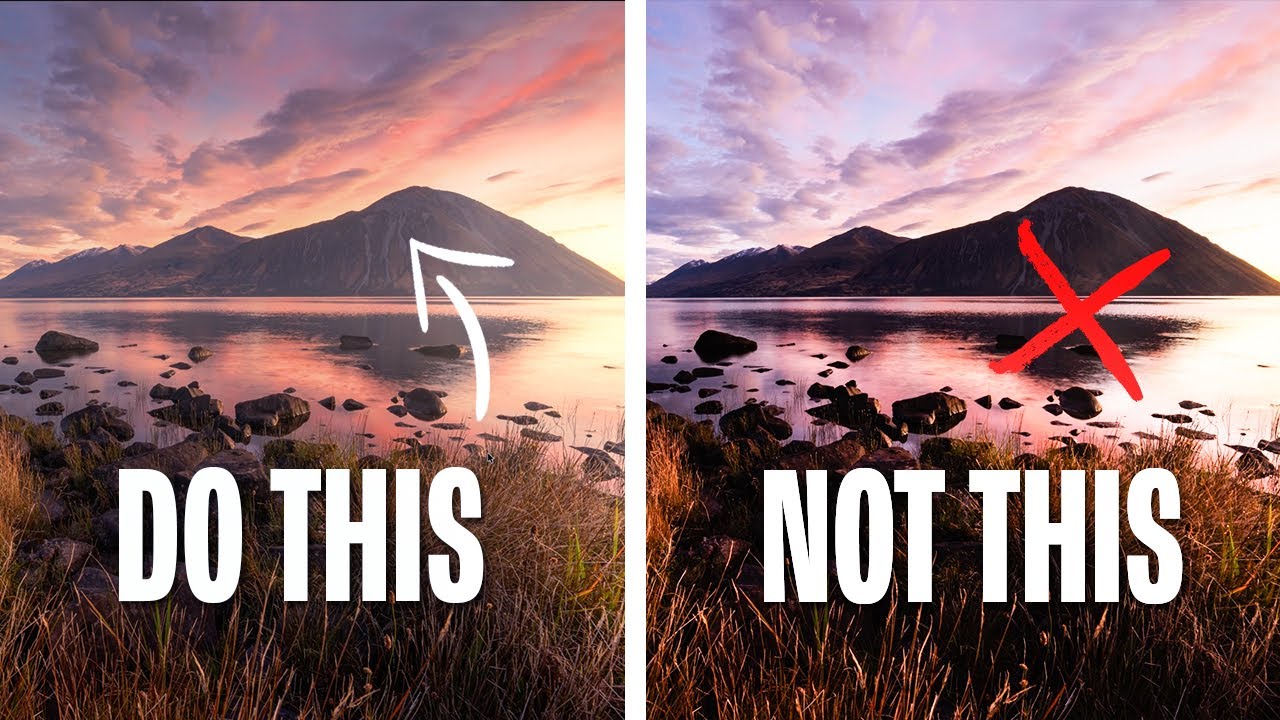
Stop Reaching for the Contrast Slider: Editing Mistakes That Are Flattening Your Landscape Photos

Stop Reaching for the Contrast Slider: Editing Mistakes That Are Flattening Your Landscape Photos

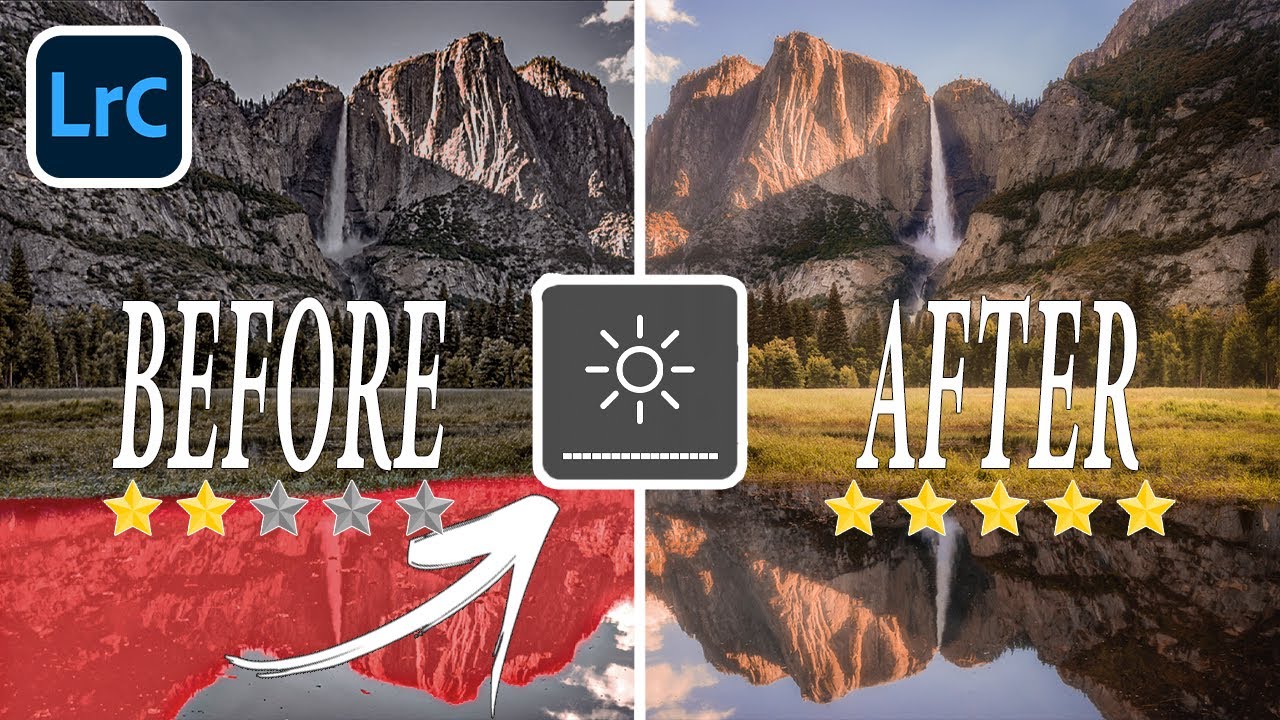
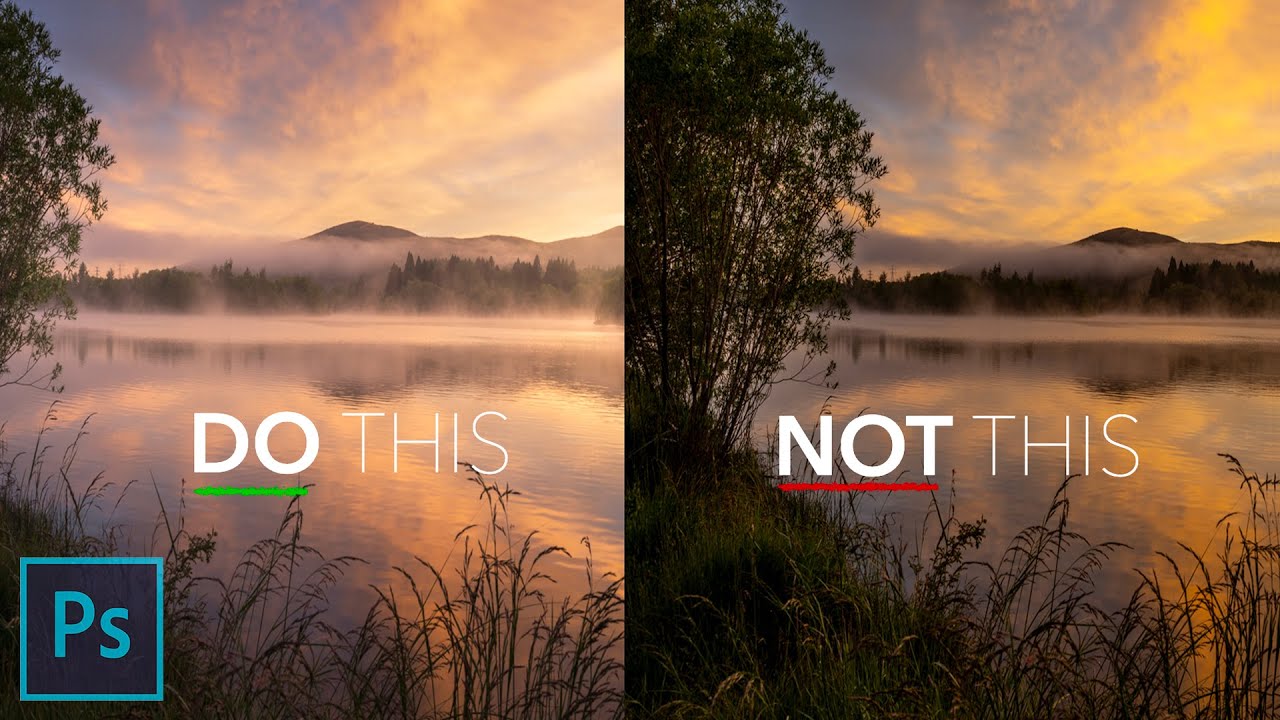
Every Sunday morning I take a photo walk around Seattle. No agenda, no client brief, just me and whatever light shows up. And for the first year of doing that, I’d come home with these gorgeous raw files that somehow looked flat and overworked by the time I was done editing them. I couldn’t figure out what I was doing wrong. I knew my way around Lightroom well enough, but something in my process was quietly killing the images.
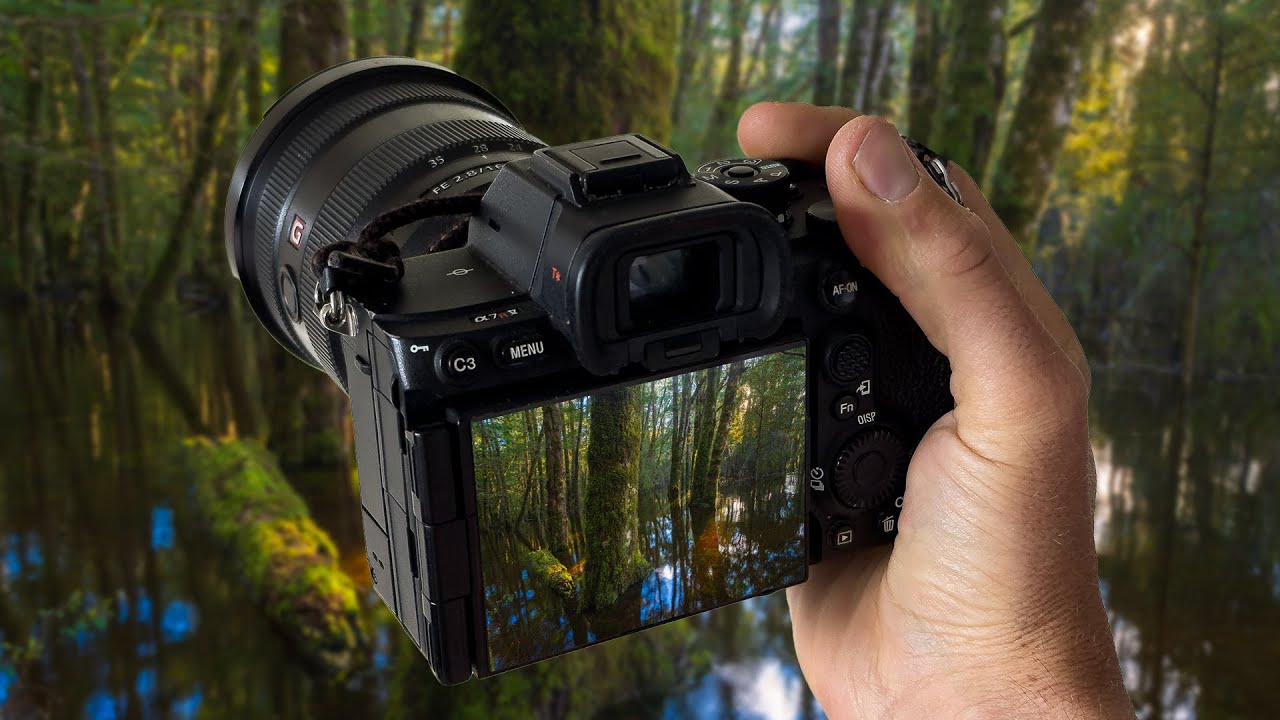

When Bad Weather Creates Rare Shots: What I Learned from Photographing a Flooded Ancient Forest

When Bad Weather Creates Rare Shots: What I Learned from Photographing a Flooded Ancient Forest

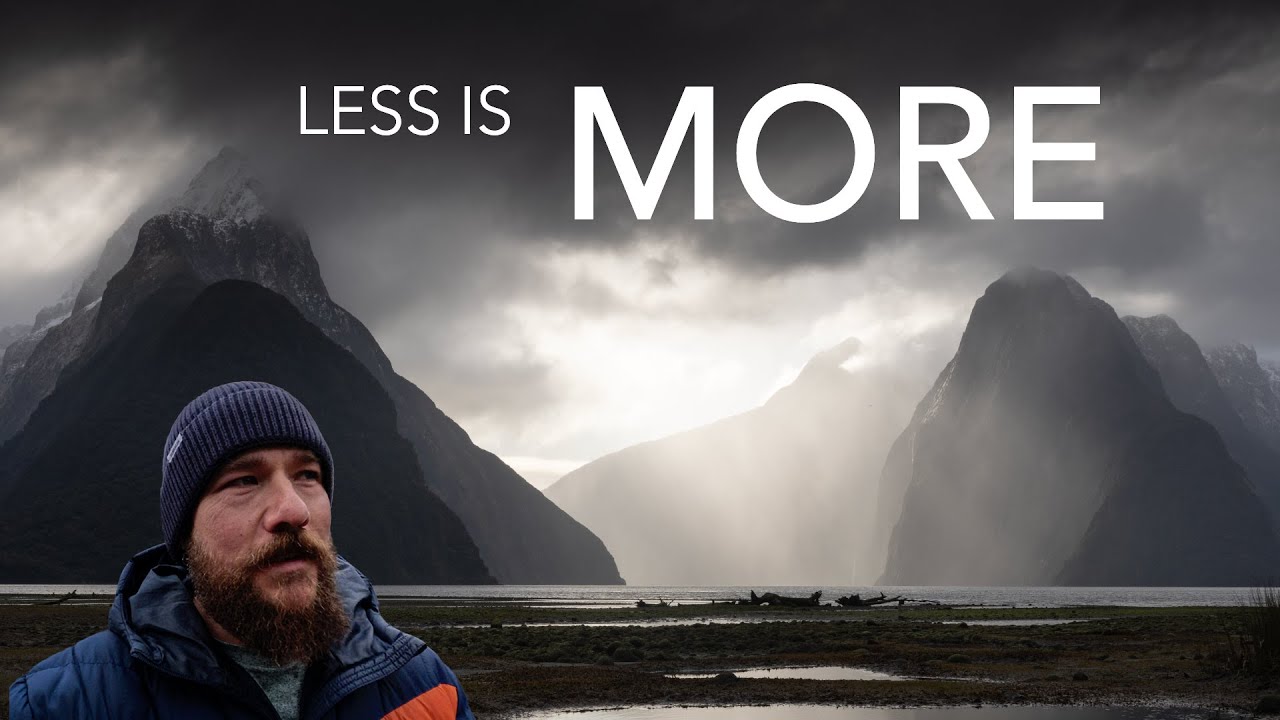
I used to treat bad weather like a closed door. Rain meant staying home, overcast meant flat light, flooding meant stay away from the gear. It took me an embarrassingly long time to flip that around and start asking: what does this weather make possible that didn’t exist yesterday? That shift in mindset is exactly what this William Patino tutorial put into words better than I’ve managed to. Watch the full tutorial on YouTube

Why Your Portrait Lighting Looks Flat at Home (And How to Fix It in Post)

Why Your Portrait Lighting Looks Flat at Home (And How to Fix It in Post)

You know that sinking feeling when you load a portrait onto your computer and the light that looked so gorgeous on location just… disappears? I’ve been there more times than I’d like to admit. You place your subject perfectly, the shadows are sculpting the face exactly right, you’re almost giddy pressing the shutter. Then you get home, open the raw file, and the whole thing looks like a flat, lifeless scan of a bad print.

5 Photo Editing Mistakes You're Probably Making Right Now (And How to Fix Them)

5 Photo Editing Mistakes You're Probably Making Right Now (And How to Fix Them)

There’s a particular kind of frustration that comes from spending an hour editing a photo, exporting it, and then looking at it on your phone and thinking, “That looks nothing like what I saw on my screen.” I’ve been there more times than I’d like to admit. For a long time I assumed it was a skill gap, that I just needed more practice. Turns out, some of it wasn’t about skill at all.

How to Give Your Digital Footage That Super 8mm Home Video Soul

How to Give Your Digital Footage That Super 8mm Home Video Soul

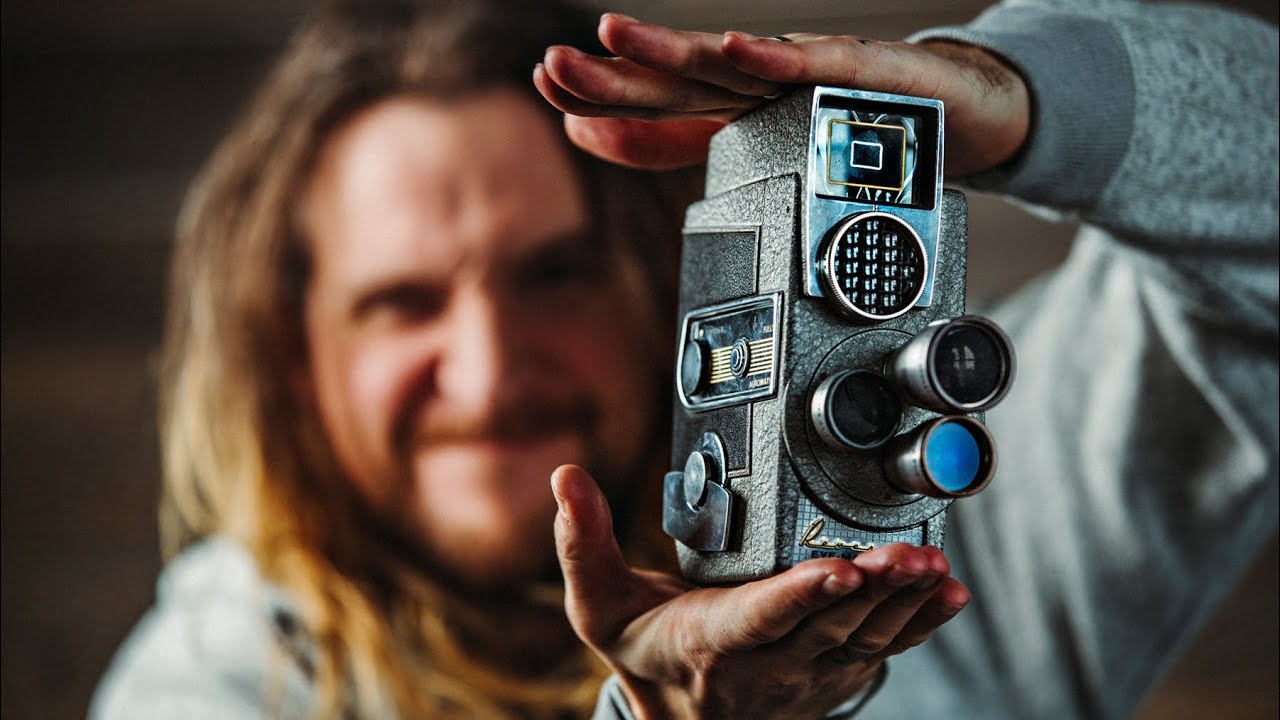
Every few months I get a message from someone asking how I made a particular video look “old.” Not degraded or broken, but warm and human, like something pulled from a shoebox of tapes your dad labeled with a Sharpie in 1987. I never had a clean answer until I sat down with this Peter McKinnon tutorial on faking the Super 8mm film look with digital cameras. Watch the full tutorial on YouTube

How to Fake a Warm Glow Through Windows in Lightroom (And Make It Look Real)

How to Fake a Warm Glow Through Windows in Lightroom (And Make It Look Real)

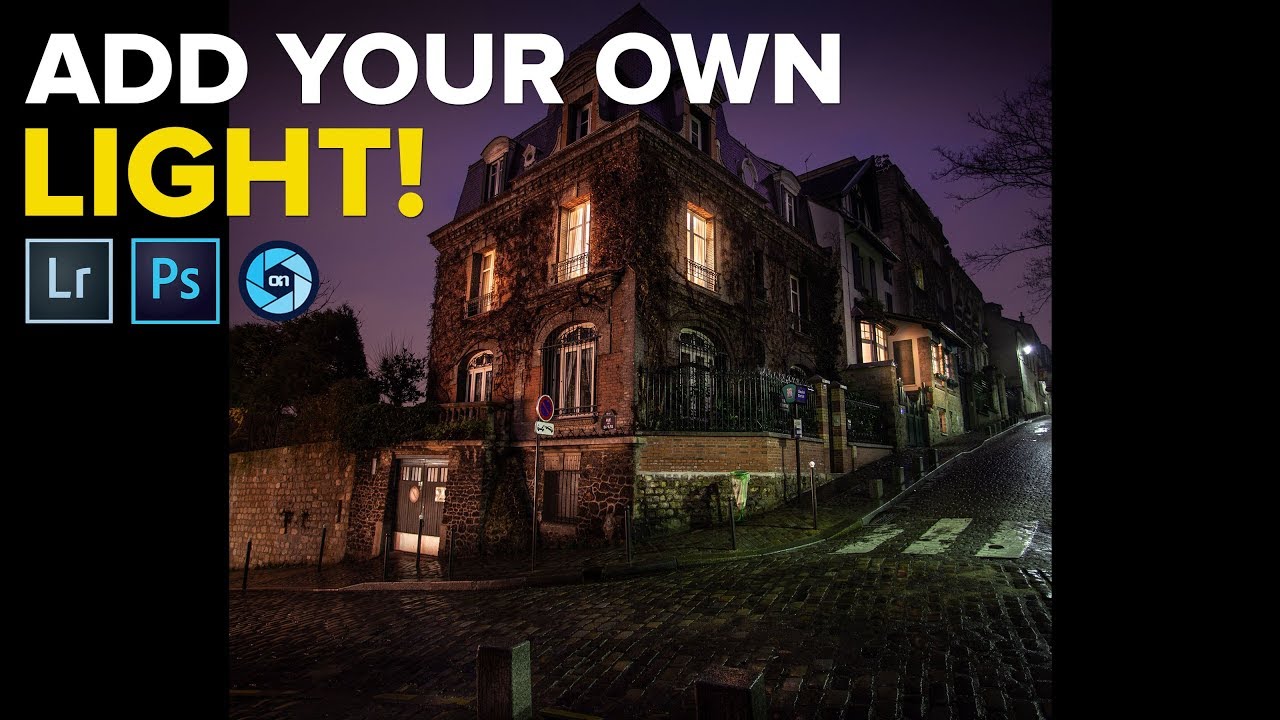
There’s a specific kind of frustration I know well: you’re out shooting at night, the scene is gorgeous, the windows of a building are glowing amber, and you come home with a photo that’s technically fine but emotionally flat. The warmth you felt standing there is just… gone. The light looks cold and purple and nothing like what drew you to the shot in the first place. I’ve been there more times than I can count, usually on a Sunday photo walk when the light does something magic and my camera somehow fails to feel it.

Stop Overthinking It: How William Patino Shoots and Edits with Joyful Simplicity

Stop Overthinking It: How William Patino Shoots and Edits with Joyful Simplicity

Forest photography is one of those situations that can absolutely paralyze you. There’s too much going on, the light changes every thirty seconds, and every direction you point the camera feels like both a great idea and a terrible one simultaneously. I know that feeling well. I once spent four days in Olympic National Park circling the same grove of trees, convinced that if I just waited long enough, everything would click into place.

How Color Grading Transforms Flat Landscape Photos Into Atmospheric Images

How Color Grading Transforms Flat Landscape Photos Into Atmospheric Images

For years, my go-to move when processing a golden hour shot was to drag the temperature slider to the right and call it warm. The problem? Warming up a whole image also warms up your shadows, and suddenly you lose that beautiful contrast between the glowing light and the cool, moody dark areas that made you hit the shutter in the first place. Everything just looks… orange. Flat in a different way than it started.

Why Your Edited Photos Look Flat (And the Lightroom Technique That Fixed It for Me)

Why Your Edited Photos Look Flat (And the Lightroom Technique That Fixed It for Me)

For a long time, I had a complicated relationship with photo editing. I’d come home from a Sunday morning photo walk with images I was genuinely excited about, sit down at my desk, open Lightroom, and immediately feel the enthusiasm drain out of me. I knew the tools were there. I just didn’t know what I was actually trying to do with them beyond making things brighter and hoping for the best.

How to Control Color Like a Cinematographer Using HSL in Lightroom

How to Control Color Like a Cinematographer Using HSL in Lightroom

Every Sunday I do a photo walk through my neighborhood in Seattle. Rain, shine, 6am fog — it happens. And one thing I started noticing, especially when I’d get home and pull images into Lightroom, was that my shots felt scattered. Not technically wrong, just… unfocused in terms of mood. The colors were all over the place, and the images didn’t feel like they were telling a single story. They felt like a report.

How to Use Atmospheric Perspective in Photoshop to Make Your Photos Feel Three-Dimensional

How to Use Atmospheric Perspective in Photoshop to Make Your Photos Feel Three-Dimensional

There’s a version of every photographer who resists post-processing for as long as humanly possible. I was that person. For the first year or so of shooting seriously, I told myself that a good photo should speak for itself straight out of camera. Then I started comparing my raw files to the finished work of photographers I admired, and the gap was humbling. The camera captures light. Post-processing is where you tell the viewer how to read that light.

Why I Stopped Trusting Lightroom for Sharpening (And What I Use Instead)

Why I Stopped Trusting Lightroom for Sharpening (And What I Use Instead)

There’s a photo from last winter that I almost deleted. I’d hiked out before sunrise to catch the light hitting a frost-covered fence line, and the shot was beautiful in my head, but the RAW file came back soft and noisy in a way that Lightroom just couldn’t rescue cleanly. Sharpening in the Detail panel helped, but it introduced those tell-tale wormy artifacts along the edges. I kept the photo, but I wasn’t happy with it.