How to Brighten Your Photos for Print (Without Blowing Out Your Edits)

How to Brighten Your Photos for Print (Without Blowing Out Your Edits)

There is a specific kind of disappointment that hits when you pick up a print order and the image looks like it was shot in a cave. You edited it perfectly on your monitor. It looked rich and moody and exactly right. Then it came back from the lab dark, flat, and missing half the shadow detail you spent an hour coaxing out in post. I have been there more than once, and for a long time I chalked it up to “the lab” as if it were some mysterious force beyond my control.
One Backdrop, Infinite Looks: How to Add Texture and Color to Portrait Backgrounds in Photoshop

One Backdrop, Infinite Looks: How to Add Texture and Color to Portrait Backgrounds in Photoshop

Most of us aren’t running a studio with a wall of seamless paper rolls in every color. I shoot out of a converted spare bedroom in Seattle, and for the longest time I felt limited by the single gray backdrop I owned. Every portrait session started to look like it came from the same universe, which is fine, but it’s not exactly inspiring for clients or for me. What changed things for me was watching Sean Tucker work through this exact problem.

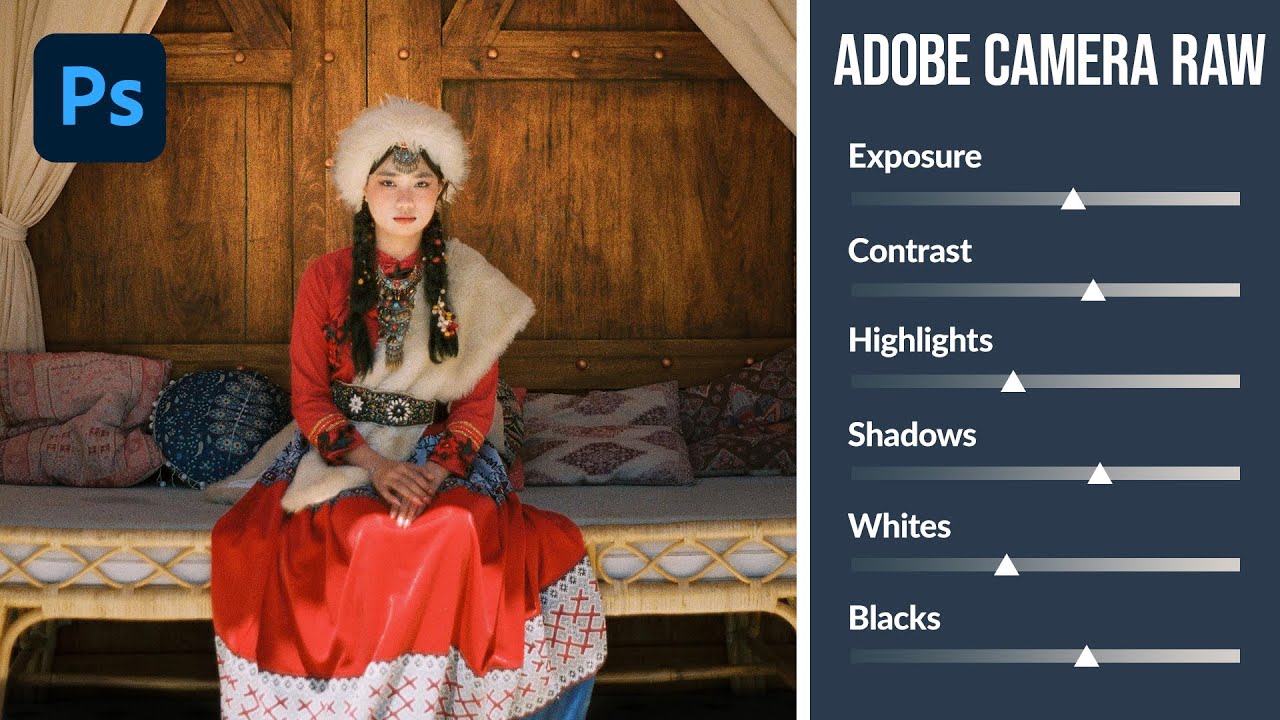
How to Use Adobe Camera Raw as a Full Editing Suite Inside Photoshop

How to Use Adobe Camera Raw as a Full Editing Suite Inside Photoshop

If you’ve ever felt like Lightroom and Photoshop exist in two separate universes that you have to keep shuttling between, this workflow is going to feel like a relief. For years I edited portraits in Lightroom, exported a TIFF, dragged it into Photoshop for any compositing or retouching work, then realized I needed to tweak the exposure again and had to start the whole round-trip over. It was tedious, and honestly it made me avoid certain edits just because the back-and-forth wasn’t worth it.

Why Your Bird Photos Look Crooked (And the Water-Level Fix That Changes Everything)

Why Your Bird Photos Look Crooked (And the Water-Level Fix That Changes Everything)

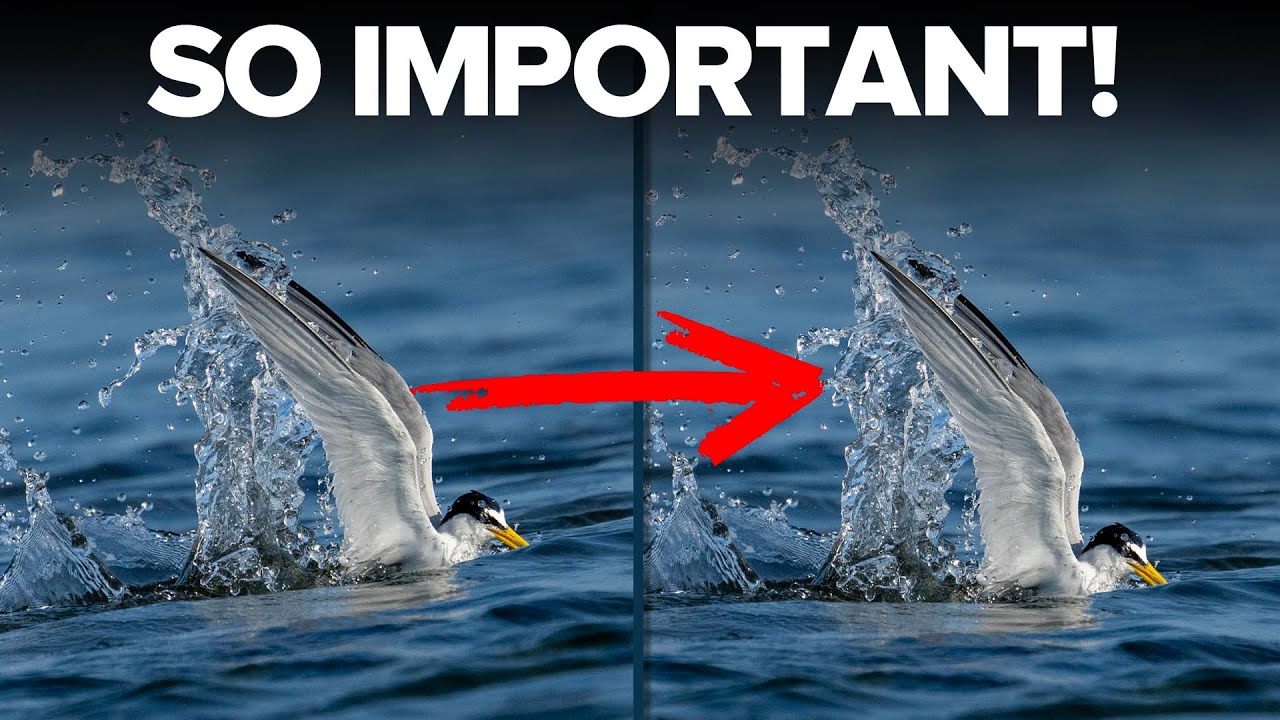
Every Sunday morning I’m out walking with my camera, and shorebirds near the water are some of my favorite subjects. I’ve spent more Sunday mornings than I’d like to admit standing at the edge of Puget Sound, thrilled with a shot in the field, only to get home and feel like something is subtly off about the image. The bird is sharp. The light is good. But the whole frame feels like it’s sliding to one side.

How to Use Atmospheric Perspective in Photoshop to Make Your Photos Feel Three-Dimensional

How to Use Atmospheric Perspective in Photoshop to Make Your Photos Feel Three-Dimensional

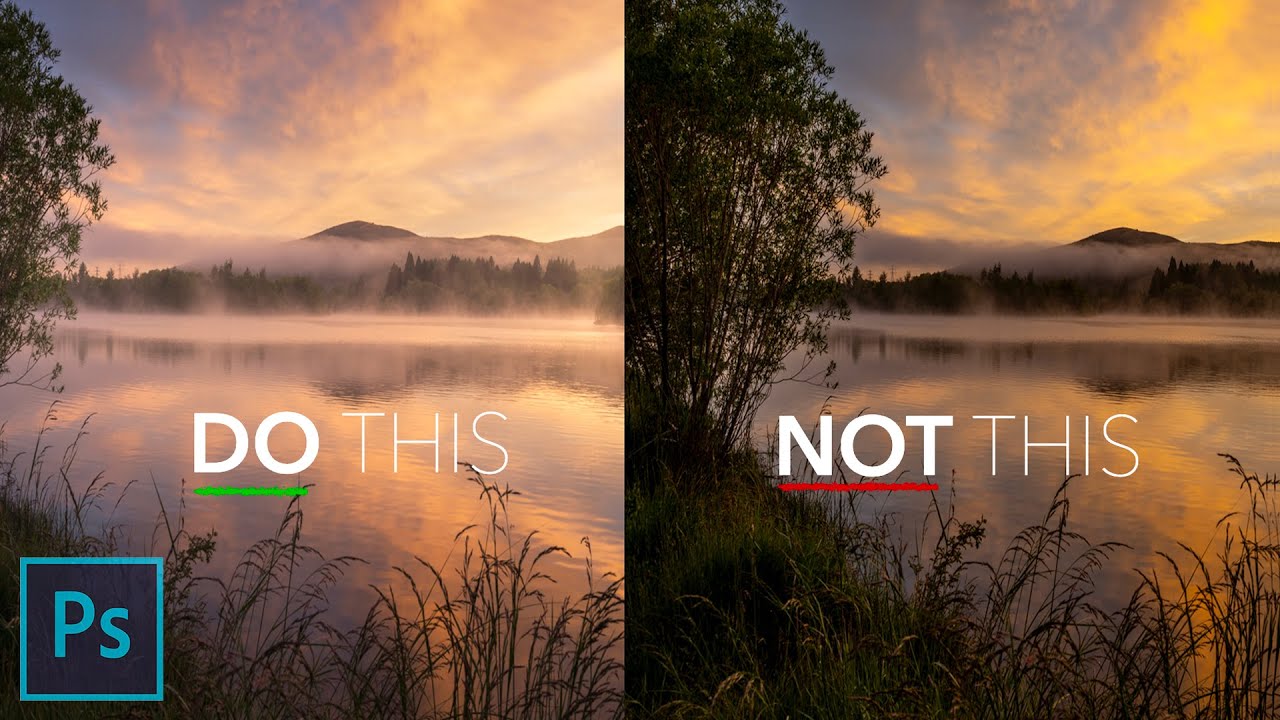
There’s a version of every photographer who resists post-processing for as long as humanly possible. I was that person. For the first year or so of shooting seriously, I told myself that a good photo should speak for itself straight out of camera. Then I started comparing my raw files to the finished work of photographers I admired, and the gap was humbling. The camera captures light. Post-processing is where you tell the viewer how to read that light.

From Flat to Dramatic: How Joel Grimes Edits Black & White Portraits in Lightroom and Photoshop

From Flat to Dramatic: How Joel Grimes Edits Black & White Portraits in Lightroom and Photoshop

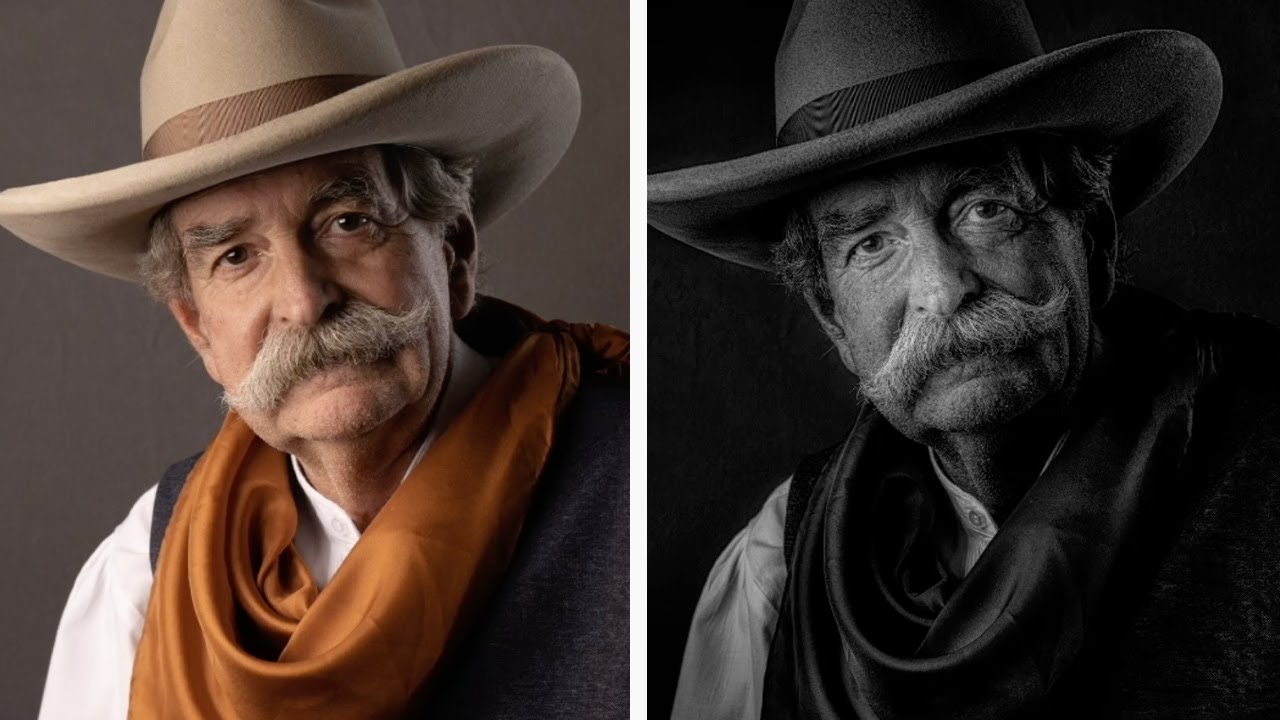
There’s a specific frustration I know well: you nail the lighting on a portrait, the subject’s expression is exactly right, and then you open the raw file and it just… sits there. Flat. Unimpressive. Nothing like what you saw in your head when you pressed the shutter. For a long time, my answer was to throw a high-contrast black and white preset at it and call it a day. The results were fine.

Adobe Camera Raw Just Got a Major Upgrade — Here's What Changed in the October 2024 Update

Adobe Camera Raw Just Got a Major Upgrade — Here's What Changed in the October 2024 Update

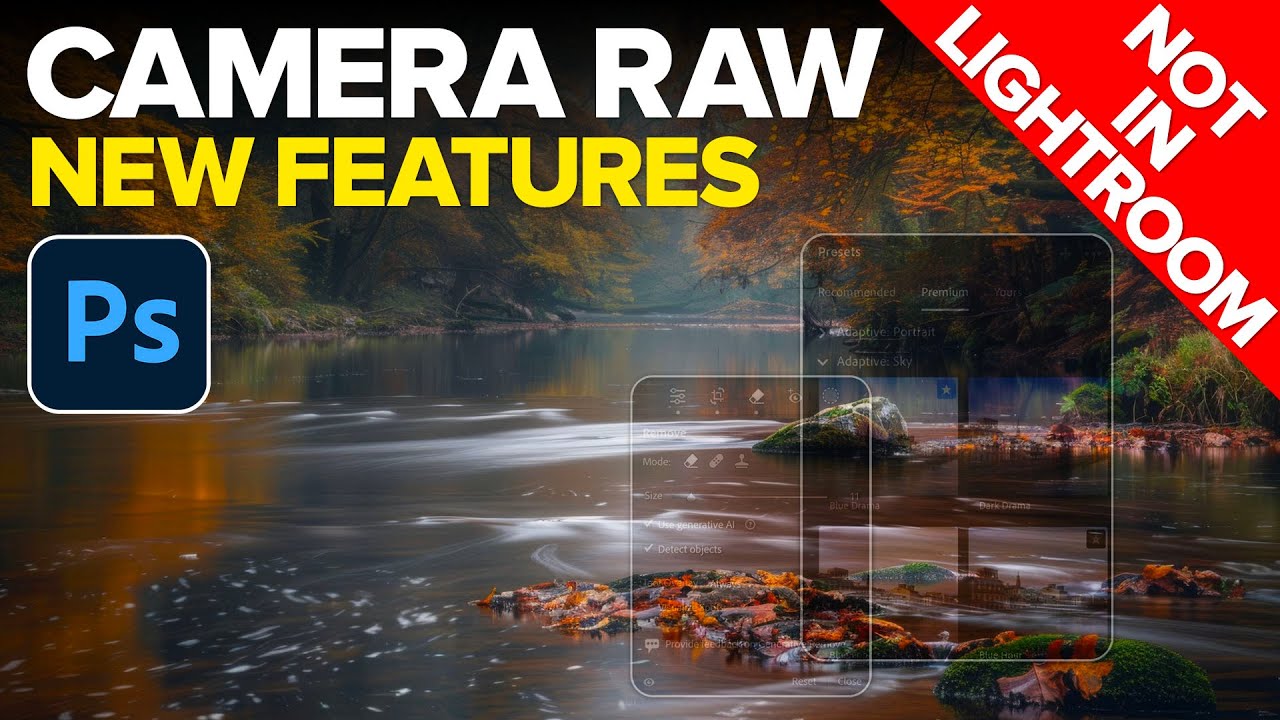
If you’ve been using Lightroom Classic and Camera Raw interchangeably, assuming they’re always in sync, October 2024 is the month that assumption finally breaks down. Adobe pushed a significant update to Camera Raw that did not land in Lightroom Classic or Lightroom Desktop at the same time, which means if you’re doing your raw editing in Photoshop’s Camera Raw plugin, you have access to tools your Lightroom-only friends don’t have yet.

Start High, End Sharp: What Joel Grimes Taught Me About Bit Depth and Image Quality

Start High, End Sharp: What Joel Grimes Taught Me About Bit Depth and Image Quality

I used to think the secret to sharp, detailed images lived entirely in the lens. Better glass, better results. It took me an embarrassingly long time to realize I was throwing away information at the capture stage before I even opened Photoshop. I’d shoot in RAW, feel good about myself, then import a file and wonder why aggressive edits made skin tones look plasticky or why a sky gradient would start showing visible bands instead of a smooth transition.

How to Remove People from Your Travel Photos (Without Spending Hours in Photoshop)

How to Remove People from Your Travel Photos (Without Spending Hours in Photoshop)

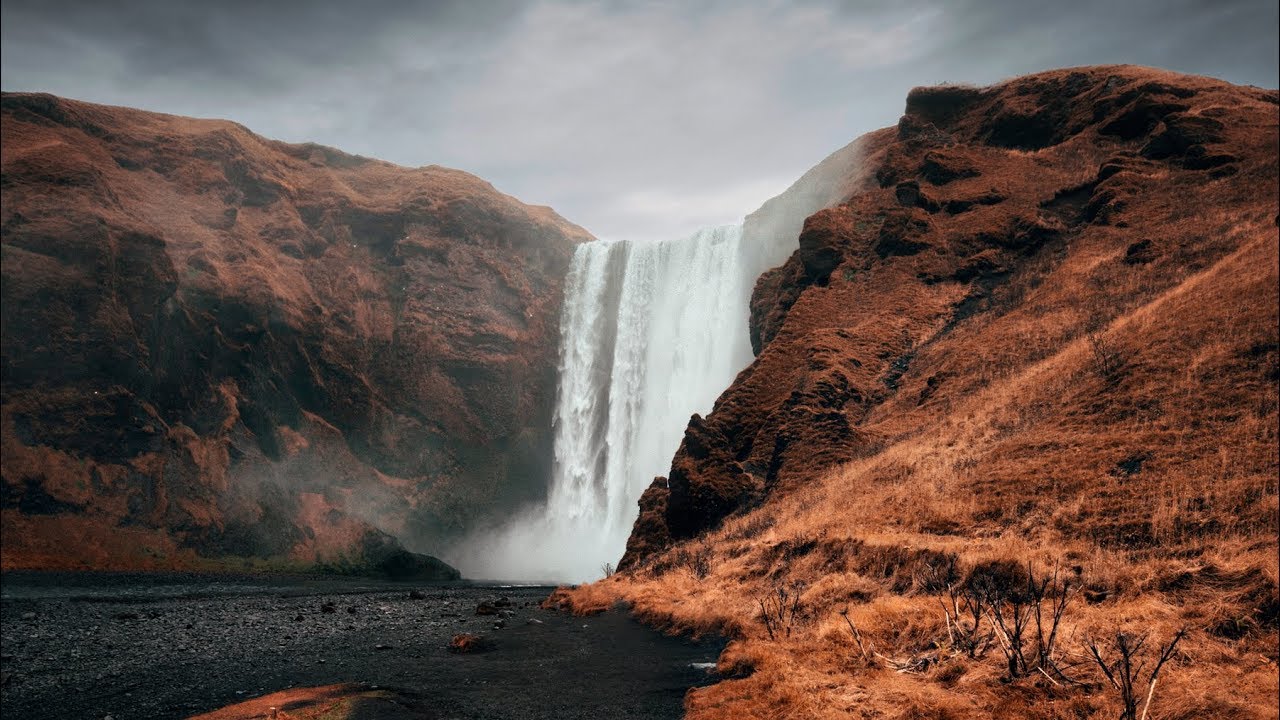
I once spent an entire vacation trying to get a single clean shot of a waterfall. No tourists. No stray elbows. Just water, rocks, and light. I missed dinner more than once. And the frustrating part is, I didn’t have to do any of that. The fix was sitting in Photoshop the whole time, and it takes about two minutes once you know where to look. That’s exactly what Peter McKinnon breaks down in his tutorial on removing people from photos, and it’s one of those techniques that feels almost too easy once you see it.

How to Recolor Large Product Photos in Photoshop (Without Losing Fabric Detail)

How to Recolor Large Product Photos in Photoshop (Without Losing Fabric Detail)

If you photograph products for small businesses or e-commerce clients, you have almost certainly run into this exact problem: a furniture company has one beautiful sofa, it comes in fourteen fabric colors, and they want fourteen polished, consistent product images for their website. Reshooting every single colorway is expensive and time-consuming. There has to be a smarter way. That smarter way is digital recoloring, and in this Sean Tucker tutorial, he walks through exactly how to pull it off in Photoshop using physical fabric swatches as your color reference.