How Color Grading Transforms Flat Landscape Photos Into Atmospheric Images

How Color Grading Transforms Flat Landscape Photos Into Atmospheric Images

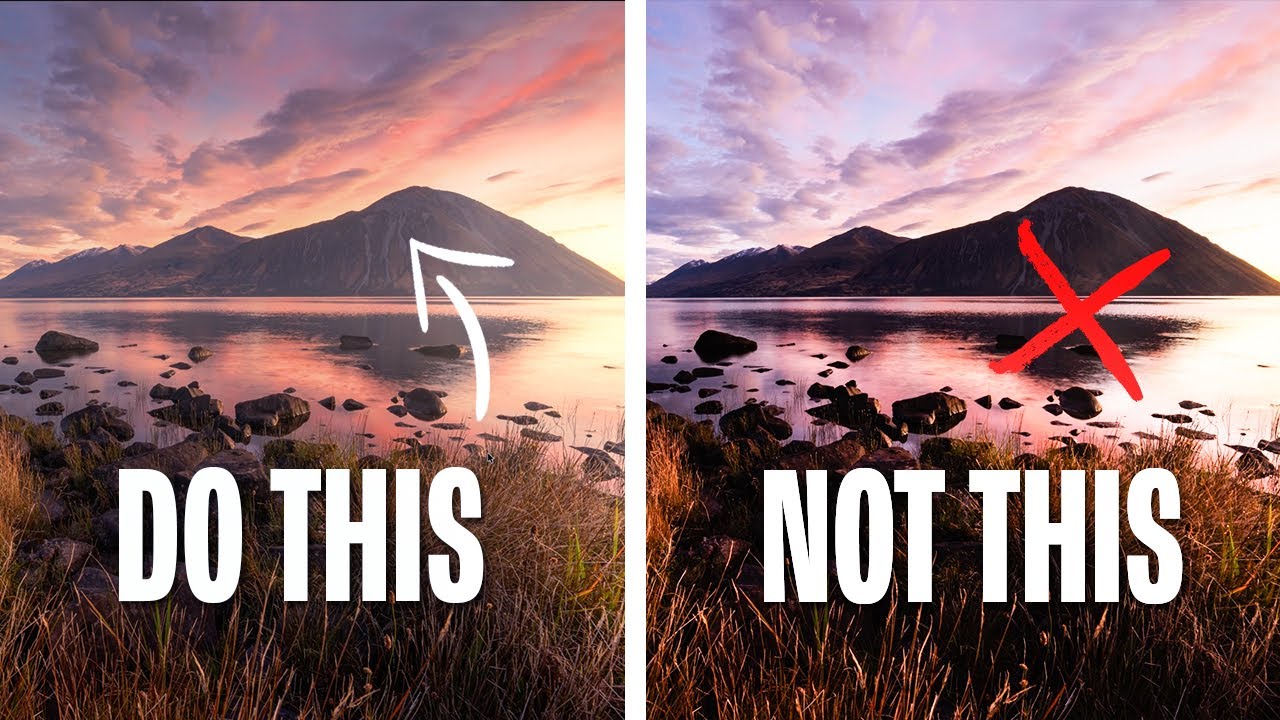
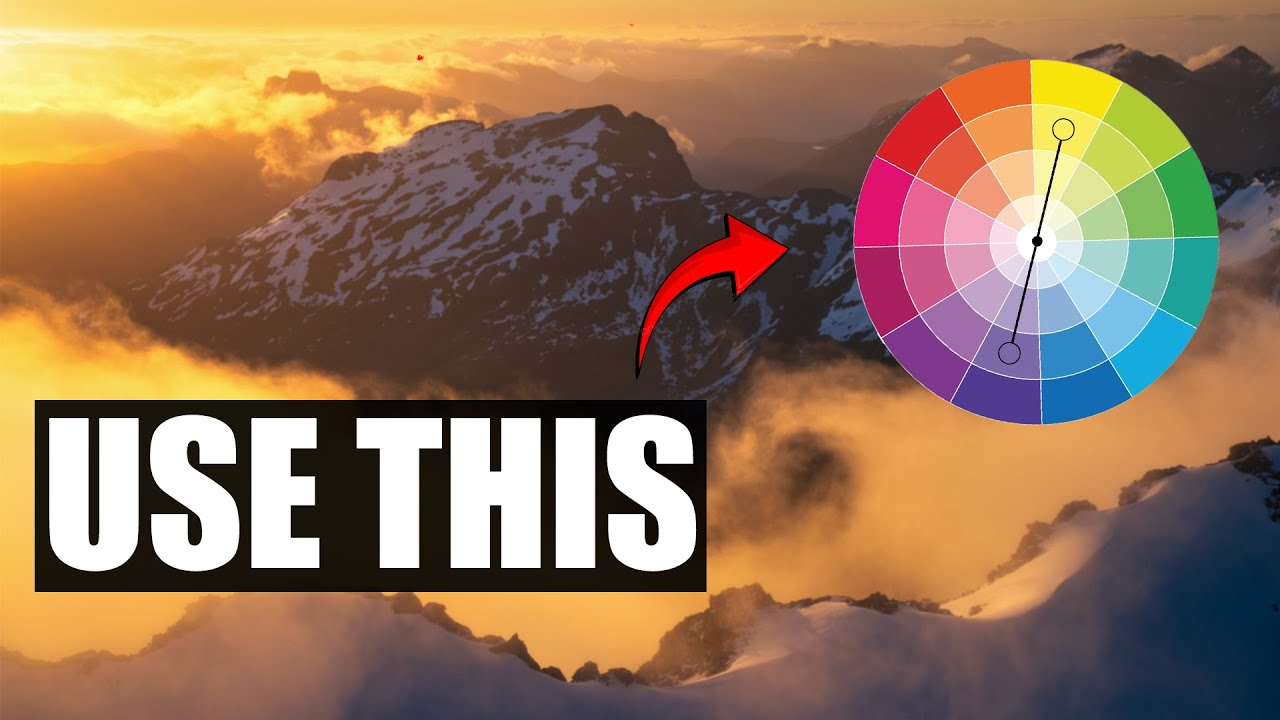
For years, my go-to move when processing a golden hour shot was to drag the temperature slider to the right and call it warm. The problem? Warming up a whole image also warms up your shadows, and suddenly you lose that beautiful contrast between the glowing light and the cool, moody dark areas that made you hit the shutter in the first place. Everything just looks… orange. Flat in a different way than it started.

How to Use Adobe Camera Raw as a Full Editing Suite Inside Photoshop

How to Use Adobe Camera Raw as a Full Editing Suite Inside Photoshop

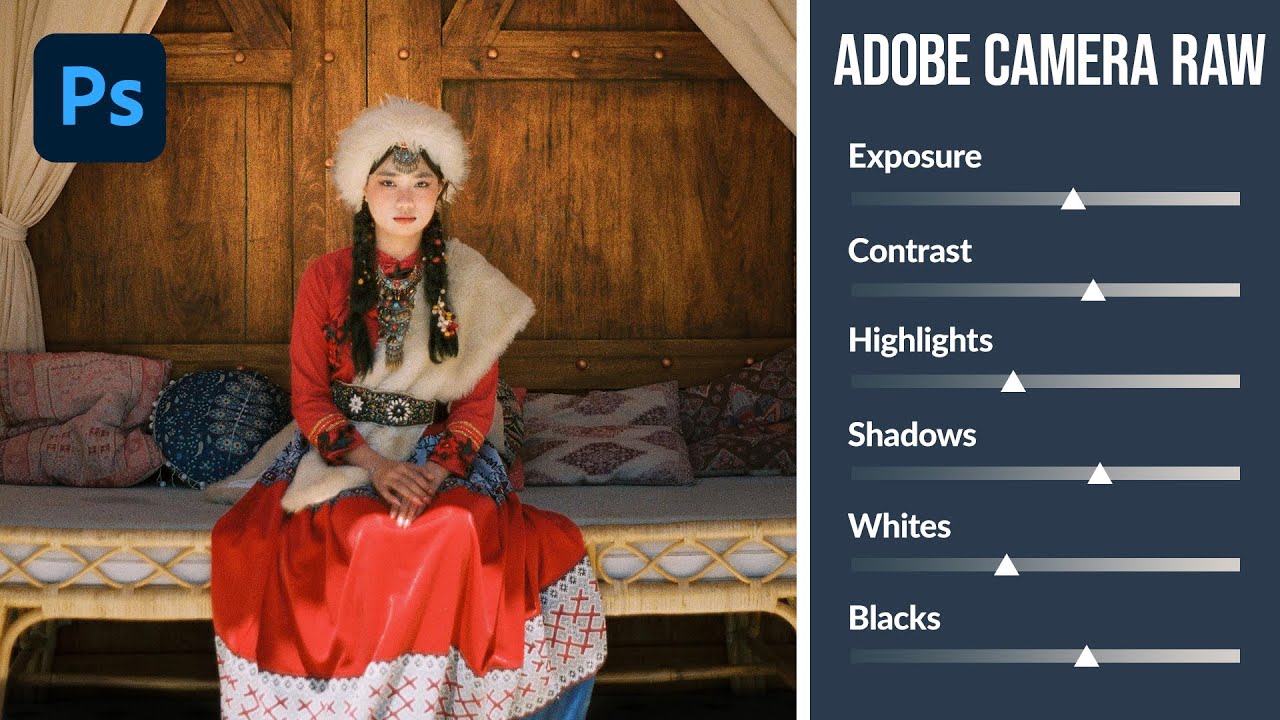
If you’ve ever felt like Lightroom and Photoshop exist in two separate universes that you have to keep shuttling between, this workflow is going to feel like a relief. For years I edited portraits in Lightroom, exported a TIFF, dragged it into Photoshop for any compositing or retouching work, then realized I needed to tweak the exposure again and had to start the whole round-trip over. It was tedious, and honestly it made me avoid certain edits just because the back-and-forth wasn’t worth it.

Adobe Camera Raw Just Got a Major Upgrade — Here's What Changed in the October 2024 Update

Adobe Camera Raw Just Got a Major Upgrade — Here's What Changed in the October 2024 Update

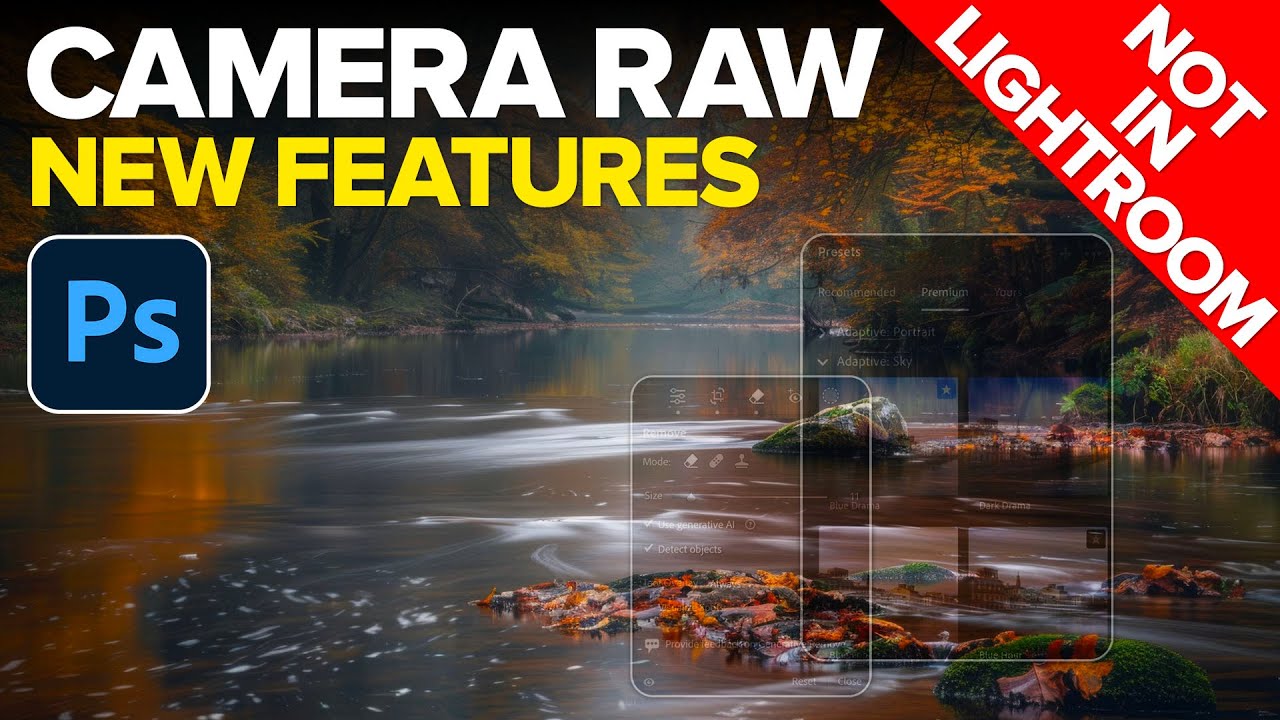
If you’ve been using Lightroom Classic and Camera Raw interchangeably, assuming they’re always in sync, October 2024 is the month that assumption finally breaks down. Adobe pushed a significant update to Camera Raw that did not land in Lightroom Classic or Lightroom Desktop at the same time, which means if you’re doing your raw editing in Photoshop’s Camera Raw plugin, you have access to tools your Lightroom-only friends don’t have yet.