How to Edit Street Photography on Your Phone — A Full Mobile Workflow That Actually Works

How to Edit Street Photography on Your Phone — A Full Mobile Workflow That Actually Works

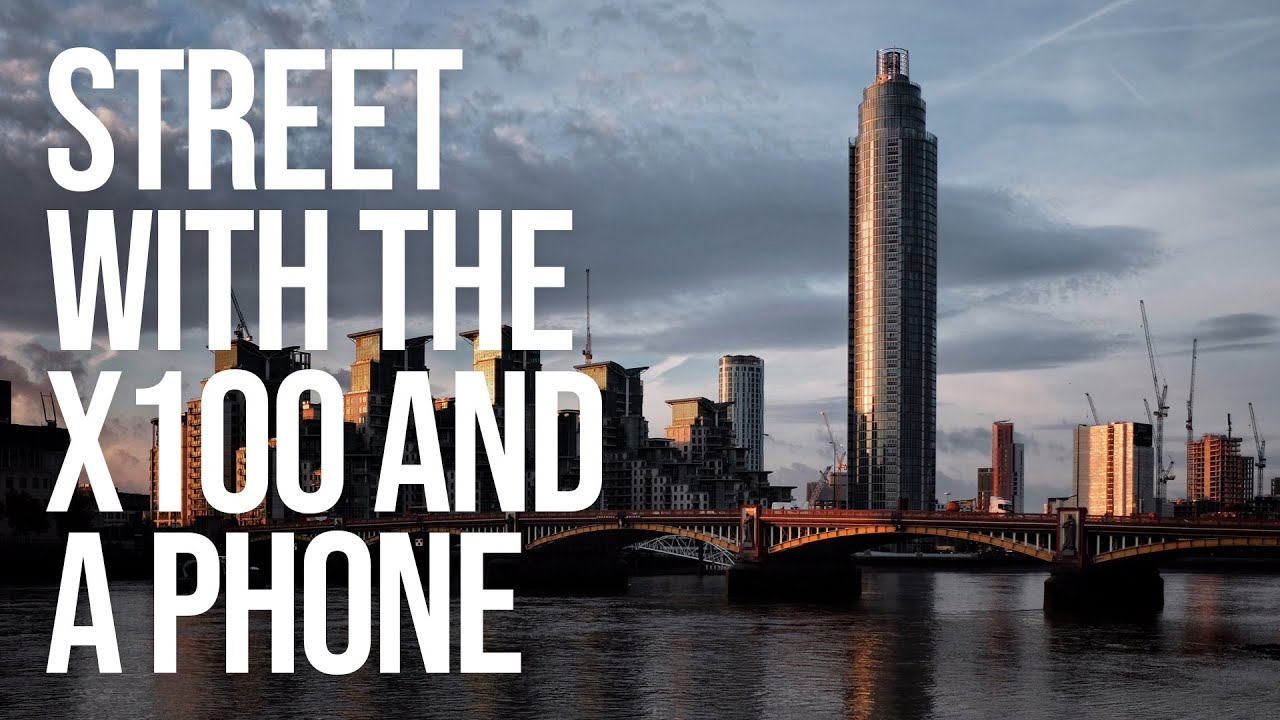
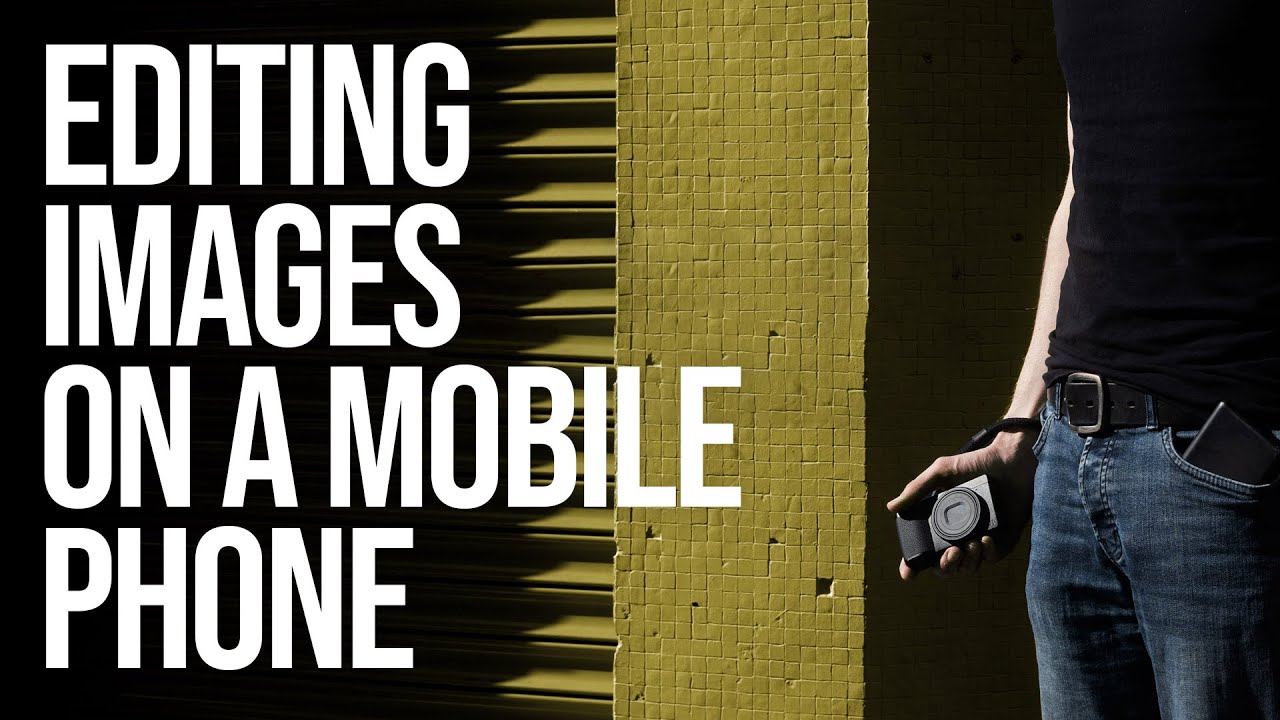
I used to be the person who would shoot all day, come home, dump files onto my laptop, and then stare at Lightroom for two hours wondering why editing felt like a second job. For travel work especially, that lag between capturing something and actually finishing it drives me crazy. So when I came across a tutorial by Sean Tucker specifically about editing raw street photos entirely on a phone, start to finish, I watched it twice in a row.

12 iPhone Photography Apps That Actually Fit Into a Real Shooting Workflow

12 iPhone Photography Apps That Actually Fit Into a Real Shooting Workflow

I take my camera on every trip. I also take my phone, and honestly, some of my favorite shots from the last few years came from the latter. There’s something useful about proving to yourself, and to students, that gear isn’t the ceiling. But using your phone well for serious photography isn’t just about pointing and tapping the shutter. It requires the same planning and workflow discipline you’d bring to any camera system.

Editing Photos on Your Phone: Best Apps and Techniques

Editing Photos on Your Phone: Best Apps and Techniques

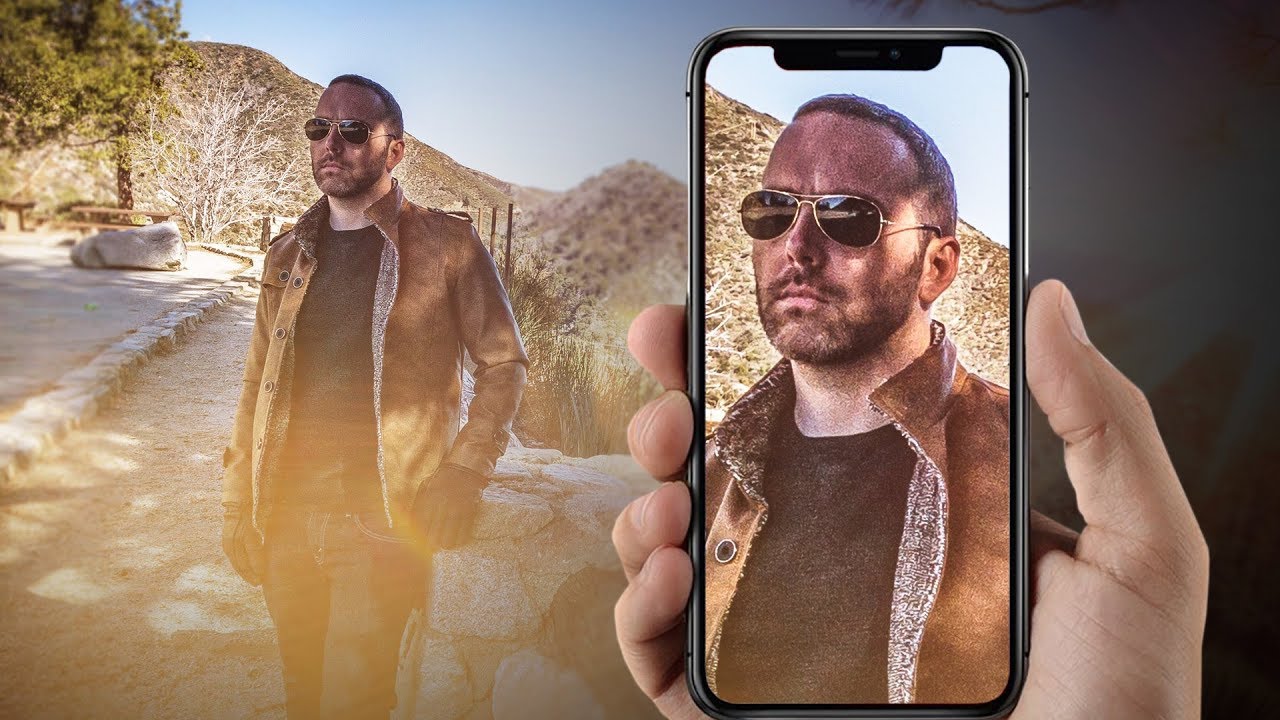
You don’t need a computer to edit photos well. Mobile editing apps have become powerful enough for serious work, and for social media output, editing on your phone makes sense — the photos are already there and the output destination is on the same device. Here are the apps worth using and the techniques that matter most. The Best Apps Lightroom Mobile (Free / Premium) Adobe’s mobile version of Lightroom is the most capable photo editor on any phone.