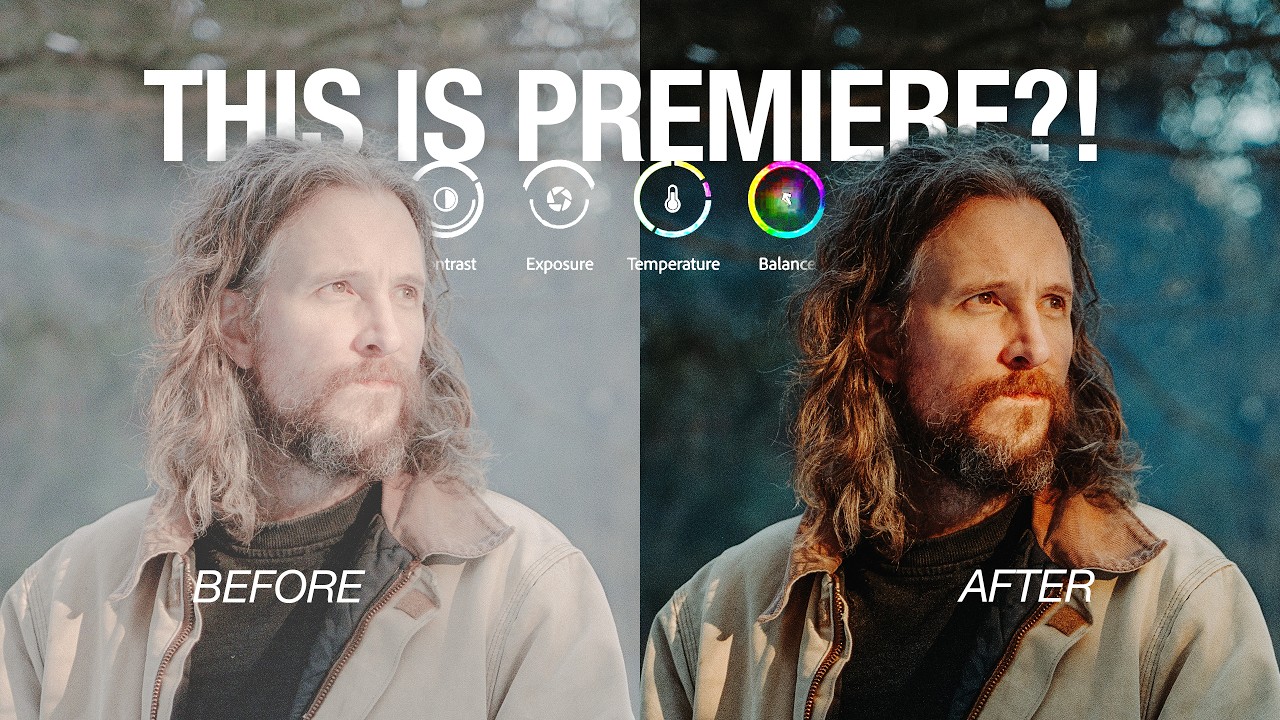
Adobe's New Color Mode in Premiere Pro Changed How I Think About Video Editing

Adobe's New Color Mode in Premiere Pro Changed How I Think About Video Editing

I have a confession that will probably resonate with anyone who edits video in Premiere Pro. My color grading workflow has always been, to put it kindly, a disaster. Adjustment layers stacked on top of adjustment layers, clips mysteriously missing color on export, then hunting through a timeline that looks like it survived an earthquake to figure out which seven clips I forgot. If you shoot travel or lifestyle content and you’re cutting together 40-plus clips from a single shoot day, that chaos compounds fast.

Edit Your B-Roll to Music in Minutes: The Premiere Pro Automate-to-Sequence Trick You Need

Edit Your B-Roll to Music in Minutes: The Premiere Pro Automate-to-Sequence Trick You Need

I make playlists for everything. Shooting moods, editing sessions, long exports. So when I’m cutting a travel video and I want the b-roll to sync with the music, it matters to me. What doesn’t feel great is spending forty-five minutes dragging clips one by one onto a timeline, nudging them around, playing it back, nudging again. That workflow kills the creative energy faster than a dead battery at golden hour.