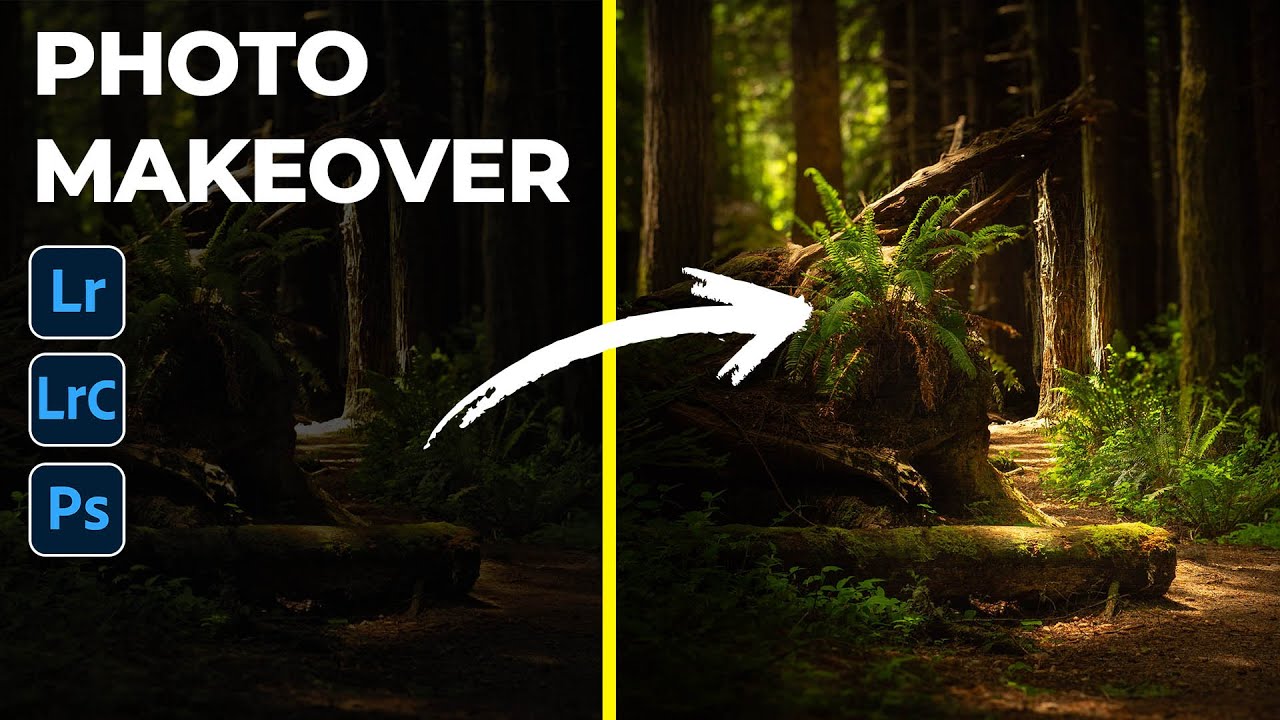
How to Fake a Ray of Light in Lightroom (And Make a Dark Photo Feel Alive)

How to Fake a Ray of Light in Lightroom (And Make a Dark Photo Feel Alive)

There’s a category of photo that lives on almost every photographer’s hard drive: the one that felt magical in person but came home looking flat, dark, or just… off. The light was doing something incredible, you saw it, you felt it, and somehow the camera disagreed. I have a folder of these. I used to just leave them there, hoping I’d eventually figure out what to do with them. What I’ve learned over time is that Lightroom’s masking tools, used intentionally, can actually reconstruct that feeling of light rather than just recover it.
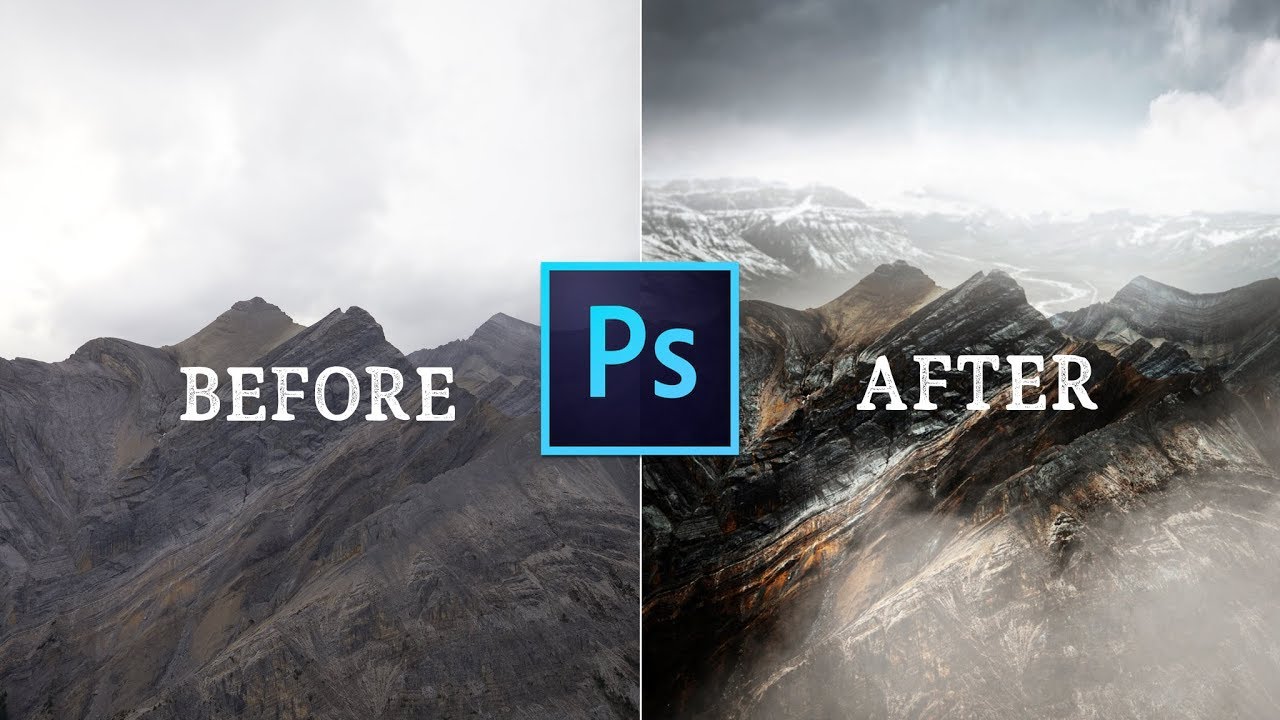
From Flat to Striking: How to Replace Skies and Fix Lighting in Photoshop

From Flat to Striking: How to Replace Skies and Fix Lighting in Photoshop

There’s a specific kind of frustration that comes from shooting in beautiful conditions and still ending up with a flat image. You were there. The mountains were massive. The light felt cinematic. And then you open the file and the sky is a washed-out grey blob that flattens the whole frame. I’ve been there more times than I’d like to admit, usually on a Sunday morning walk when the foreground is perfect and the sky just isn’t cooperating.

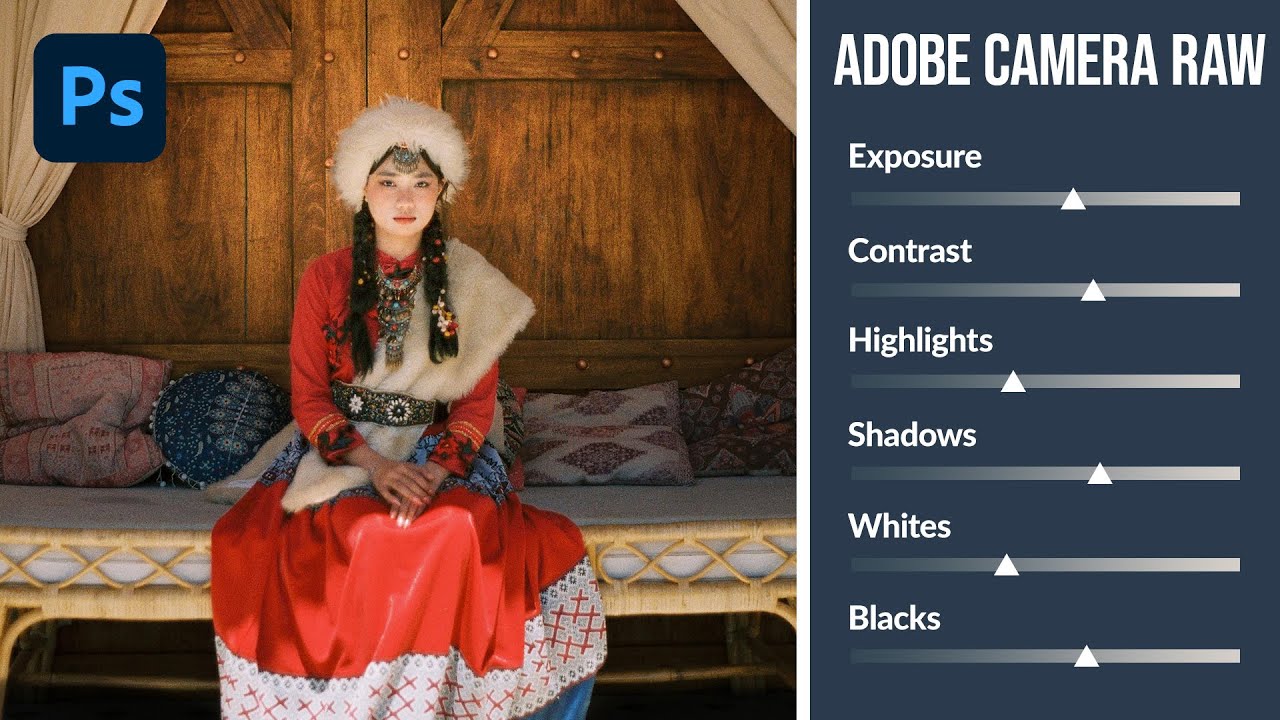
How to Use Adobe Camera Raw as a Full Editing Suite Inside Photoshop

How to Use Adobe Camera Raw as a Full Editing Suite Inside Photoshop

If you’ve ever felt like Lightroom and Photoshop exist in two separate universes that you have to keep shuttling between, this workflow is going to feel like a relief. For years I edited portraits in Lightroom, exported a TIFF, dragged it into Photoshop for any compositing or retouching work, then realized I needed to tweak the exposure again and had to start the whole round-trip over. It was tedious, and honestly it made me avoid certain edits just because the back-and-forth wasn’t worth it.