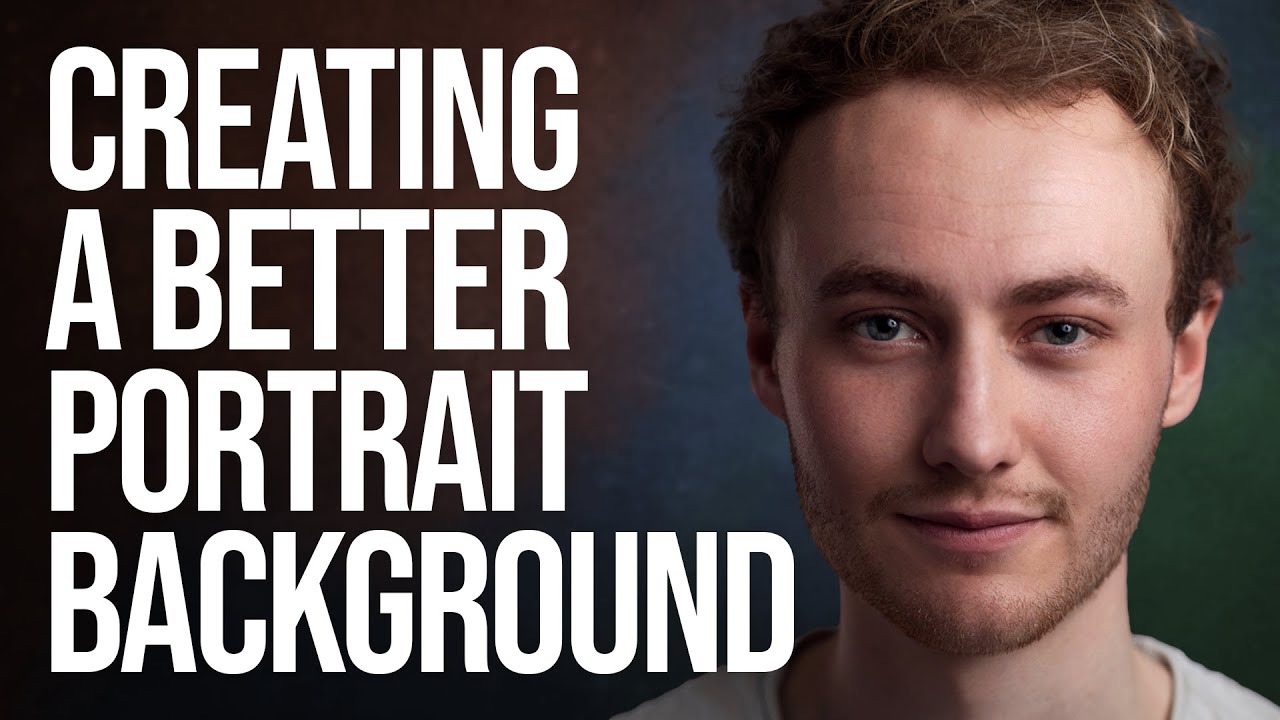
One Backdrop, Infinite Looks: How to Add Texture and Color to Portrait Backgrounds in Photoshop

One Backdrop, Infinite Looks: How to Add Texture and Color to Portrait Backgrounds in Photoshop

Most of us aren’t running a studio with a wall of seamless paper rolls in every color. I shoot out of a converted spare bedroom in Seattle, and for the longest time I felt limited by the single gray backdrop I owned. Every portrait session started to look like it came from the same universe, which is fine, but it’s not exactly inspiring for clients or for me. What changed things for me was watching Sean Tucker work through this exact problem.
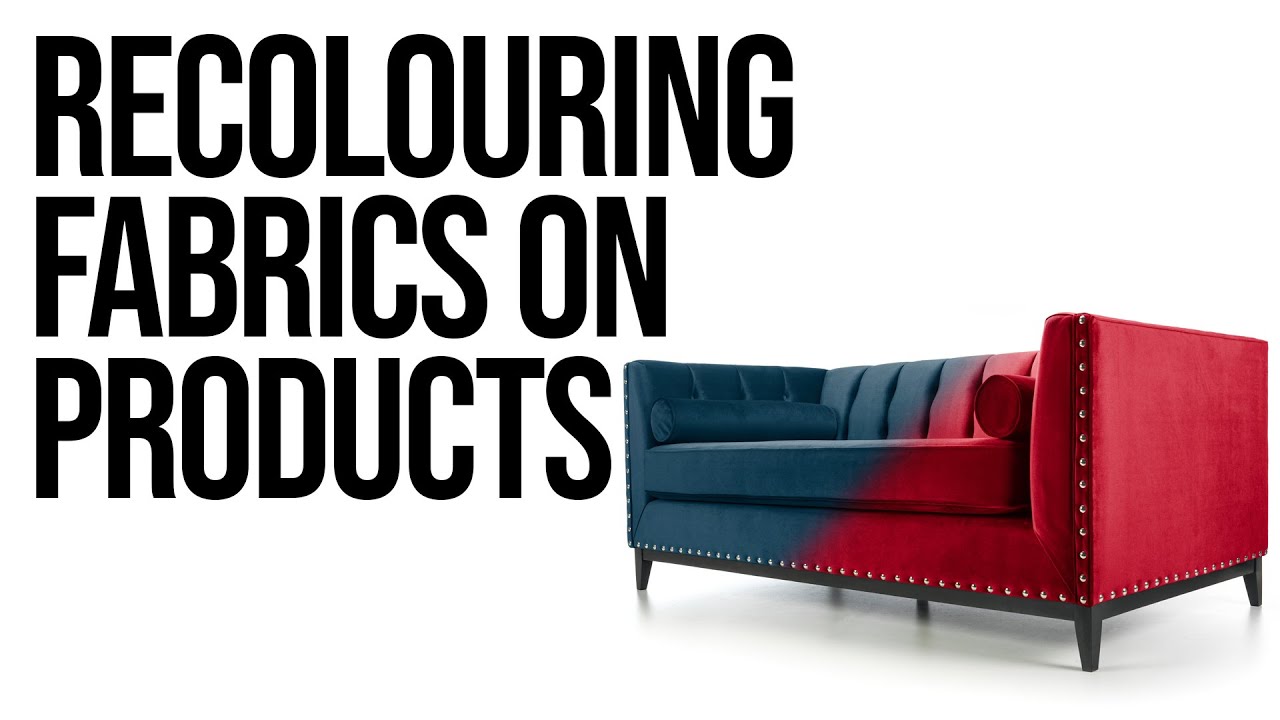
How to Recolor Large Product Photos in Photoshop (Without Losing Fabric Detail)

How to Recolor Large Product Photos in Photoshop (Without Losing Fabric Detail)

If you photograph products for small businesses or e-commerce clients, you have almost certainly run into this exact problem: a furniture company has one beautiful sofa, it comes in fourteen fabric colors, and they want fourteen polished, consistent product images for their website. Reshooting every single colorway is expensive and time-consuming. There has to be a smarter way. That smarter way is digital recoloring, and in this Sean Tucker tutorial, he walks through exactly how to pull it off in Photoshop using physical fabric swatches as your color reference.