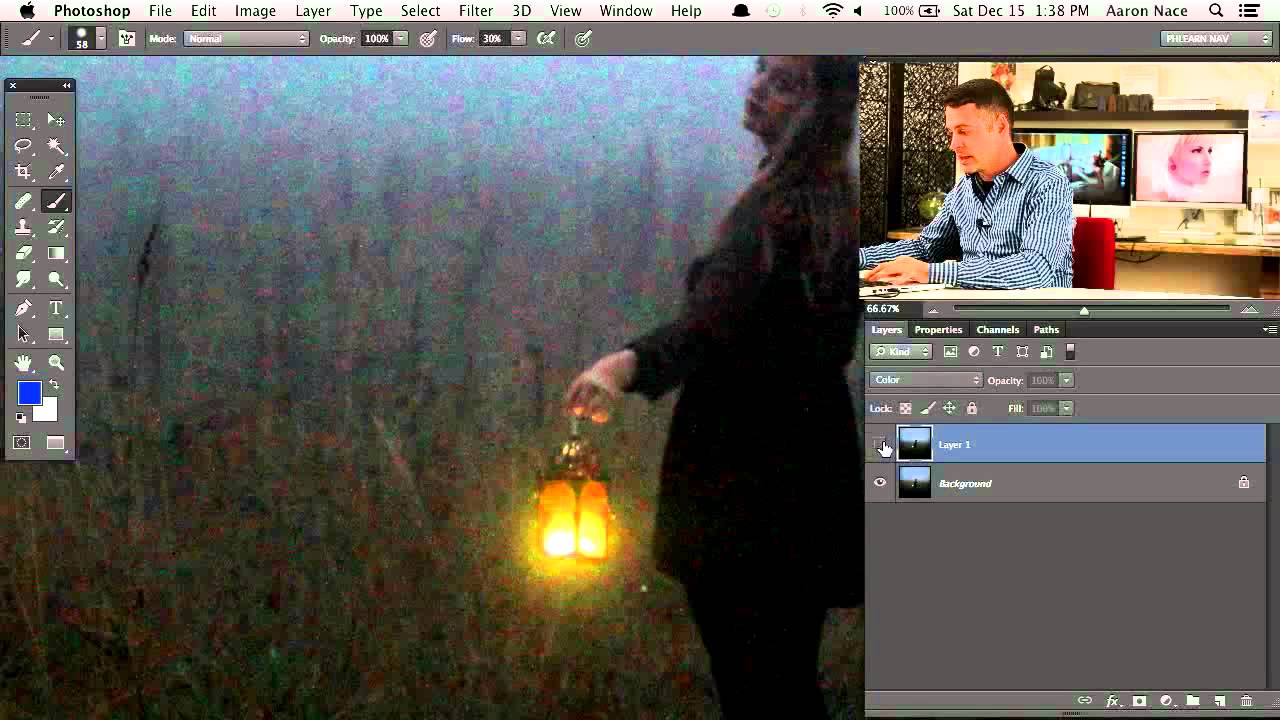
How to Kill Grainy Photo Noise in Photoshop (Without Destroying Your Detail)

How to Kill Grainy Photo Noise in Photoshop (Without Destroying Your Detail)

Noise is one of those problems that can quietly ruin an otherwise beautiful image. I’ve seen it happen with my own shots, especially when I’m pushing a high ISO on a dim travel scene or working with a camera that just doesn’t have the sensor real estate to handle low light gracefully. The result is that familiar speckled mess, random color blotches and uneven grain that make a moody, atmospheric photo look like it was dragged through gravel.
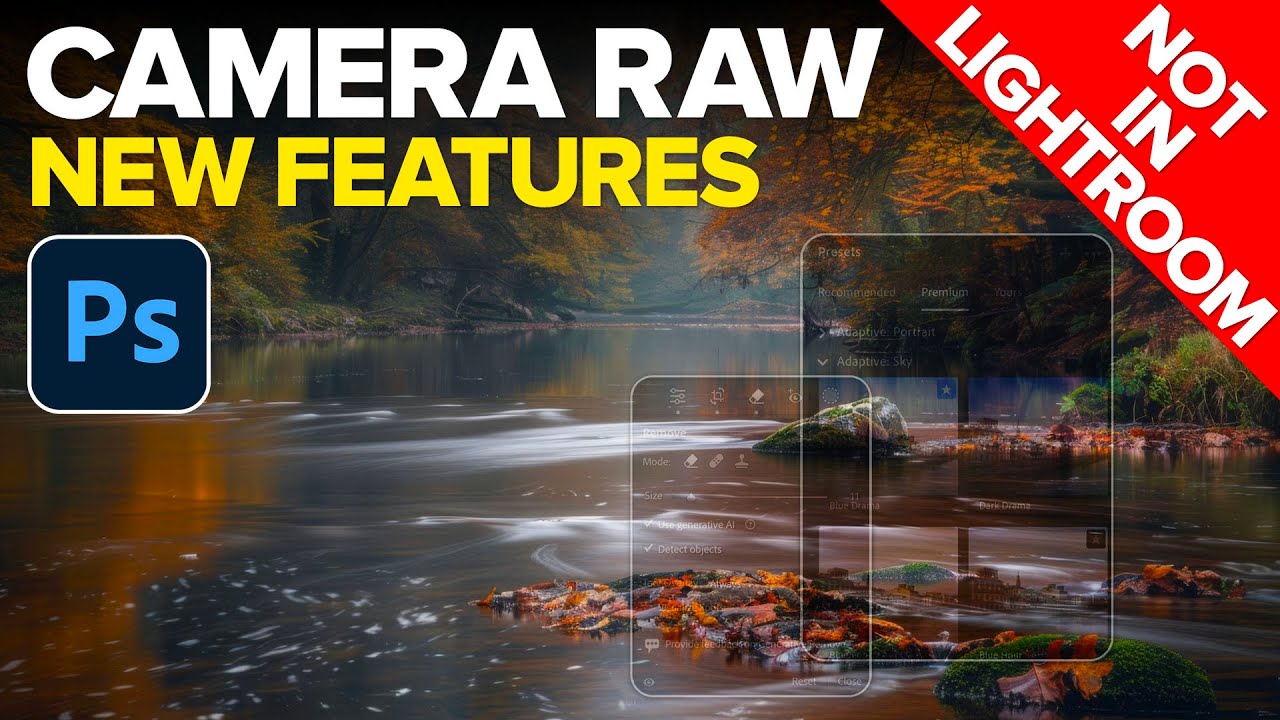
Adobe Camera Raw Just Got a Major Upgrade — Here's What Changed in the October 2024 Update

Adobe Camera Raw Just Got a Major Upgrade — Here's What Changed in the October 2024 Update

If you’ve been using Lightroom Classic and Camera Raw interchangeably, assuming they’re always in sync, October 2024 is the month that assumption finally breaks down. Adobe pushed a significant update to Camera Raw that did not land in Lightroom Classic or Lightroom Desktop at the same time, which means if you’re doing your raw editing in Photoshop’s Camera Raw plugin, you have access to tools your Lightroom-only friends don’t have yet.