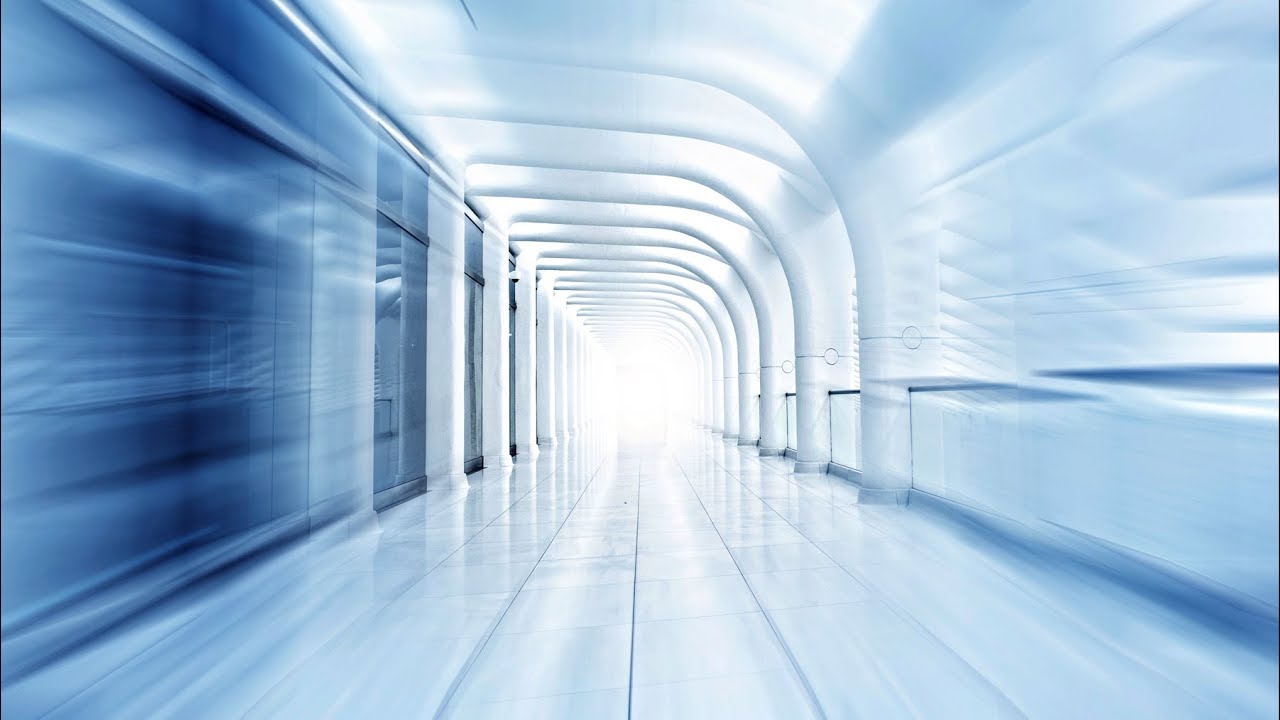
How to Fake a Motion Blur Speed Effect in Photoshop (It Takes Under Two Minutes)

How to Fake a Motion Blur Speed Effect in Photoshop (It Takes Under Two Minutes)

Every Sunday morning I go on a photo walk around Seattle. Sometimes I come home with something I love straight out of camera. More often, I come home with something that’s almost there — a good composition, decent light, but missing that feeling of energy or movement. That’s the gap post-processing was made to fill. One technique I keep coming back to is the radial zoom blur, specifically the kind that makes a still photo look like it was taken at speed.
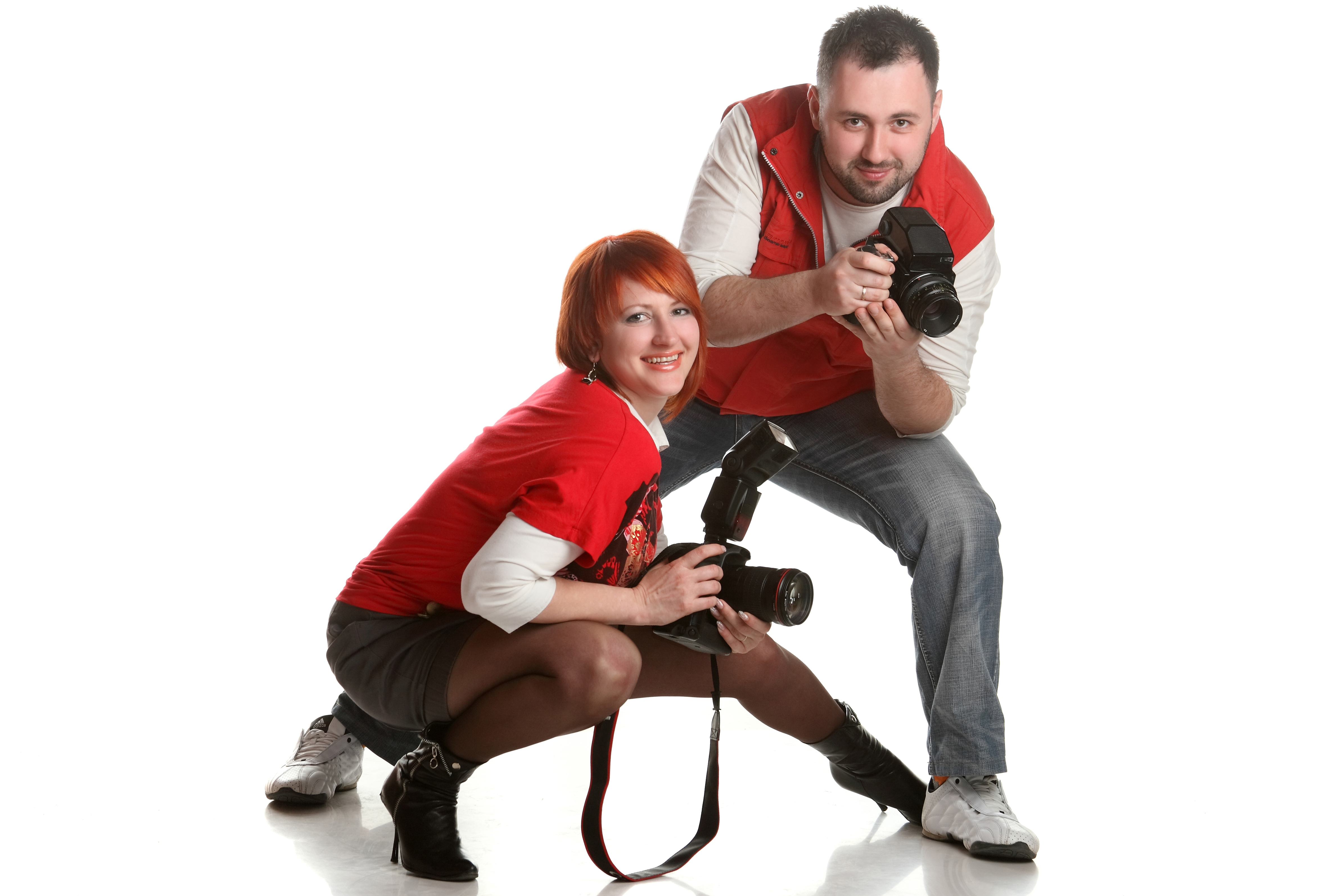
Master the Art of Creating Lens Flares with Your Flash

Master the Art of Creating Lens Flares with Your Flash

Master the Art of Creating Lens Flares with Your Flash One of the most coveted effects in photography is that beautiful, ethereal lens flare that seems to dance across your image. You know the one—those luminous orbs and rays of light that add drama and sophistication to a shot. The challenge? They typically require bright sunlight or a strong light source positioned just right, which isn’t always practical when you’re shooting in a studio or on an overcast day.