Video Tutorials
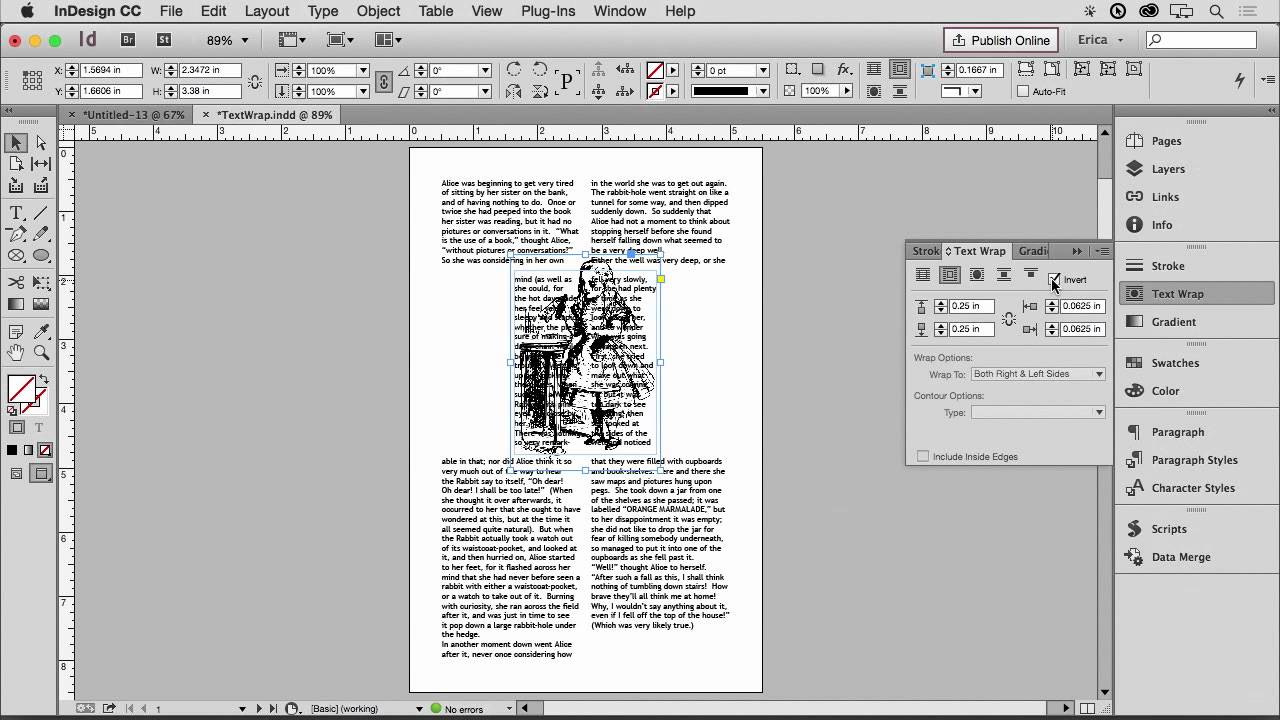
How to Wrap Text Around Any Image Shape in Adobe InDesign (Using Clipping Paths)
If you’ve ever placed a photo into an InDesign layout and watched your text run straight through it like the image isn’t even there, you know the specific frustration I’m talking about. For a long time I avoided multi-image editorial layouts because getting text to flow gracefully around an oddly shaped subject felt more like wrestling than designing. What I wanted was text that hugged the actual contours of a flower, a person, or a product shot.