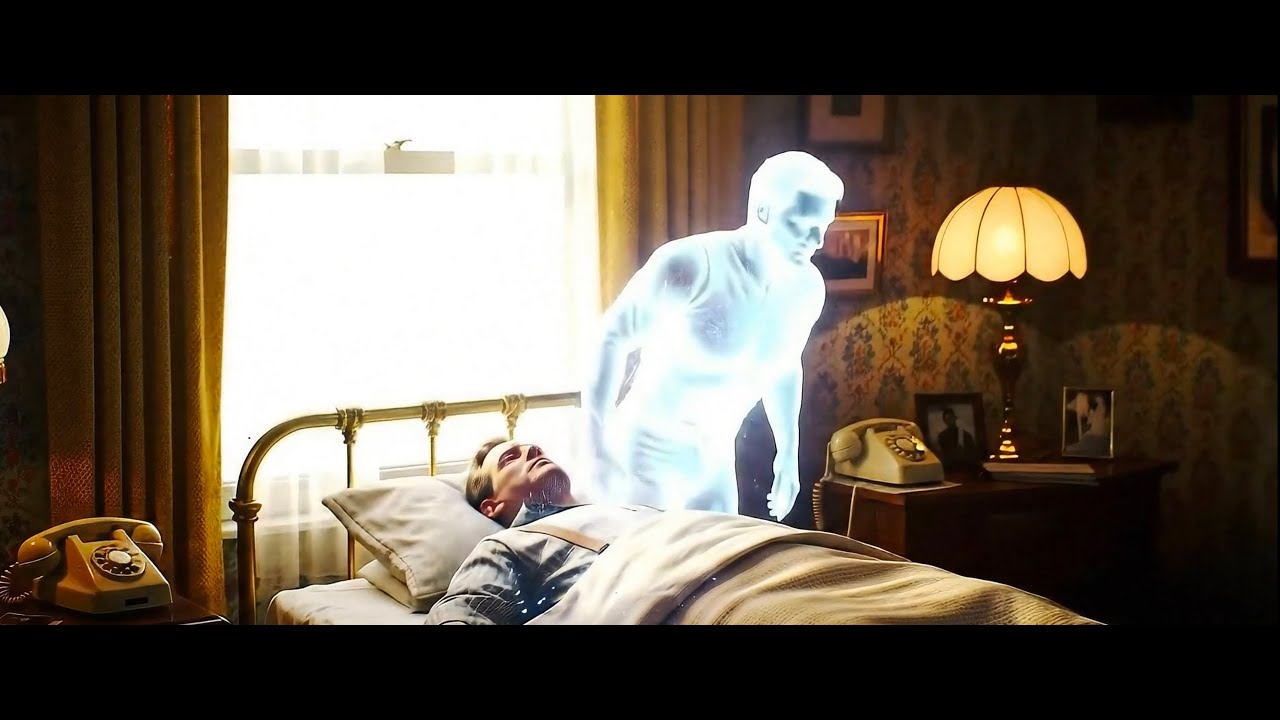
There’s a version of burnout that doesn’t look like burnout. You’re still shooting. You’re still editing. You’re still posting. But somewhere along the way, the work starts to feel like obligation instead of expression, and you can’t quite remember when that switch flipped. I’ve been there more than once, and I suspect most photographers reading this have too.
That’s why I sat up a little straighter when I came across this Serge Ramelli tutorial, Watch the full tutorial on YouTube, and realized it had nothing to do with Lightroom sliders or lens choices. Ramelli, who has built one of the most respected photography education channels online, decided to share a song he wrote. A full, produced, emotionally raw song about identity, failure, and rising again. The message embedded in that creative choice hit harder than any exposure triangle refresher ever could.
What I want to break down here isn’t music theory. It’s the creative framework underneath the song, and the way Ramelli’s willingness to be vulnerable in a completely different medium actually contains a roadmap for how we approach making any meaningful image.
Step 1: Acknowledge the Real Starting Point
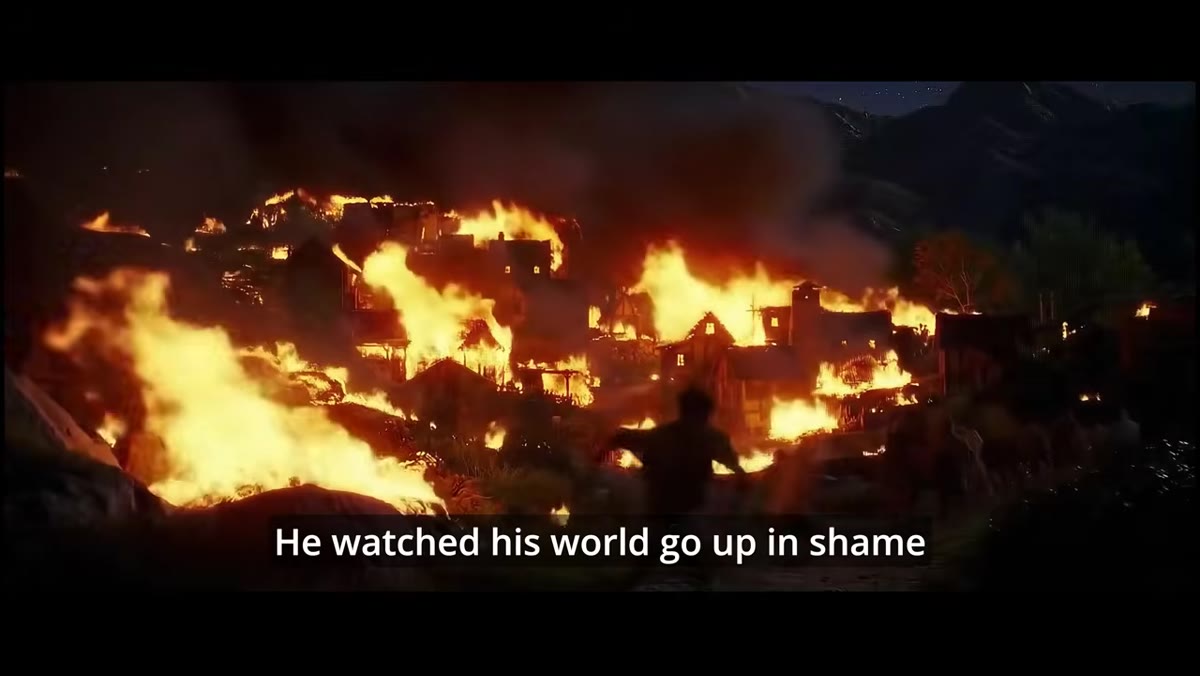 Opening lyric sung over cinematic visual backdrop
Ramelli doesn’t open with triumph. The song begins with loss, specifically with someone who has fought and failed and watched everything they built fall apart. As photographers, we are conditioned to present our best work, our best angles, our best light. But Ramelli’s creative decision here is deliberate: start with the honest, unglamorous beginning. Before you can make work that resonates, you have to admit where you actually are. If you’ve been stuck in a creative rut, start the next shoot by naming it. Write it down if you have to. “I haven’t made a photo I’m proud of in three months.” That honesty is the actual starting point, not the forced enthusiasm.
Opening lyric sung over cinematic visual backdrop
Ramelli doesn’t open with triumph. The song begins with loss, specifically with someone who has fought and failed and watched everything they built fall apart. As photographers, we are conditioned to present our best work, our best angles, our best light. But Ramelli’s creative decision here is deliberate: start with the honest, unglamorous beginning. Before you can make work that resonates, you have to admit where you actually are. If you’ve been stuck in a creative rut, start the next shoot by naming it. Write it down if you have to. “I haven’t made a photo I’m proud of in three months.” That honesty is the actual starting point, not the forced enthusiasm.
Step 2: Separate Your Identity from Your Output
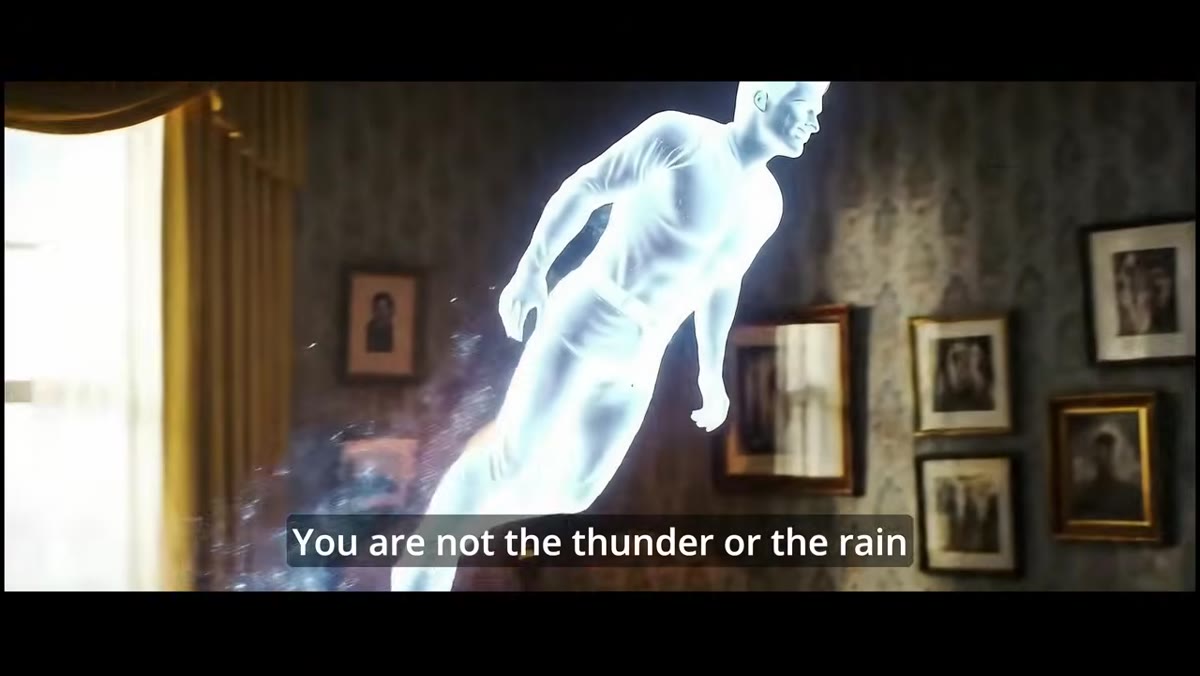 Chorus begins, lyric “You are not your body, not your pain”
The chorus of the song draws a clear line between who a person is and what they’ve produced or suffered through. For photographers, this is enormously practical advice. Your worst photo session is not a verdict on your talent. Your follower count is not your worth. The edit you hate is not the sum of your creative ability. Ramelli’s lyric frames this as a spiritual truth, but it functions as a creative one too. When you detach your identity from any single output, you free yourself to experiment, to fail, and to try again without the weight of self-judgment shutting down the process before it starts.
Chorus begins, lyric “You are not your body, not your pain”
The chorus of the song draws a clear line between who a person is and what they’ve produced or suffered through. For photographers, this is enormously practical advice. Your worst photo session is not a verdict on your talent. Your follower count is not your worth. The edit you hate is not the sum of your creative ability. Ramelli’s lyric frames this as a spiritual truth, but it functions as a creative one too. When you detach your identity from any single output, you free yourself to experiment, to fail, and to try again without the weight of self-judgment shutting down the process before it starts.
Step 3: Recognize That the Mirror Lies
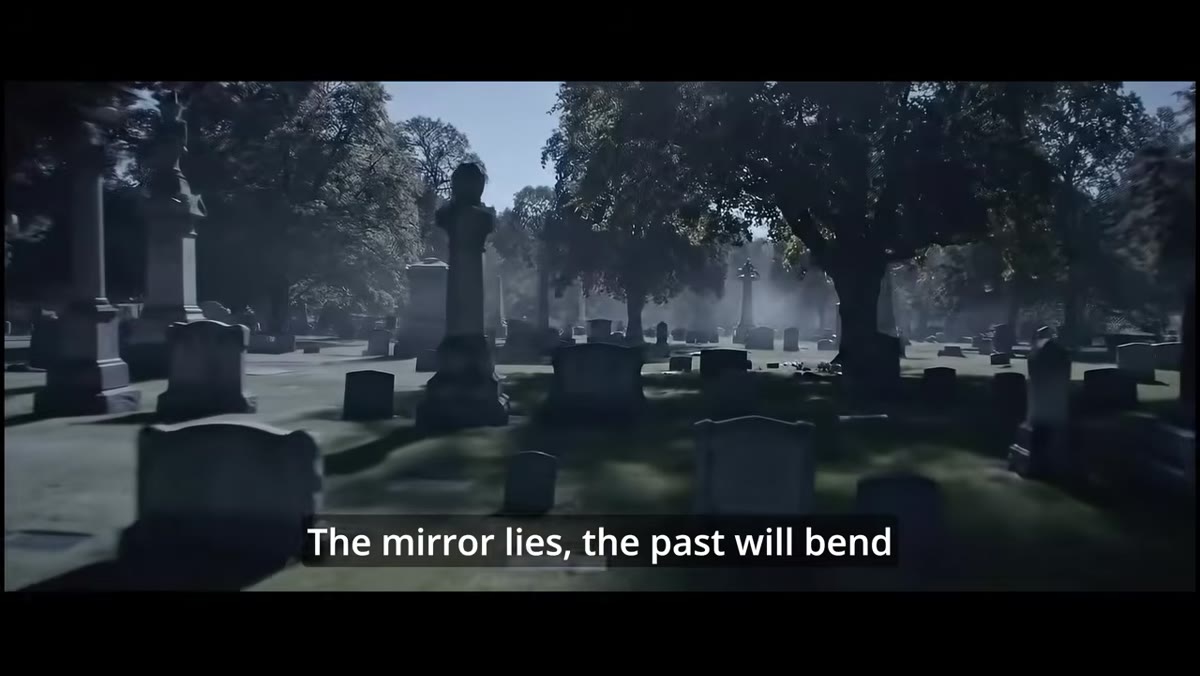 Second verse builds, lyric about the mirror and the past
In the second verse, Ramelli introduces the idea that our self-perception is unreliable, that the reflection we see is distorted by accumulated failure and old stories we keep telling ourselves. In photographic terms, this is the moment you look at your portfolio and only see the gaps instead of the growth. I started teaching photography after a stranger at a coffee shop asked how I got a shot on my phone screen, and my first instinct was to dismiss it: “Oh, it’s just a phone photo.” The mirror was lying to me in real time. Training yourself to look at your work with fresh eyes, ideally with some distance and ideally with someone else’s honest feedback, is a skill just as learnable as any camera technique.
Second verse builds, lyric about the mirror and the past
In the second verse, Ramelli introduces the idea that our self-perception is unreliable, that the reflection we see is distorted by accumulated failure and old stories we keep telling ourselves. In photographic terms, this is the moment you look at your portfolio and only see the gaps instead of the growth. I started teaching photography after a stranger at a coffee shop asked how I got a shot on my phone screen, and my first instinct was to dismiss it: “Oh, it’s just a phone photo.” The mirror was lying to me in real time. Training yourself to look at your work with fresh eyes, ideally with some distance and ideally with someone else’s honest feedback, is a skill just as learnable as any camera technique.
Step 4: Let the Silence Hold You
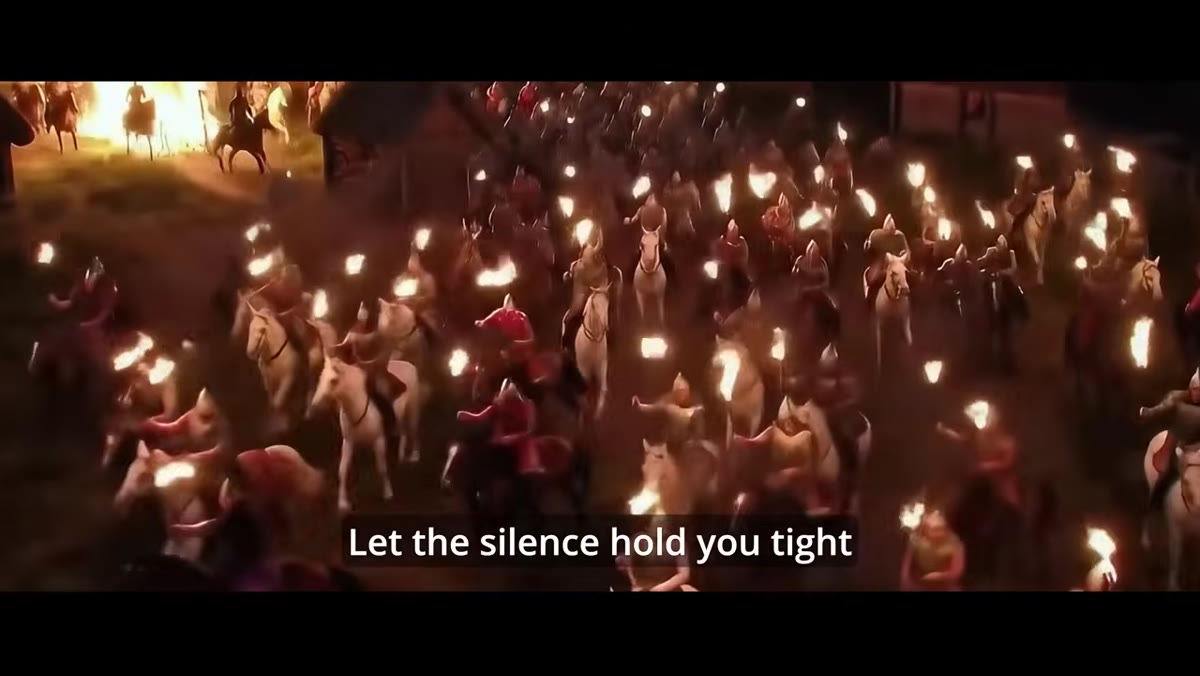 Bridge section, quieter instrumental moment before final chorus
The bridge of the song does something structurally interesting: it slows down and gets quiet right before the emotional peak. Ramelli instructs the listener to lean into stillness rather than fight through it. For photographers, the equivalent is protecting empty time in your schedule. Not editing time. Not shooting time. Just sitting time, walking time, looking-at-other-people’s-art time. I do a photo walk every Sunday morning with no agenda and no pressure to post anything I take. It took about six months before I noticed that my best ideas from the week were almost always arriving on those walks, not at my desk.
Bridge section, quieter instrumental moment before final chorus
The bridge of the song does something structurally interesting: it slows down and gets quiet right before the emotional peak. Ramelli instructs the listener to lean into stillness rather than fight through it. For photographers, the equivalent is protecting empty time in your schedule. Not editing time. Not shooting time. Just sitting time, walking time, looking-at-other-people’s-art time. I do a photo walk every Sunday morning with no agenda and no pressure to post anything I take. It took about six months before I noticed that my best ideas from the week were almost always arriving on those walks, not at my desk.
Step 5: Rise as a Repeatable Choice, Not a Single Event
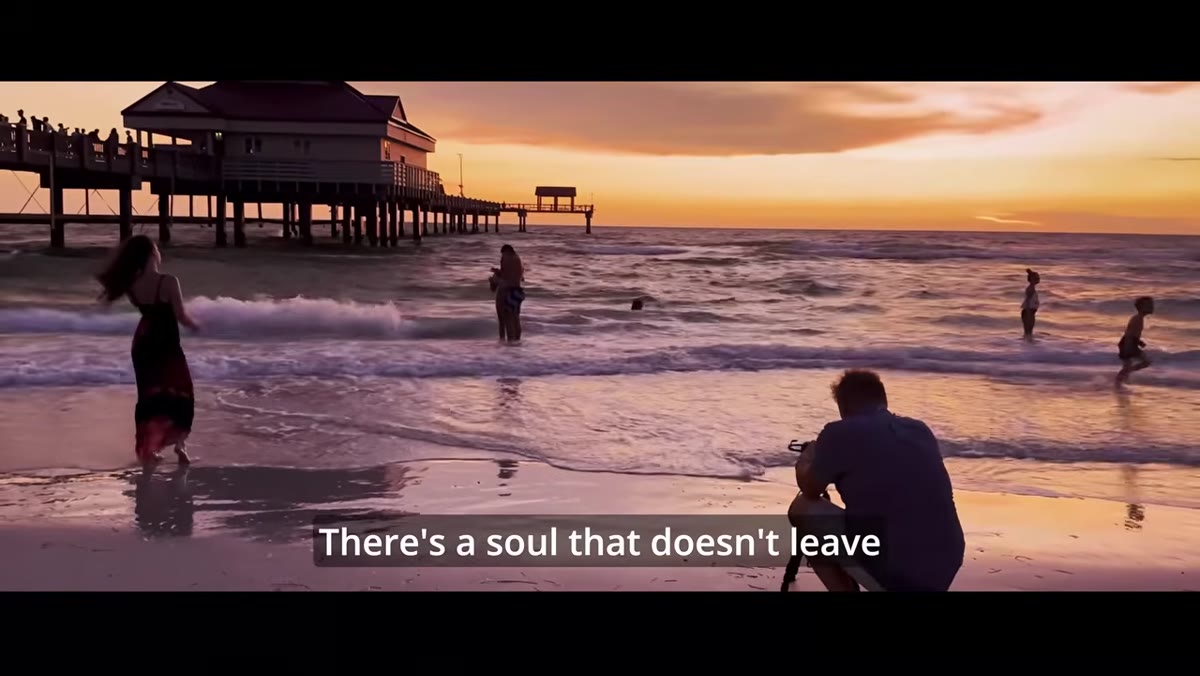 Final chorus builds to full production, “you can rise, you can believe”
The final chorus of the song repeats the call to rise, and the repetition is the point. Ramelli isn’t describing one dramatic comeback moment. He’s describing a practice. In photography, creative resilience works exactly the same way. You don’t decide once to be brave with your compositions and then coast forever. You make that choice at the beginning of every shoot, every edit, every time you almost delete the weird experimental frame before anyone can see it. Framing “rising” as something you do over and over, rather than something you achieve and keep, takes the pressure off any single moment and puts the power back in the habit.
Final chorus builds to full production, “you can rise, you can believe”
The final chorus of the song repeats the call to rise, and the repetition is the point. Ramelli isn’t describing one dramatic comeback moment. He’s describing a practice. In photography, creative resilience works exactly the same way. You don’t decide once to be brave with your compositions and then coast forever. You make that choice at the beginning of every shoot, every edit, every time you almost delete the weird experimental frame before anyone can see it. Framing “rising” as something you do over and over, rather than something you achieve and keep, takes the pressure off any single moment and puts the power back in the habit.
Step 6: Make the Work That Scares You
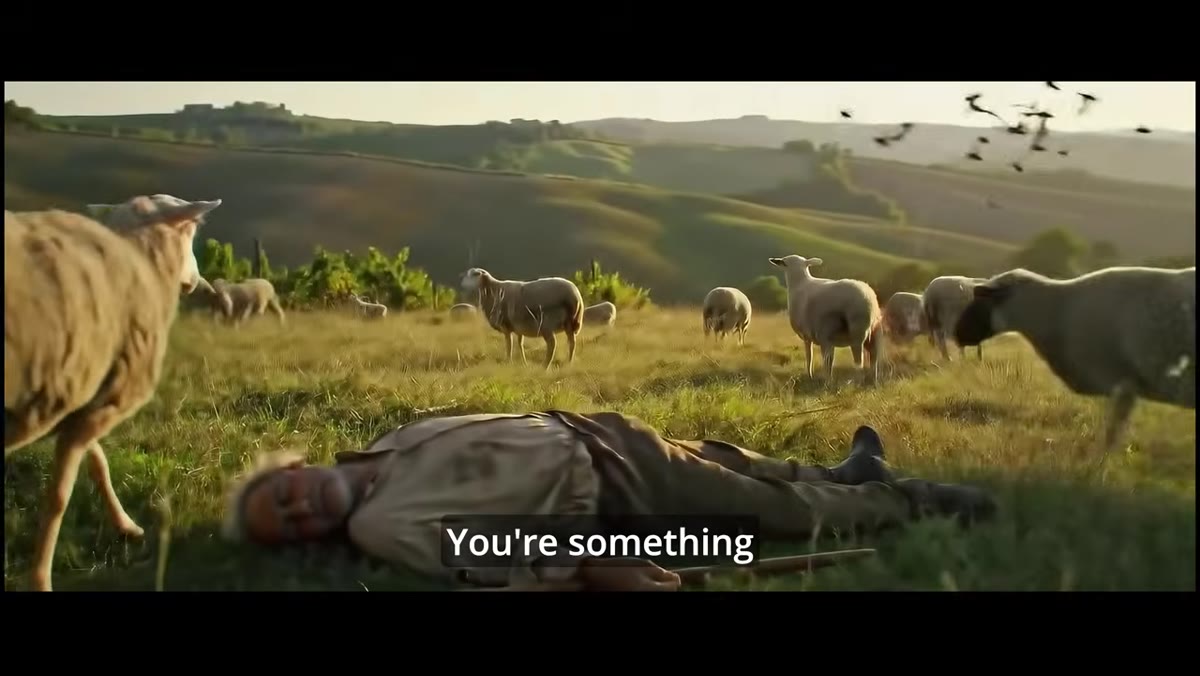 Lyric “you’re not a ghost inside the shell, you’re something timeless”
Ramelli publishing a song on a photography channel is itself a lesson. He made something personal and strange and completely off-brand by conventional YouTube strategy standards, and he published it anyway. The lyric about not being a ghost in a shell is his own permission slip to be more than his established category. Ask yourself: what is the photo series, the project, the style you’ve been afraid to start because it doesn’t fit the feed, the niche, or the expectation? That project is usually the one worth starting.
Lyric “you’re not a ghost inside the shell, you’re something timeless”
Ramelli publishing a song on a photography channel is itself a lesson. He made something personal and strange and completely off-brand by conventional YouTube strategy standards, and he published it anyway. The lyric about not being a ghost in a shell is his own permission slip to be more than his established category. Ask yourself: what is the photo series, the project, the style you’ve been afraid to start because it doesn’t fit the feed, the niche, or the expectation? That project is usually the one worth starting.
One Thing I’d Add From My Own Experience
The song works because it doesn’t try to be rational. It bypasses logic and goes straight to feeling, which is exactly what the strongest photographs do. The technical execution matters, but what people remember is whether the image made them feel something. I’ve had technically flawless photos get ignored and a blurry, slightly underexposed image taken on my phone become my most saved post. The lesson I keep having to relearn is that emotional honesty in the work carries more weight than technical perfection. Ramelli seems to understand this intuitively, which is probably why his photography resonates even before you know his settings.
The single most important thing this video reminded me: the creative identity underneath your work is more durable than any algorithm change, any gear upgrade, or any bad season. That identity doesn’t leave, even when the motivation does. Hold onto that.
Watch the full tutorial on YouTube and let it sit with you longer than you expect to.
Comments (1)
Printing this out and pinning it next to my monitor. That good.
Leave a Comment