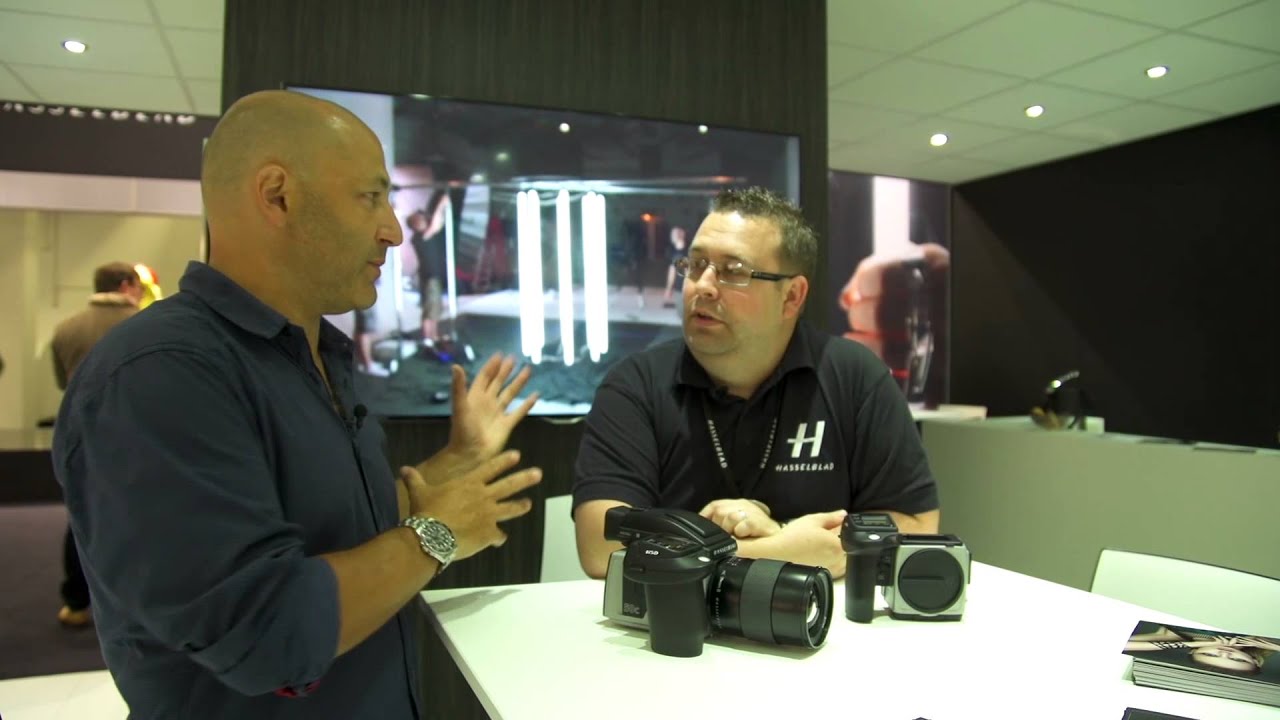
There’s a moment every photographer chases where you see your work printed at a scale you weren’t quite prepared for. Not on a screen, not in a proof, but on a wall so large you have to step back just to take it all in. For me, that kind of moment usually happens by accident, and it always asks the same uncomfortable question: did my camera actually capture enough? Resolution, sharpness, dynamic range. It all matters a lot more when an image is five meters tall than when it’s sitting in a 1080p browser window.
That’s exactly what makes this behind-the-scenes look at Hasselblad’s Photokina 2014 stand so worth unpacking. In this Visual Education tutorial, photographer Carl Taylor walks through the Hasselblad booth at one of the world’s biggest photography trade shows, talking gear, image quality, and two fresh product releases that genuinely changed how medium format shooters could work in the field. Watch the full tutorial on YouTube. Whether you shoot medium format or you’re just curious what serious commercial work looks like at the highest end, there’s a lot here that applies to how you think about resolution, flexibility, and workflow.
Step 1: Understand What Large-Format Printing Demands From Your Files
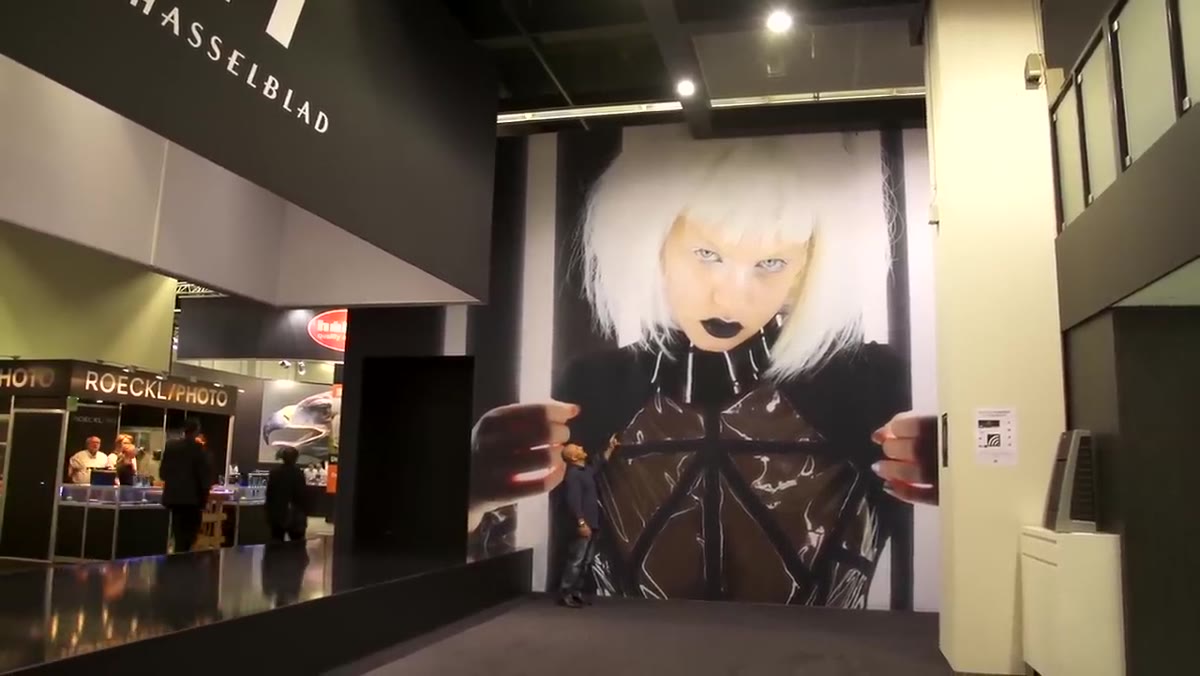 Carl Taylor standing beside a massive wall print
Carl opens by standing next to his own images printed at exhibition scale, and his reaction is genuine surprise at how well they held up. The prints in question were shot on the Hasselblad H5D with a 50-megapixel sensor, and even at five or six meters tall, the detail remained pin sharp. That’s not a given. When you’re printing at that size, you’re not just testing your camera. You’re testing your lens, your focus technique, your shutter speed discipline, and your ISO choices. Carl mentions shooting at ISO 800 handheld, which at 50 megapixels is a real-world stress test. If your technique is soft, a large print will find it immediately. Think of a big exhibition print as the final exam your capture settings have to pass.
Carl Taylor standing beside a massive wall print
Carl opens by standing next to his own images printed at exhibition scale, and his reaction is genuine surprise at how well they held up. The prints in question were shot on the Hasselblad H5D with a 50-megapixel sensor, and even at five or six meters tall, the detail remained pin sharp. That’s not a given. When you’re printing at that size, you’re not just testing your camera. You’re testing your lens, your focus technique, your shutter speed discipline, and your ISO choices. Carl mentions shooting at ISO 800 handheld, which at 50 megapixels is a real-world stress test. If your technique is soft, a large print will find it immediately. Think of a big exhibition print as the final exam your capture settings have to pass.
Step 2: See the Sensor Difference in Real-World Output
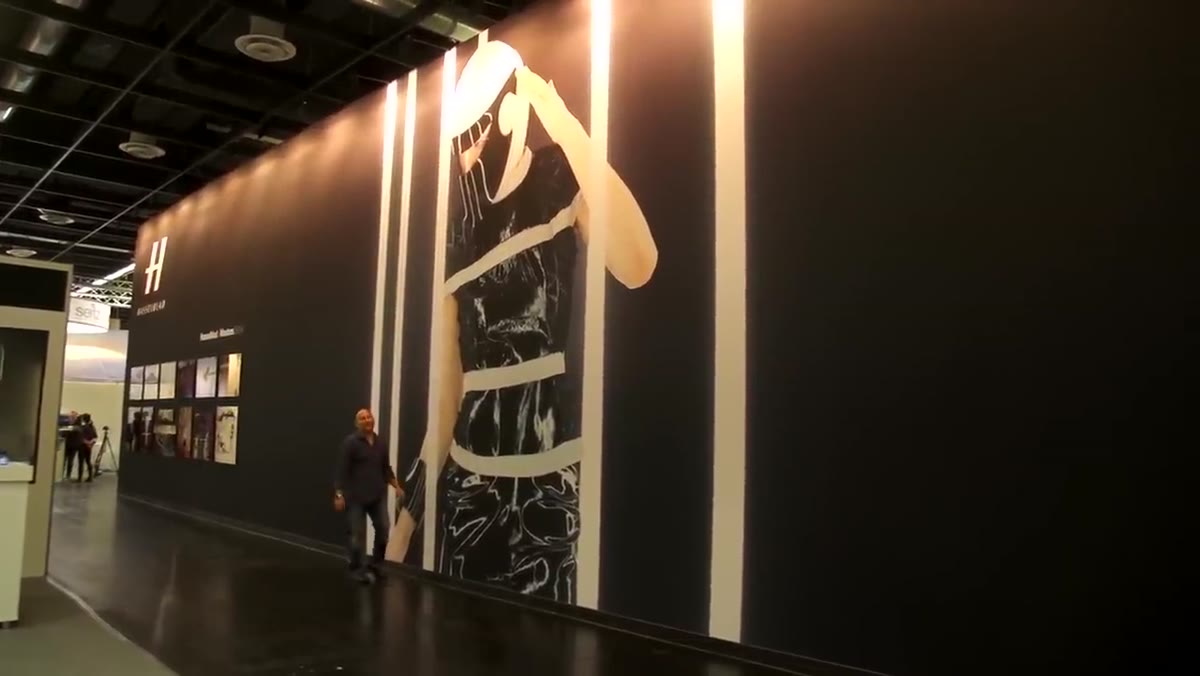 Wide shot of towering exhibition print on Hasselblad stand
The second thing Carl does is give you a sense of actual scale. He pans up to show the full height of one of the prints, and it’s the kind of thing that reframes how you think about megapixels. Most photographers debate sensor resolution in spec sheets. This is what that resolution looks like in practice. At 50 megapixels, you have enough data to produce large-format exhibition prints without any visible degradation, and you still have room to crop, to correct geometry, to adjust framing in post without softening the result. If you’re shooting commercial work that might end up on a trade show wall, a billboard, or a large retail display, sensor resolution isn’t an abstract number. It’s the margin between a confident delivery and a nervous one.
Wide shot of towering exhibition print on Hasselblad stand
The second thing Carl does is give you a sense of actual scale. He pans up to show the full height of one of the prints, and it’s the kind of thing that reframes how you think about megapixels. Most photographers debate sensor resolution in spec sheets. This is what that resolution looks like in practice. At 50 megapixels, you have enough data to produce large-format exhibition prints without any visible degradation, and you still have room to crop, to correct geometry, to adjust framing in post without softening the result. If you’re shooting commercial work that might end up on a trade show wall, a billboard, or a large retail display, sensor resolution isn’t an abstract number. It’s the margin between a confident delivery and a nervous one.
Step 3: Meet the H5D Wi-Fi Update and What It Changes for Field Shooters
 Close-up of Wi-Fi symbol on the Hasselblad H5D camera body
Carl sits down with Mark Whitney from Hasselblad’s marketing team to talk through the new releases announced at the show. The first is a Wi-Fi update to the existing H5D, which sounds incremental until you hear what it actually unlocks. Previously, to use Hasselblad’s Focus software for live view, image review, and remote control, you had to be physically tethered to a computer. The Wi-Fi update cuts that cable. You can now connect the camera to an iPhone or iPad through the Focus mobile app and see your images in the field, trigger the shutter remotely, and review captures without running back to a laptop.
Close-up of Wi-Fi symbol on the Hasselblad H5D camera body
Carl sits down with Mark Whitney from Hasselblad’s marketing team to talk through the new releases announced at the show. The first is a Wi-Fi update to the existing H5D, which sounds incremental until you hear what it actually unlocks. Previously, to use Hasselblad’s Focus software for live view, image review, and remote control, you had to be physically tethered to a computer. The Wi-Fi update cuts that cable. You can now connect the camera to an iPhone or iPad through the Focus mobile app and see your images in the field, trigger the shutter remotely, and review captures without running back to a laptop.
Step 4: Think Through When Wireless Tethering Actually Helps Your Workflow
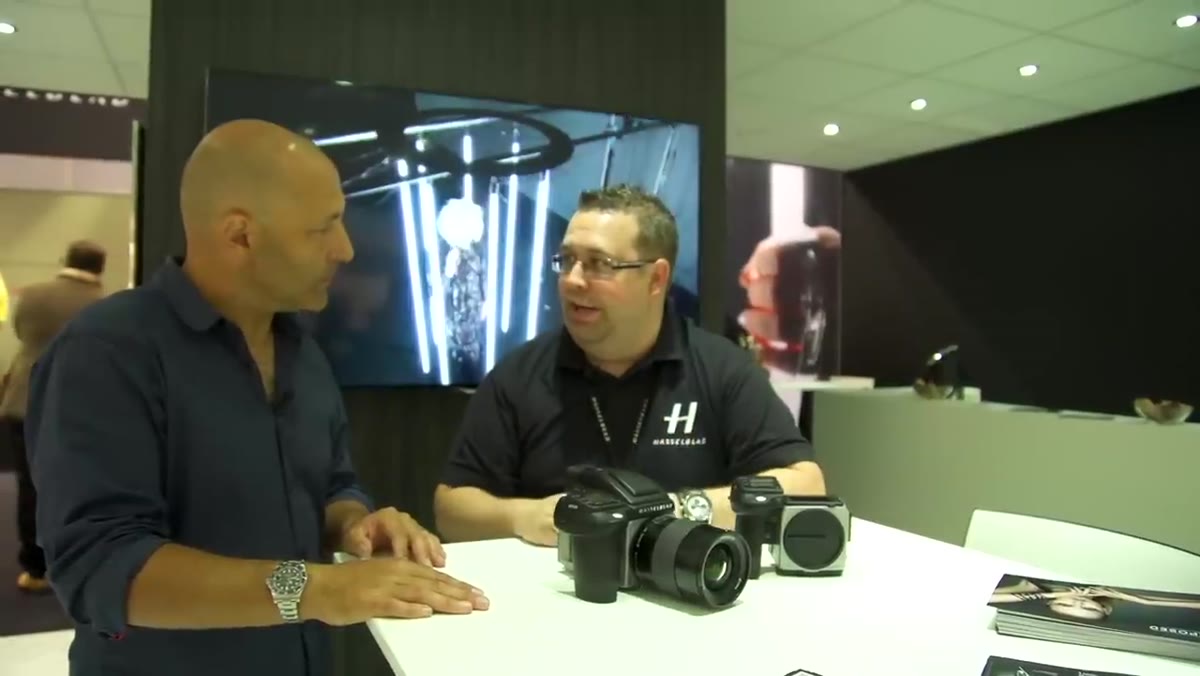 Mark Whitney discussing the Focus mobile app on the Hasselblad stand
This is the step most tutorials skip: translating a feature into a workflow decision. Wireless tethering is not just a convenience update. It changes the geometry of how you can work on location. With a tethered cable setup, you’re anchored. Your laptop has to live somewhere close to the camera, someone has to watch it, and your movement is physically limited. Cut that cable and suddenly you can set a camera on a fixed composition, walk fifty feet away to direct a subject or adjust a prop, and still see exactly what the sensor is capturing on your phone. For lifestyle and travel work especially, that kind of freedom matters. I’ve spent entire afternoons fighting cables on location, and the idea of replacing that with a clean Wi-Fi connection is genuinely appealing, not just for high-end medium format shooters but as a model for how any tethered workflow should feel.
Mark Whitney discussing the Focus mobile app on the Hasselblad stand
This is the step most tutorials skip: translating a feature into a workflow decision. Wireless tethering is not just a convenience update. It changes the geometry of how you can work on location. With a tethered cable setup, you’re anchored. Your laptop has to live somewhere close to the camera, someone has to watch it, and your movement is physically limited. Cut that cable and suddenly you can set a camera on a fixed composition, walk fifty feet away to direct a subject or adjust a prop, and still see exactly what the sensor is capturing on your phone. For lifestyle and travel work especially, that kind of freedom matters. I’ve spent entire afternoons fighting cables on location, and the idea of replacing that with a clean Wi-Fi connection is genuinely appealing, not just for high-end medium format shooters but as a model for how any tethered workflow should feel.
Step 5: Learn What the H5X Body Offers and Who It’s Actually For
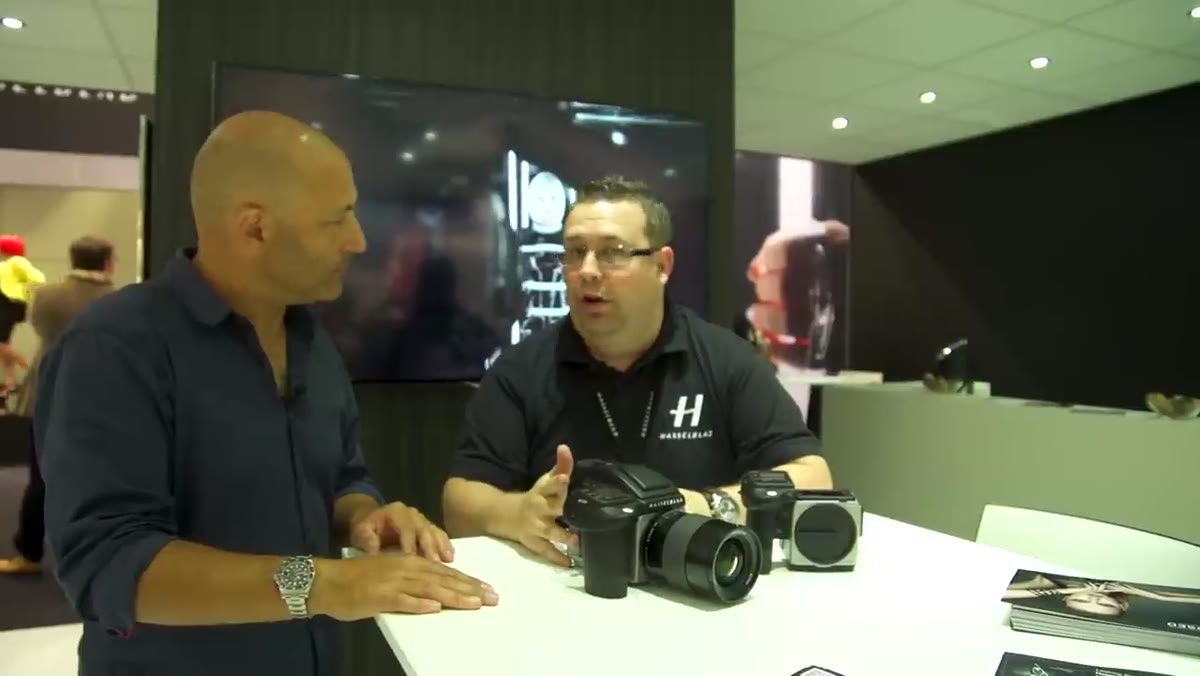
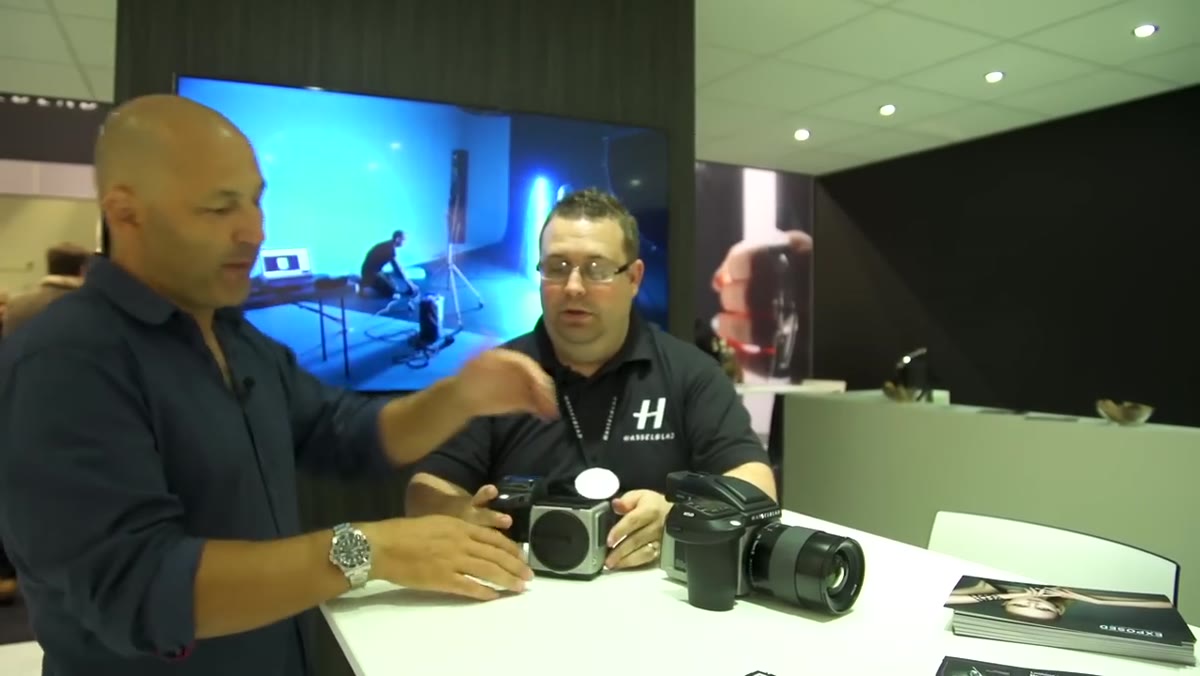 Carl and Mark examining the Hasselblad H5X body without lens or back attached
The second new release shown is the H5X, a medium format body designed specifically for versatility. Where the H5D comes paired with a dedicated Hasselblad digital back, the H5X is built to accept a wider range of backs. That includes Hasselblad’s own digital and film backs, plus third-party digital backs from other manufacturers. Carl makes a practical point here: if you already own a digital back from a previous system, or if you have older Hasselblad backs in your kit, the H5X lets you use them on a current-generation body. That’s a meaningful cost reduction for photographers entering medium format or upgrading bodies without wanting to replace an entire ecosystem. It also means the H5X works as a film body, which for photographers who shoot hybrid workflows or want to offer film as an option for clients, is a legitimate selling point.
Carl and Mark examining the Hasselblad H5X body without lens or back attached
The second new release shown is the H5X, a medium format body designed specifically for versatility. Where the H5D comes paired with a dedicated Hasselblad digital back, the H5X is built to accept a wider range of backs. That includes Hasselblad’s own digital and film backs, plus third-party digital backs from other manufacturers. Carl makes a practical point here: if you already own a digital back from a previous system, or if you have older Hasselblad backs in your kit, the H5X lets you use them on a current-generation body. That’s a meaningful cost reduction for photographers entering medium format or upgrading bodies without wanting to replace an entire ecosystem. It also means the H5X works as a film body, which for photographers who shoot hybrid workflows or want to offer film as an option for clients, is a legitimate selling point.
Step 6: Evaluate Versatility as a Purchasing Principle
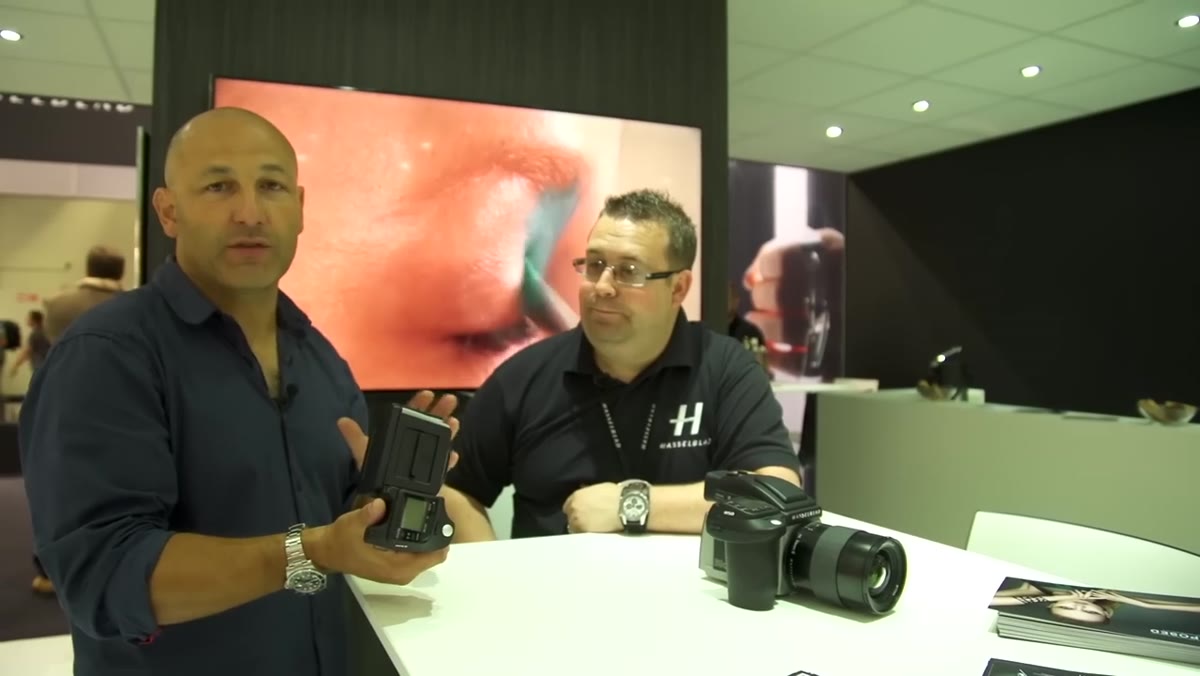 Carl gesturing toward the H5X while discussing back compatibility
Carl and Mark close the conversation by framing the H5X as a strong entry point for medium format at a more accessible price. The lesson here isn’t really about this specific camera body. It’s about how to evaluate modular systems when you’re making a gear decision. A body that accepts multiple back standards, including third-party options, gives you a longer useful life for your investment. You’re not locked into a single upgrade path. If a better back comes along from any manufacturer, your body stays relevant. When I’m advising newer photographers on gear decisions, I always tell them to think about the system, not just the product. What can you add to it? What can you carry forward from your existing kit? The H5X is a good example of a manufacturer building that kind of flexibility in by design.
Carl gesturing toward the H5X while discussing back compatibility
Carl and Mark close the conversation by framing the H5X as a strong entry point for medium format at a more accessible price. The lesson here isn’t really about this specific camera body. It’s about how to evaluate modular systems when you’re making a gear decision. A body that accepts multiple back standards, including third-party options, gives you a longer useful life for your investment. You’re not locked into a single upgrade path. If a better back comes along from any manufacturer, your body stays relevant. When I’m advising newer photographers on gear decisions, I always tell them to think about the system, not just the product. What can you add to it? What can you carry forward from your existing kit? The H5X is a good example of a manufacturer building that kind of flexibility in by design.
A Note on Why Resolution Isn’t Just a Numbers Game
I shoot with my phone sometimes, mostly to prove a point to myself. My most-liked Instagram post ever was taken on a $200 phone, and yes, it looked great at phone resolution on a small screen. But I’ve never tried to print it at five meters tall, because I know what would happen. Resolution is contextual. For social media, for web, for small prints, you have far more camera than you need with most modern sensors. But the moment the deliverable changes, the math changes with it. What Carl’s walk through the Hasselblad stand illustrates clearly is that there is a specific category of work where sensor resolution directly determines whether the job is possible. Exhibition prints, large-scale commercial displays, any context where the image has to survive at enormous scale requires a different starting point. Knowing where your work lives, and where it might live in the future, should shape the gear decisions you make today.
The single most important takeaway from this tour is that image quality doesn’t reveal itself until scale reveals it for you. Shoot to the largest output you might ever need, build flexibility into your system, and always see your work printed bigger than feels comfortable. That’s where the truth lives.
Watch the full tutorial on YouTube
Comments (3)
My workflow just got 10x faster. Not even kidding.
My workflow just got 10x faster. Not even kidding.
The tip about what hasselblads photokina 201 was the missing piece for me. Thank you.
Leave a Comment