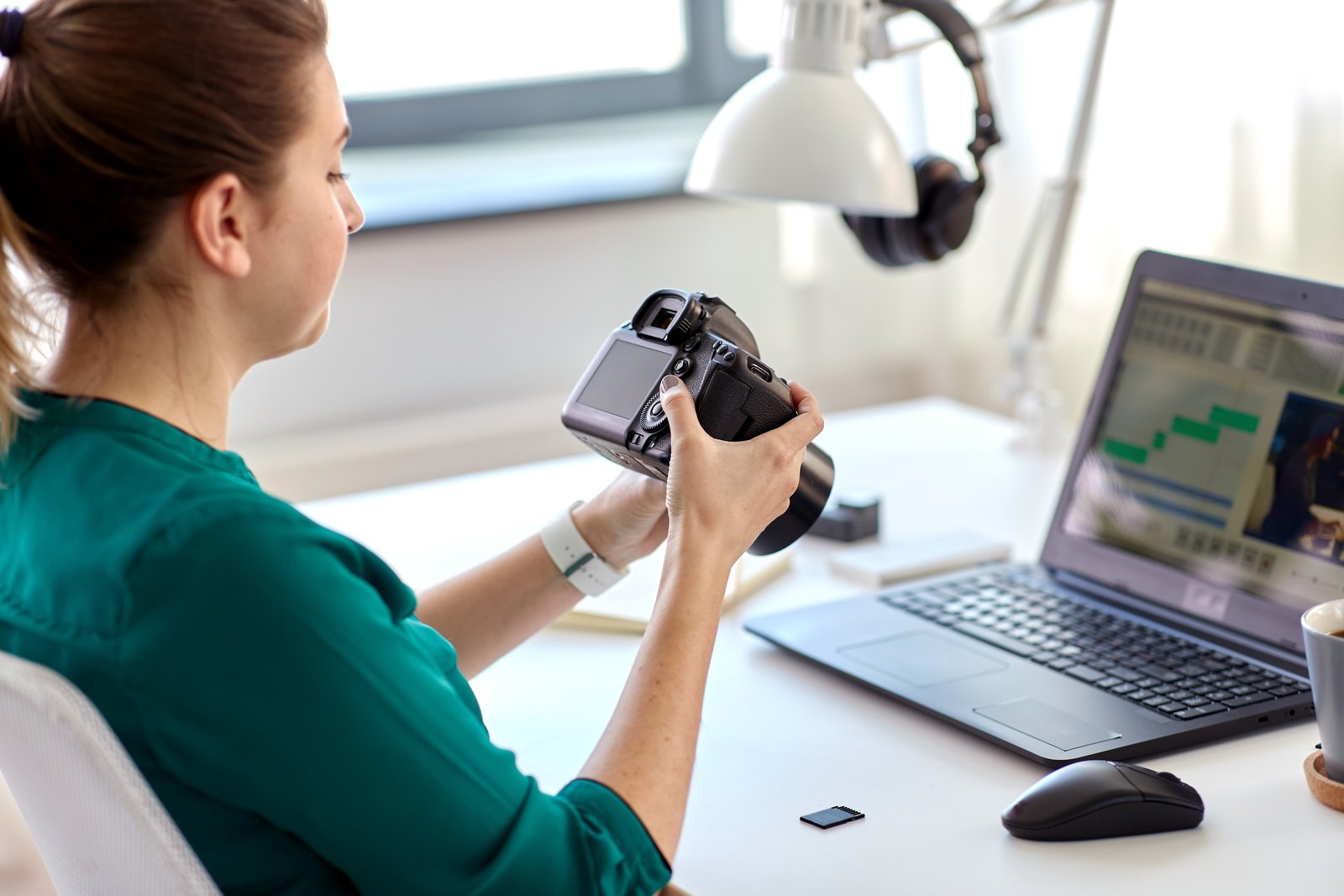
Making Your Mac Work Smarter for You
I’ve been exploring the capabilities of the Shortcuts app on my MacBook, and I’m genuinely excited about what it means for photographers like us. If you’ve never ventured into this tool before, I want to walk you through why it deserves a spot in your creative arsenal.
The Shortcuts app has evolved into something truly remarkable. What once seemed like a feature reserved for tech enthusiasts has become accessible to photographers of all skill levels, thanks to improvements in how we can create automated tasks using everyday language.
Why This Matters for Photographers
As someone who spends considerable time managing photo libraries, exporting files, and organizing project folders, I can tell you that automation is a game-changer. Think about how many times you perform the same sequence of actions during your post-processing workflow. Now imagine eliminating that repetition entirely.
Whether you’re batch-renaming files, converting image formats, organizing photos by date, or preparing images for social media, Shortcuts can handle these tasks with a single click.
Getting Started With Your First Shortcut
- Open the Shortcuts app on your Mac and familiarize yourself with the interface
- Start simple by choosing one repetitive task you perform weekly
- Use natural language to describe what you want to accomplish—the app understands conversational instructions
- Test thoroughly on a few files before running your shortcut on your entire library
- Save and organize your shortcuts in a logical folder system
My Honest Take
I won’t pretend that diving into automation is the most thrilling part of photography. However, the time I’ve reclaimed by setting up just three custom shortcuts has genuinely extended my creative time behind the camera and in the editing suite. That’s where the magic happens.
The beauty of the Shortcuts app is its learning curve. You don’t need to understand coding or complex programming logic. You’re simply telling your Mac what you want it to do, much like you’d explain it to an assistant.
Moving Forward
I encourage you to spend an afternoon exploring this tool. Start with something small—perhaps a shortcut that resizes images to standard social media dimensions. As you gain confidence, you’ll discover countless ways to customize your workflow.
The photographers who thrive aren’t necessarily the most talented—they’re often the ones who’ve eliminated unnecessary friction from their process. Shortcuts can be that difference-maker for your creative practice.
Comments (4)
Solid advice. Especially the part about taking your time with it.
Love this. I referenced a similar technique in one of my recent posts. Always good to see other perspectives.
Great breakdown. The step-by-step approach really helps.
Printing this out and pinning it next to my monitor. That good.
Leave a Comment