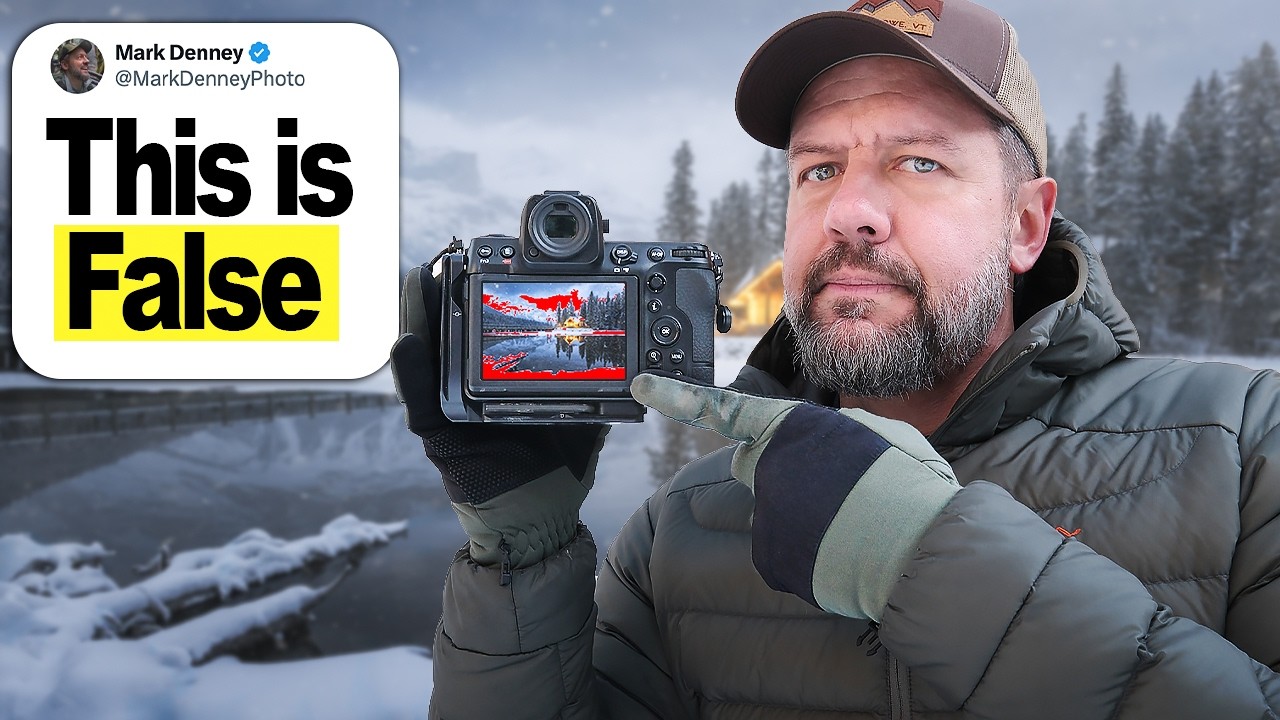
I used to stop dead in my tracks the moment those little blinking zebra stripes showed up on my LCD. Highlights blinking? Back off the exposure immediately. It felt disciplined, even responsible. What I didn’t realize was that I was consistently underexposing my raw files because I was trusting a JPEG-based preview to make decisions for a raw workflow. The result was shadow noise I had to work around in Lightroom and images that took twice as long to edit than they needed to.
In this Mark Denney tutorial, Watch the full tutorial on YouTube, Mark does something I really respect: he skips the theory-only approach and runs a live test in his own backyard with two different cameras. No exotic location, no elaborate setup. Just a controlled comparison that shows exactly how much usable highlight data your raw file holds after your camera has already fired off its blinking warning. The takeaway shifted how I think about exposure, and I think it will do the same for you.
The core argument is this: highlight warnings are calculated from a processed JPEG preview, not from the actual raw sensor data your camera is capturing. That means the warning is telling you the JPEG is clipping, not necessarily that your raw file is. Modern cameras have significantly more dynamic range than the warning accounts for, which means photographers who obey the blinky without question are leaving recoverable highlight data on the table and pulling their overall exposure lower than it needs to be.
Step 1: Understand What the Warning Is Actually Measuring
 Camera live view with multiple blinking overexposure zones visible
Before you change anything, it helps to know what the highlight warning is reacting to. Your camera generates a small, processed JPEG preview of every frame, even when you’re shooting raw. The blinkies are triggered by overexposure in that JPEG preview, which is typically more contrast-heavy and less forgiving than the actual raw data sitting underneath it. Think of it like a lifeguard calling everyone out of the pool because a wave looked big on a monitor inside. The wave data is still there. The camera is just showing you a compressed interpretation of it.
Camera live view with multiple blinking overexposure zones visible
Before you change anything, it helps to know what the highlight warning is reacting to. Your camera generates a small, processed JPEG preview of every frame, even when you’re shooting raw. The blinkies are triggered by overexposure in that JPEG preview, which is typically more contrast-heavy and less forgiving than the actual raw data sitting underneath it. Think of it like a lifeguard calling everyone out of the pool because a wave looked big on a monitor inside. The wave data is still there. The camera is just showing you a compressed interpretation of it.
This distinction matters most in high-contrast scenes, which describes almost every landscape situation worth photographing: bright skies, backlit subjects, golden hour light. These are exactly the moments when JPEG previews clip early and raw files still have room to breathe.
Step 2: Set Up a Simple Backyard Test Scene
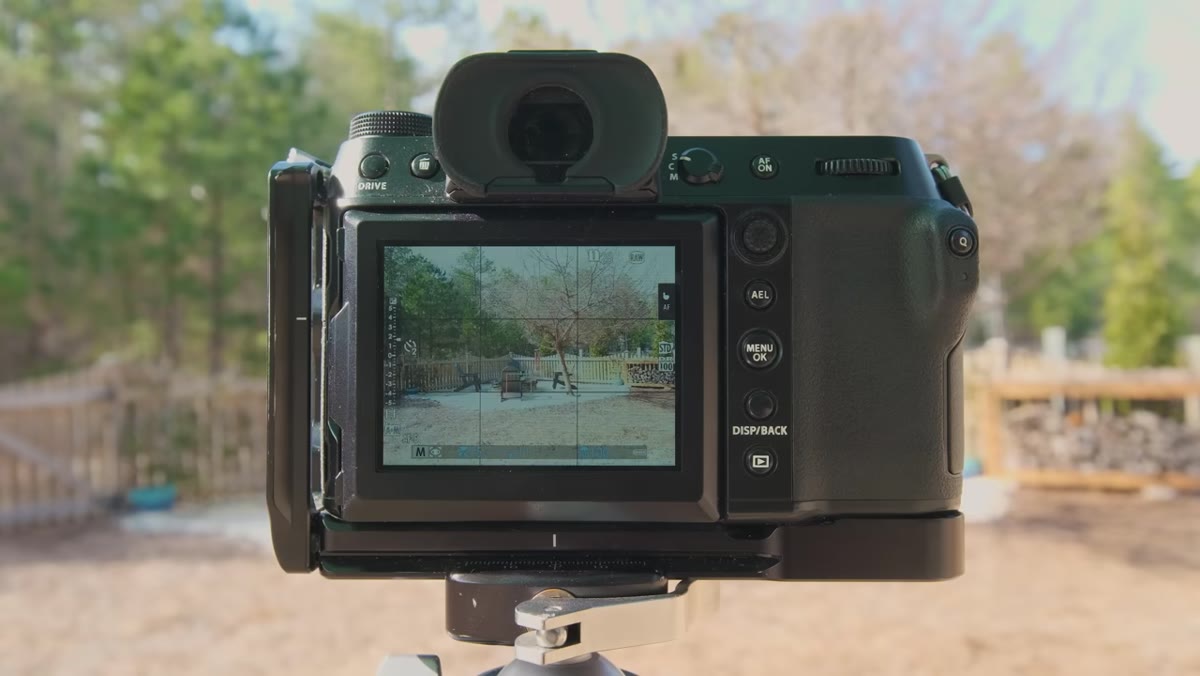 Backyard scene framed in camera viewfinder, ordinary outdoor lighting
You do not need to wait for a location shoot to understand your camera’s real behavior. Mark ran his entire test at home, and I’d encourage you to do the same before your next outing. Find a scene with a mix of bright highlights and mid-tones. A window with light coming through it, a sunlit patch of garden against shade, even a lamp in a room all work well. The goal is to create a situation where the highlight warning actually fires so you can test what happens when you push past it.
Backyard scene framed in camera viewfinder, ordinary outdoor lighting
You do not need to wait for a location shoot to understand your camera’s real behavior. Mark ran his entire test at home, and I’d encourage you to do the same before your next outing. Find a scene with a mix of bright highlights and mid-tones. A window with light coming through it, a sunlit patch of garden against shade, even a lamp in a room all work well. The goal is to create a situation where the highlight warning actually fires so you can test what happens when you push past it.
Set your camera to raw, turn on your highlight warning display (check your playback settings or your live view display options), and note the exposure value at which the blinkies first appear. That number is your baseline.
Step 3: Shoot at the “Safe” Exposure the Warning Recommends
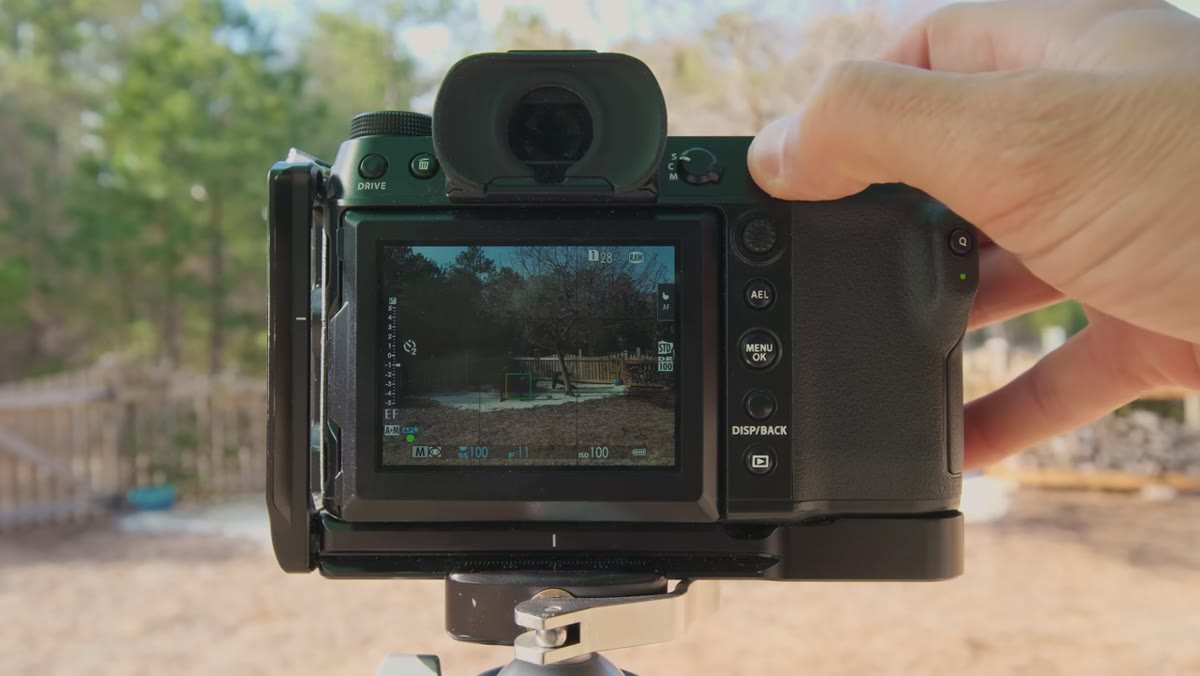 Photographer reducing exposure until highlight blinkies disappear from live view
Reduce your exposure until the blinkies stop. This is what most of us do instinctively every time we see them. Take the shot, then pull that raw file into Lightroom or whatever editor you use. Look at the histogram and note how far to the left it sits. This is the image your camera convinced you was correctly exposed.
Photographer reducing exposure until highlight blinkies disappear from live view
Reduce your exposure until the blinkies stop. This is what most of us do instinctively every time we see them. Take the shot, then pull that raw file into Lightroom or whatever editor you use. Look at the histogram and note how far to the left it sits. This is the image your camera convinced you was correctly exposed.
Now pull the Highlights slider to zero and raise the Exposure slider. Notice how much room you have before anything actually clips in the raw file. Pay attention to whether the areas that were blinking in-camera are truly clipped or if they still hold recoverable detail. In most cases on modern sensors, there is meaningful latitude left in those “overexposed” regions.
Step 4: Push the Exposure Past the Warning and Shoot Again
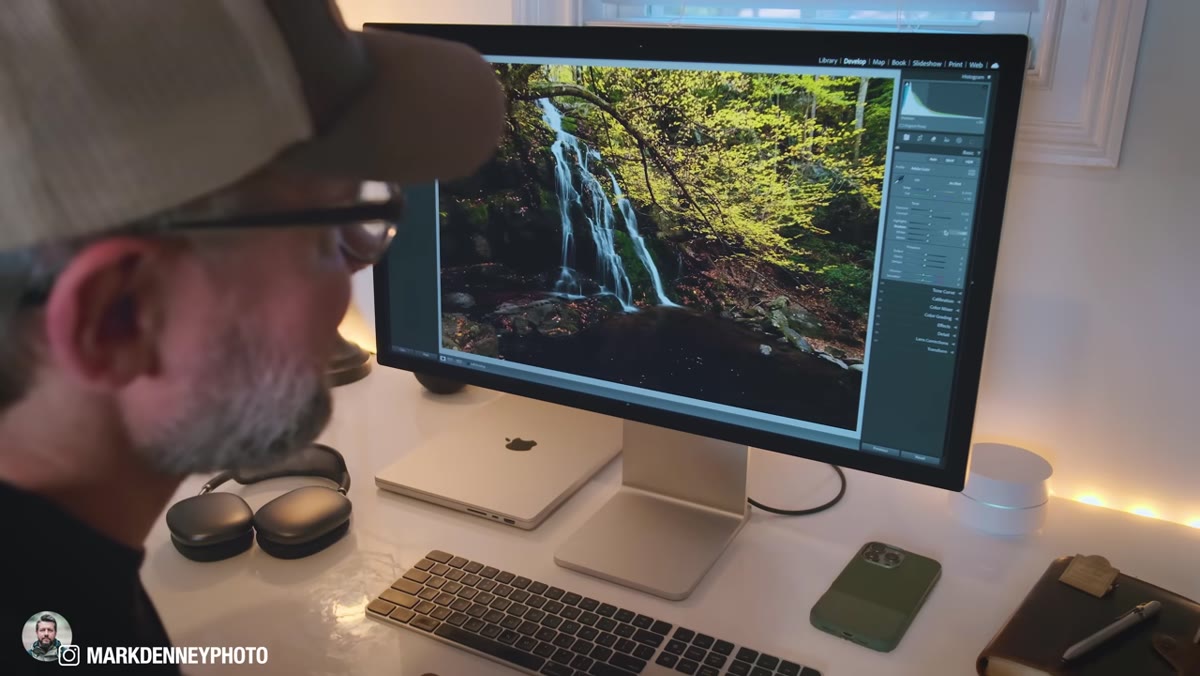
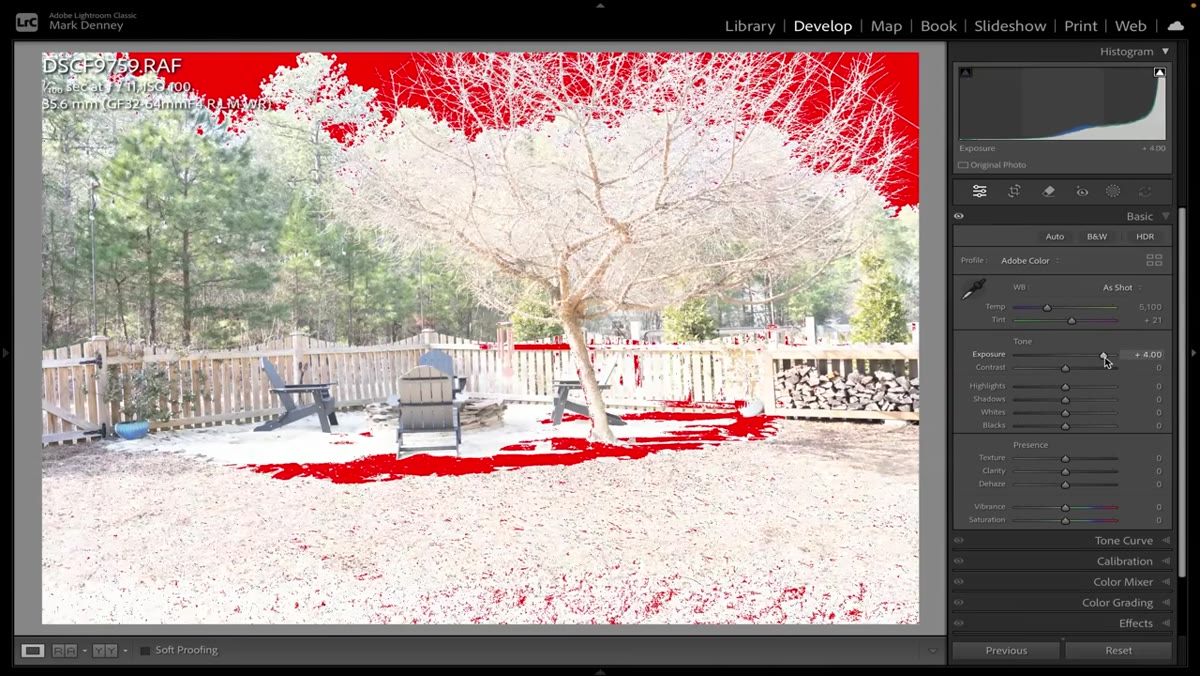 Lightroom panel showing exposure raised with no highlight clipping indicators active
Now go back to your scene and deliberately expose one stop brighter than the blinky-safe setting. Take the shot. Open that file alongside the first one and compare. Use the Lightroom clipping indicators (the small triangles in the top corners of the histogram) to see where actual raw clipping is happening, not where the camera predicted it would happen.
Lightroom panel showing exposure raised with no highlight clipping indicators active
Now go back to your scene and deliberately expose one stop brighter than the blinky-safe setting. Take the shot. Open that file alongside the first one and compare. Use the Lightroom clipping indicators (the small triangles in the top corners of the histogram) to see where actual raw clipping is happening, not where the camera predicted it would happen.
What you’ll likely find is that the brighter exposure has a more balanced histogram, cleaner shadows, and the highlights are still recoverable. The image that looked “safe” was actually the one with more editing work ahead of it, specifically lifting muddy shadows that carry more noise than highlights do.
Step 5: Use the Warning as Context, Not a Command
 Camera live view with blinkies present, photographer continuing to assess scene
This is the mindset shift the whole technique builds toward. The highlight warning is useful information, not a stop sign. When it fires, ask yourself: what exactly is blinking? Is it a specular highlight on water, a light source in frame, or a broad area of tonal information you actually need? Specular highlights like sun reflections, lamp bulbs, or glinting metal clips in JPEG previews and in raw files. You don’t need to protect them. Broad sky tones or skin tones in a portrait are a different story.
Camera live view with blinkies present, photographer continuing to assess scene
This is the mindset shift the whole technique builds toward. The highlight warning is useful information, not a stop sign. When it fires, ask yourself: what exactly is blinking? Is it a specular highlight on water, a light source in frame, or a broad area of tonal information you actually need? Specular highlights like sun reflections, lamp bulbs, or glinting metal clips in JPEG previews and in raw files. You don’t need to protect them. Broad sky tones or skin tones in a portrait are a different story.
Train yourself to look at where the blinkies are, not just whether they exist. A camera warning covering 2% of the frame in a sun reflection is not the same problem as one covering 30% of a bright sky.
A Note From My Own Shooting Practice
The caveat I’d add here is that this approach is sensor-specific. I noticed a real difference when I upgraded from an older body to a camera with a more recent BSI sensor. The older camera had less recoverable highlight headroom, so the blinky warnings were closer to accurate. The gap between JPEG clipping and raw clipping was narrower.
My Sunday photo walks have turned into informal sensor tests lately. Before I commit to an exposure strategy for a whole session, I’ll spend the first five minutes doing exactly what Mark demonstrates here: pushing highlights deliberately and checking the raw results. It takes almost no time and it recalibrates my instincts for whatever I’m shooting that day. I also do this when shooting with my phone, partly just to understand what that sensor is actually capable of and partly because I genuinely love seeing what a small sensor can hold onto when you push it.
If you have an older camera body, run the test before you throw out the blinkies entirely. Your results will tell you how much latitude you’re actually working with.
The single most important thing to take from all of this: your highlight warning is based on a JPEG preview, and your raw file almost certainly holds more information than that preview suggests. Test your specific camera, understand its real clipping point, and then use the warning as one data point among several rather than the final word on your exposure.
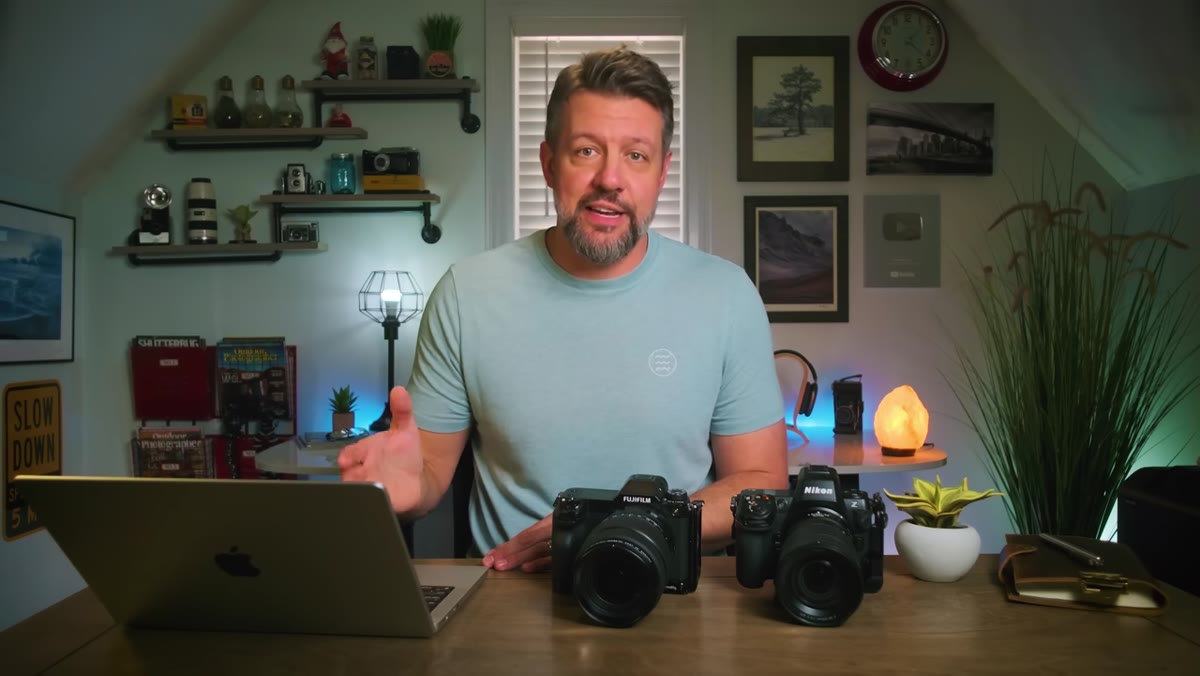
Watch the full tutorial on YouTube to see Mark’s real-time side-by-side comparison between the Fuji GFX100S and Nikon Z8. Watching the live blinky behavior against the actual Lightroom results is the kind of visual proof that makes this concept click in a way that reading alone usually doesn’t.
Comments
Leave a Comment