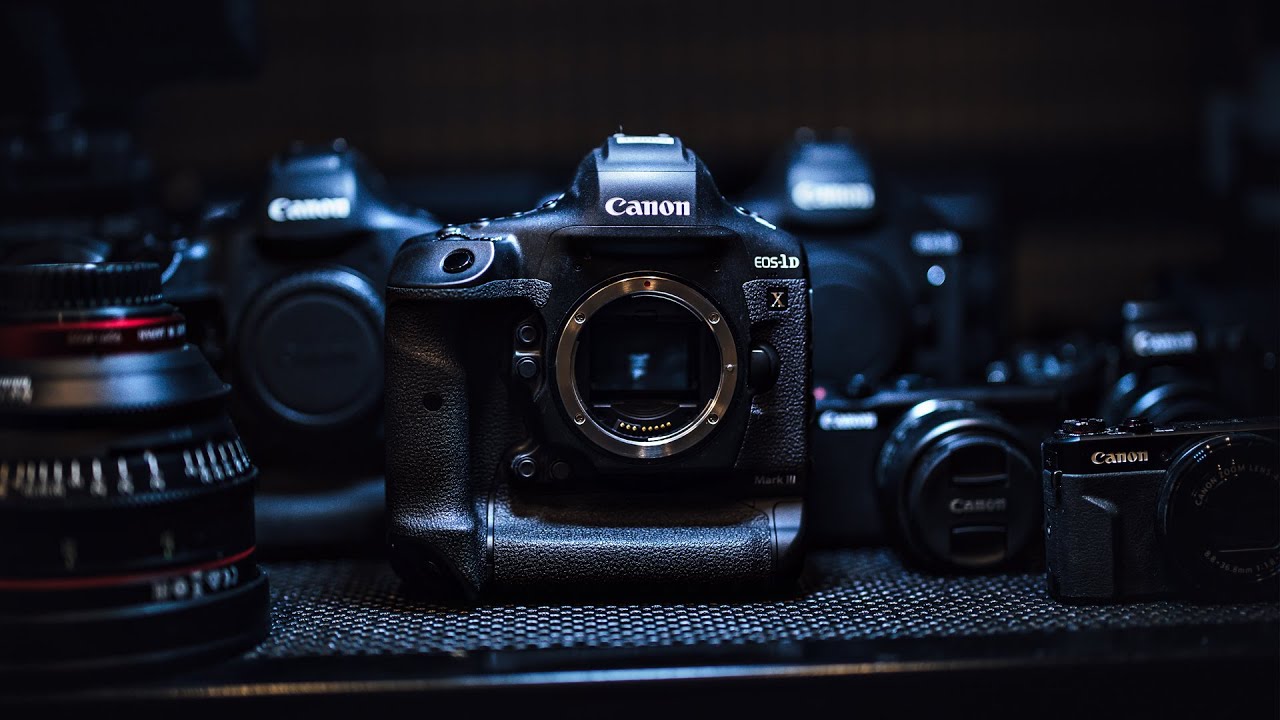
There’s a specific frustration I run into every time I try to level up my video work: I know what cinematic footage looks like, but I don’t always know what decisions produce it. It’s not just gear. It’s knowing how to use that gear in a real environment, with real light, real subjects, and no time to fuss. That gap between “I have a nice camera” and “I know how to wring every drop of quality out of it” is exactly what good field-test content closes.
In this Peter McKinnon tutorial, he takes the Canon 1DX Mark III out of the box and straight into the field, visiting a leather craftsman’s workshop to shoot both vlog-style talking-head footage and intentional b-roll. Watch the full tutorial on YouTube – it’s worth seeing the actual footage samples he captures. What makes this video useful isn’t the camera itself, which most of us aren’t running out to buy tomorrow. It’s the workflow decisions he makes on location: what to test first, how to evaluate autofocus on a moving subject, and how to approach a craftsperson’s workspace as a visual storytelling environment. These decisions translate to any serious camera.
Step 1: Choose a location with both texture and action
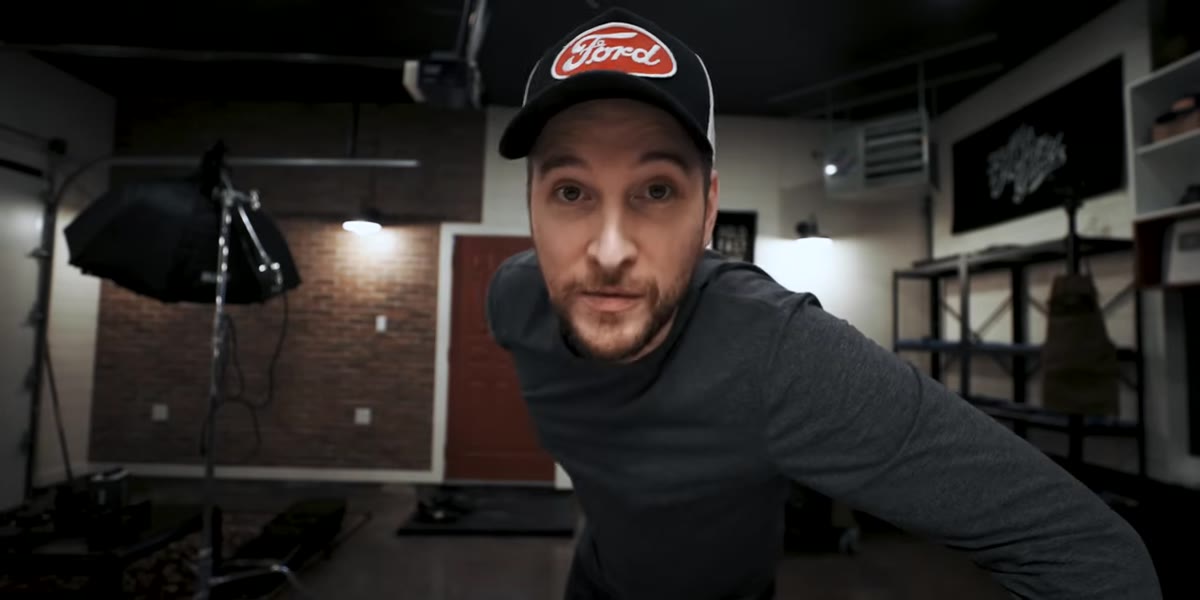 Ryan’s leather workshop interior with tools on walls
Before you touch your camera settings, the location does half the work. McKinnon chooses a leather workshop specifically because it offers two things: rich visual texture (tools, hides, worn surfaces) and physical processes you can film in motion. When you’re testing a camera’s video capabilities, or just trying to shoot compelling b-roll, a working craftsperson’s environment is almost always a better choice than a clean, static space.
Ryan’s leather workshop interior with tools on walls
Before you touch your camera settings, the location does half the work. McKinnon chooses a leather workshop specifically because it offers two things: rich visual texture (tools, hides, worn surfaces) and physical processes you can film in motion. When you’re testing a camera’s video capabilities, or just trying to shoot compelling b-roll, a working craftsperson’s environment is almost always a better choice than a clean, static space.
When I’m scouting for b-roll locations, I look for places where someone is actually making or doing something. Hands in motion, tools being used, materials changing shape – these give your footage a natural rhythm that no amount of post-processing can fake. Make a short mental checklist before you shoot: Is there texture? Is there movement? Is there a process with a clear beginning and end? If yes to all three, you’ve found your location.
Step 2: Swap to the right media card for the format you’re shooting
 CFexpress card being loaded into the 1DX Mark III body
This step sounds mundane but it trips people up constantly. The 1DX Mark III shoots high-resolution RAW video formats that require CFexpress cards – not the standard SD cards that work fine for stills or compressed video. McKinnon specifically calls this out because he had to get the card sorted before he could use the camera at all.
CFexpress card being loaded into the 1DX Mark III body
This step sounds mundane but it trips people up constantly. The 1DX Mark III shoots high-resolution RAW video formats that require CFexpress cards – not the standard SD cards that work fine for stills or compressed video. McKinnon specifically calls this out because he had to get the card sorted before he could use the camera at all.
Before any shoot where you’re pushing resolution or frame rate, verify that your media card matches the camera’s requirements for that specific format. CFexpress cards are significantly faster than SD cards, and that speed is the reason cameras can write 5.5K RAW data without dropping frames. If you’re shooting high-bitrate 4K or RAW on any modern mirrorless or cinema camera, check the manufacturer’s recommended card spec, not just the card class rating. A card that works fine for 4K H.265 might fail completely for RAW.
Step 3: Use 4K full-frame as your baseline vlogging format before switching to RAW
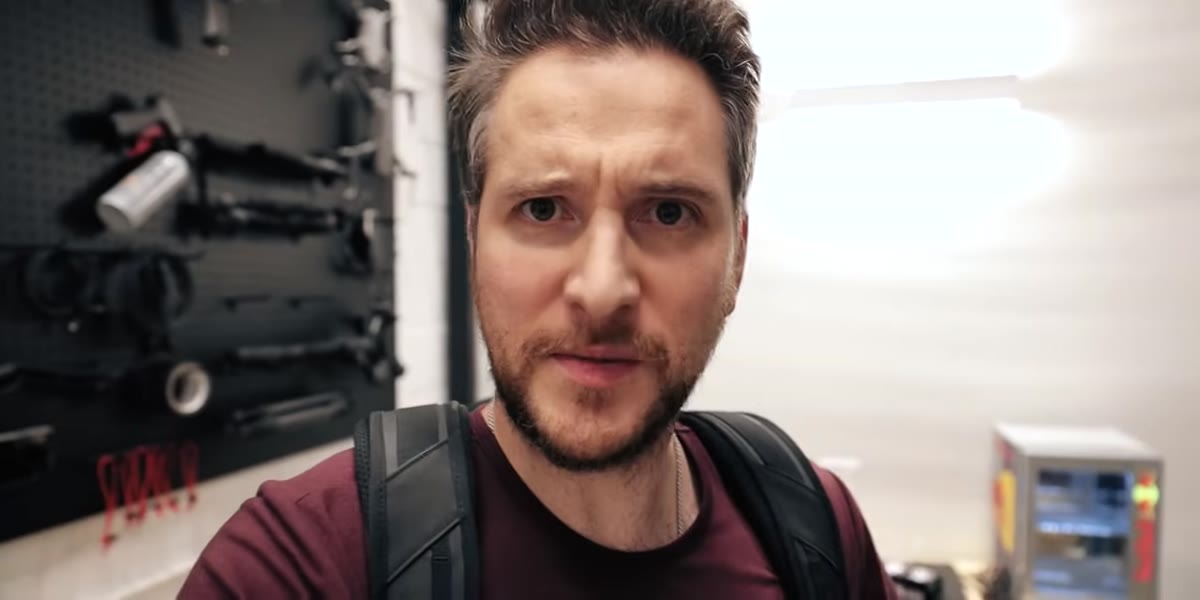 McKinnon vlogging handheld with the 1DX Mark III outdoors
McKinnon makes a deliberate decision early in the video: before going after the highest-resolution RAW b-roll, he spends time vlogging in 4K full-frame at 24fps. This isn’t just practical – it’s smart testing methodology. You want to understand how a camera performs under casual, handheld, low-pressure conditions before you commit to a more demanding format.
McKinnon vlogging handheld with the 1DX Mark III outdoors
McKinnon makes a deliberate decision early in the video: before going after the highest-resolution RAW b-roll, he spends time vlogging in 4K full-frame at 24fps. This isn’t just practical – it’s smart testing methodology. You want to understand how a camera performs under casual, handheld, low-pressure conditions before you commit to a more demanding format.
If you’re evaluating any camera for hybrid photo and video work, start with the format you’d actually use day-to-day. For most people, that’s 4K at 24fps with a standard color profile. Get comfortable with the exposure, the ergonomics, how the autofocus behaves when you’re just talking and moving. That baseline makes everything you notice about the higher-end formats more meaningful, because you have a point of comparison.
Step 4: Enable face tracking and stress-test it on a moving subject
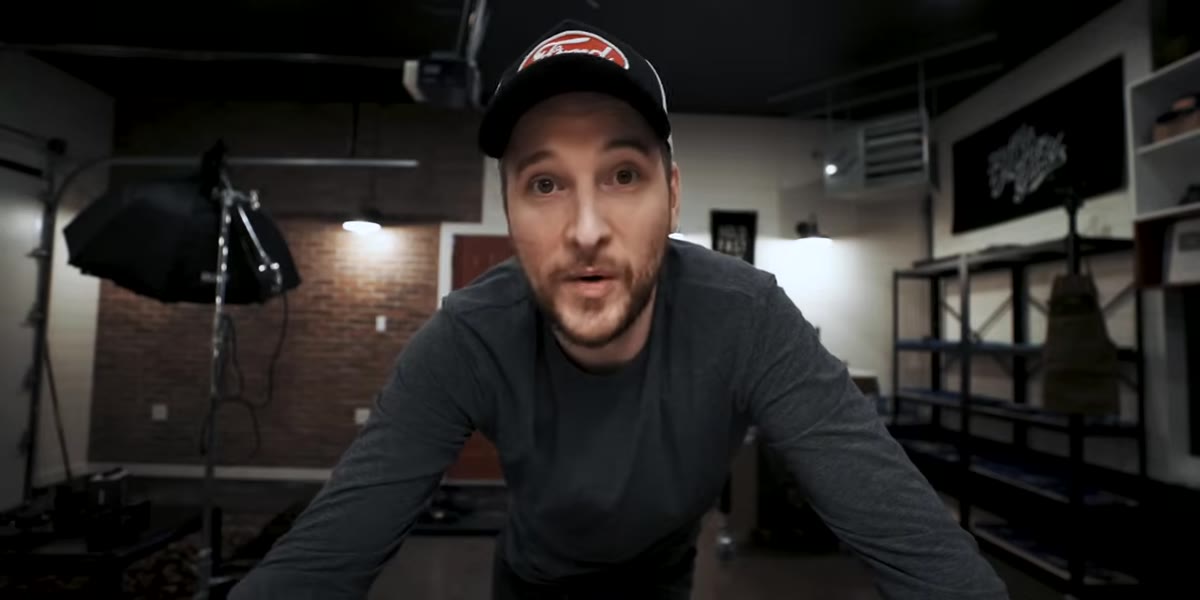 Face tracking active during handheld vlog walking through workshop
One of the first things McKinnon tests is face-detect autofocus while vlogging and walking through the space. He notes he’d been using this feature heavily on the Canon EOS R and wanted to see how the 1DX Mark III handled it, particularly for a subject who moves around unpredictably.
Face tracking active during handheld vlog walking through workshop
One of the first things McKinnon tests is face-detect autofocus while vlogging and walking through the space. He notes he’d been using this feature heavily on the Canon EOS R and wanted to see how the 1DX Mark III handled it, particularly for a subject who moves around unpredictably.
Face tracking is one of those features that sounds like a gimmick until you actually need it. If you’re filming yourself, interviewing someone, or capturing a craftsperson who shifts position constantly, good face tracking keeps your subject sharp without you having to manually adjust your focus point mid-shot. To test it properly, have your subject move laterally, turn away briefly, and re-engage with the camera. If the camera reacquires focus quickly and cleanly, it’s working. If it hunts or locks onto the background when the face turns, you’ll need to plan your shots with more controlled movement or switch to manual focus with follow-focus support.
Step 5: Film the process, not just the product
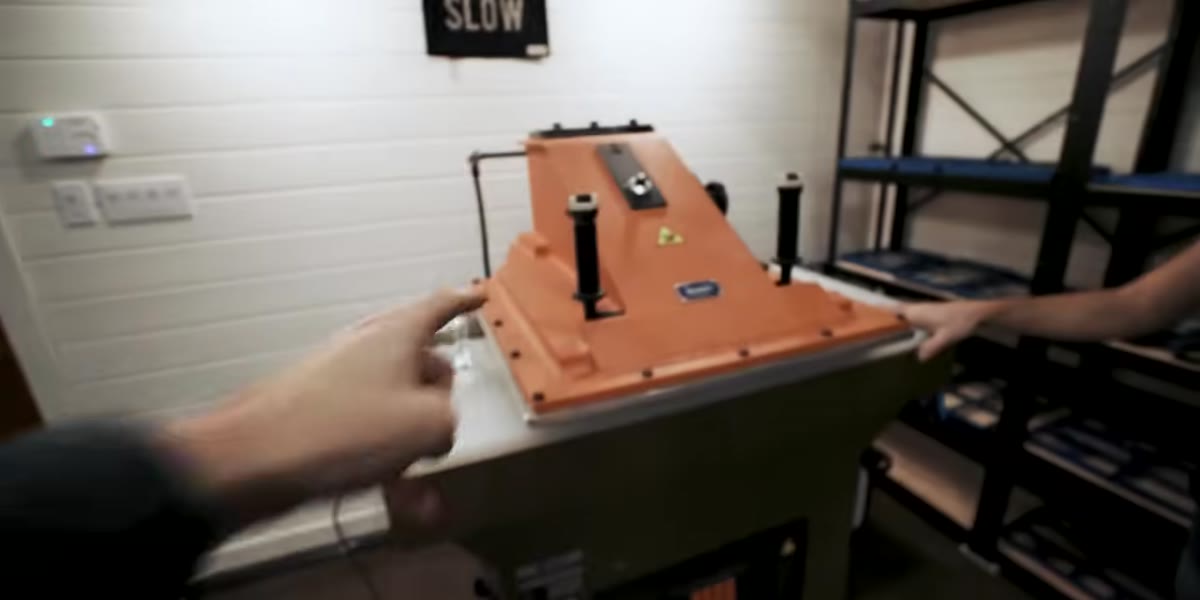 Hands placing a leather die into the clicker press
The most visually interesting footage in this tutorial comes from filming the leather-cutting process: hands placing custom dies, the mechanical press descending, a clean leather shape lifting away from the hide. McKinnon gravitates toward these moments naturally, and it shows in how tight and deliberate the framing gets.
Hands placing a leather die into the clicker press
The most visually interesting footage in this tutorial comes from filming the leather-cutting process: hands placing custom dies, the mechanical press descending, a clean leather shape lifting away from the hide. McKinnon gravitates toward these moments naturally, and it shows in how tight and deliberate the framing gets.
When you’re shooting b-roll in any craft or production environment, prioritize process shots over beauty shots. A beautifully lit shot of finished leather goods is fine. A shot of the die cutting through hide with a satisfying press is memorable. Get close. Shoot the hands. Find the moment of transformation – the instant something changes from raw material to finished piece. These are the shots that make an edit feel alive.
Step 6: Let the sound inform the edit, even during the shoot
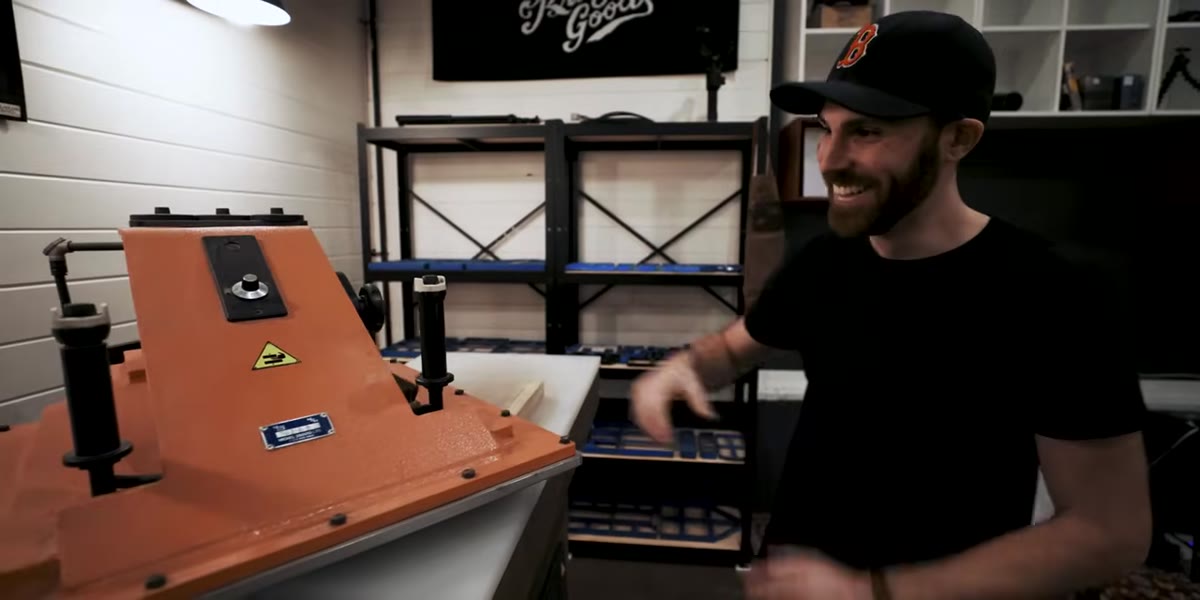 The clicker press compressing leather with a mechanical sound
McKinnon’s reaction to the sound of the clicker press – genuinely excited by it – is a cue worth paying attention to. Distinctive mechanical sounds from tools and processes are edit points. They’re natural cuts, natural beat drops, natural moments of emphasis.
The clicker press compressing leather with a mechanical sound
McKinnon’s reaction to the sound of the clicker press – genuinely excited by it – is a cue worth paying attention to. Distinctive mechanical sounds from tools and processes are edit points. They’re natural cuts, natural beat drops, natural moments of emphasis.
While you’re shooting b-roll, listen for sounds that have a clear peak moment: a press, a cut, a pour, a strike. Those sounds tell you where to place your cut in the edit. If you’re shooting RAW or high-quality video, you also have the option to sync that sound to music in post, matching the rhythm of the process to a track. This is one of the reasons McKinnon’s b-roll consistently feels musical even when it’s just workshop footage.
What I’d add from my own shooting experience
The limitation Peter doesn’t address directly – because it wasn’t the point of his video – is how much the RAW workflow adds to your post-production time. Shooting 5.5K RAW gives you extraordinary flexibility in color grading, but it also means larger files, slower culling, and more time in your NLE before you see a finished frame. On travel and lifestyle shoots, I’ve learned to reserve RAW video for the specific shots I know will anchor the edit: the hero moment, the establishing wide, the one close-up that has to hold up on a big screen. For everything else, a well-exposed 4K compressed file is often good enough and gets you out of the edit suite hours faster. Match your format to the stakes of the shot, not just the maximum capability of your camera.
The single most important takeaway here is this: a field test only teaches you something if you’re testing against real conditions. McKinnon didn’t shoot a test chart. He shot a working craftsperson in a real space doing real things, and that’s why the footage tells you something useful about the camera’s actual behavior. Whatever camera you’re working with, get it out of the house and into an environment with texture, movement, and imperfect light. That’s where you learn what it actually does.
Watch the full tutorial on YouTube to see the actual 5.5K RAW footage samples and judge the image quality for yourself.
Comments
Leave a Comment