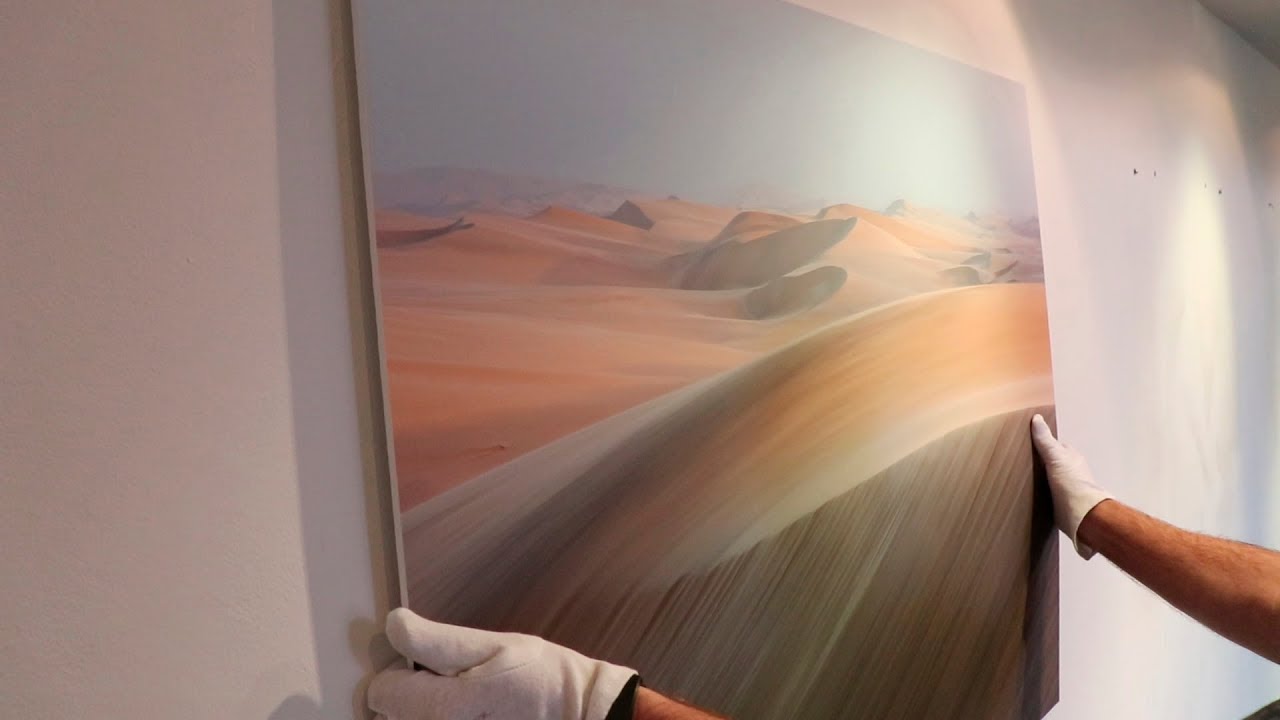
Most of us spend years taking photos and almost no time thinking about what it would mean to show them publicly. Not post them online, not share them in a Discord server, but actually hang them on a wall for strangers to walk past and judge. That gap between “I take good photos” and “I can put together a cohesive exhibition” is bigger than it looks, and I say that as someone who has been shooting professionally for years and still finds image curation genuinely hard.
In this Thomas Heaton tutorial, Watch the full tutorial on YouTube, Heaton walks through the entire process of preparing his first small gallery exhibition - just five images at his local print lab’s in-house gallery. Five images sounds manageable. And then you actually try to pick them, and suddenly it’s three hours later and you’ve opened a bottle of wine and questioned every creative decision you’ve ever made. His breakdown of the process is honest and genuinely useful, so I want to pull out the core decisions here and give you a framework you can actually follow.
The lesson that stuck with me most is how different exhibiting is from posting online. On Instagram, a beautiful standalone image is enough. In a gallery, a single beautiful image surrounded by unrelated work just feels random. Exhibition photography is a different discipline, and Heaton makes that clear from the first few minutes of the video.
Step 1: Decide on a Number Before You Pick Images
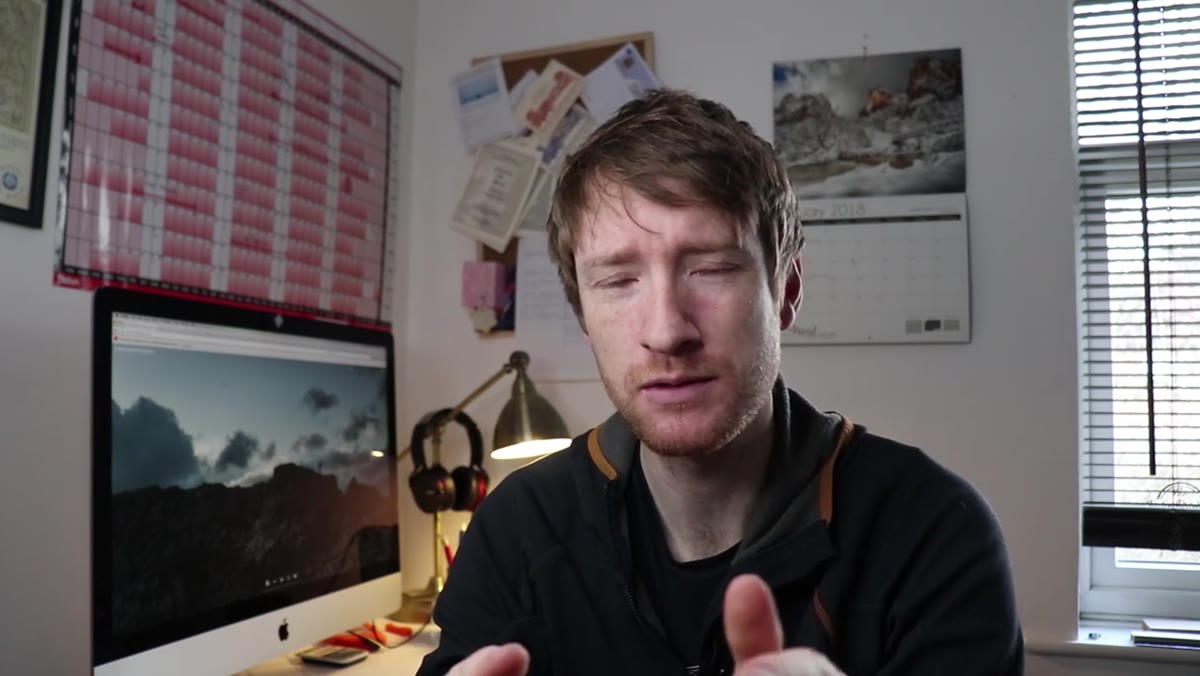
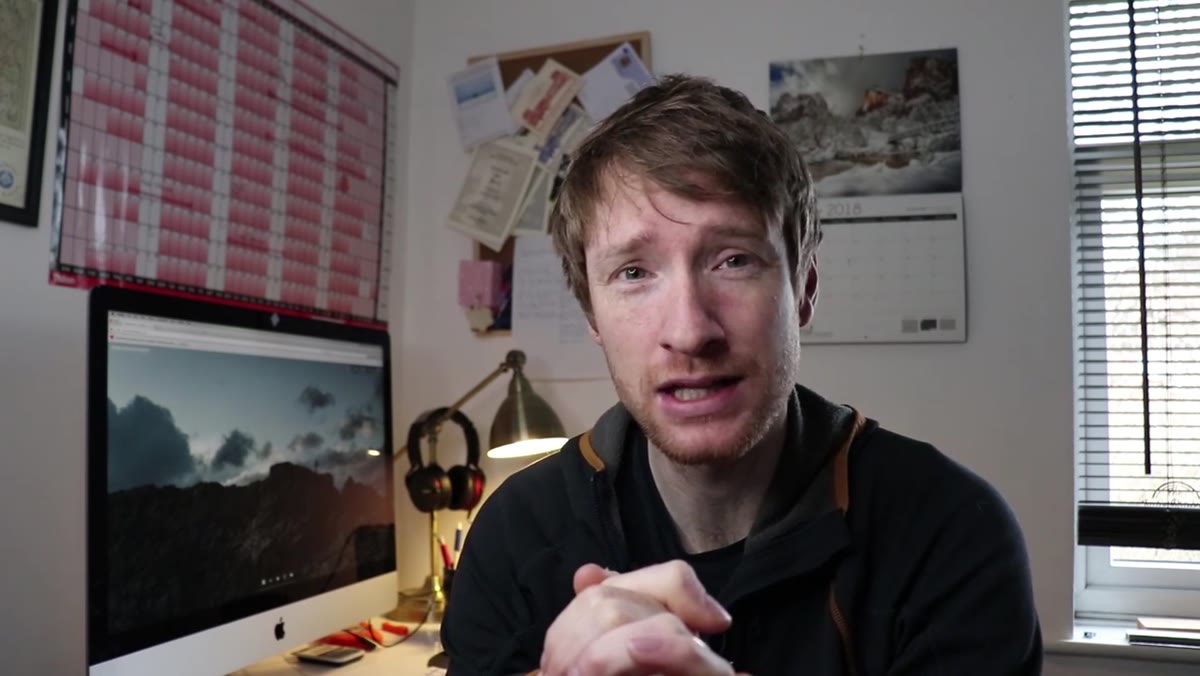 caption: Heaton explaining his decision to show five images
Before you open Lightroom, before you scroll through your hard drives, decide how many images you’re showing. Heaton landed on five because he wanted them printed large, and he knew the space. This constraint is actually freeing. When you tell yourself “I’m picking five,” your brain starts filtering differently than when you say “I’ll see what looks good.” Pick a number based on the physical space you have, then work backwards. If you’re doing a small café show or a local gallery corner, three to six large prints will almost always read better than ten or twelve small ones.
caption: Heaton explaining his decision to show five images
Before you open Lightroom, before you scroll through your hard drives, decide how many images you’re showing. Heaton landed on five because he wanted them printed large, and he knew the space. This constraint is actually freeing. When you tell yourself “I’m picking five,” your brain starts filtering differently than when you say “I’ll see what looks good.” Pick a number based on the physical space you have, then work backwards. If you’re doing a small café show or a local gallery corner, three to six large prints will almost always read better than ten or twelve small ones.
Step 2: Choose a Theme Before You Choose Images
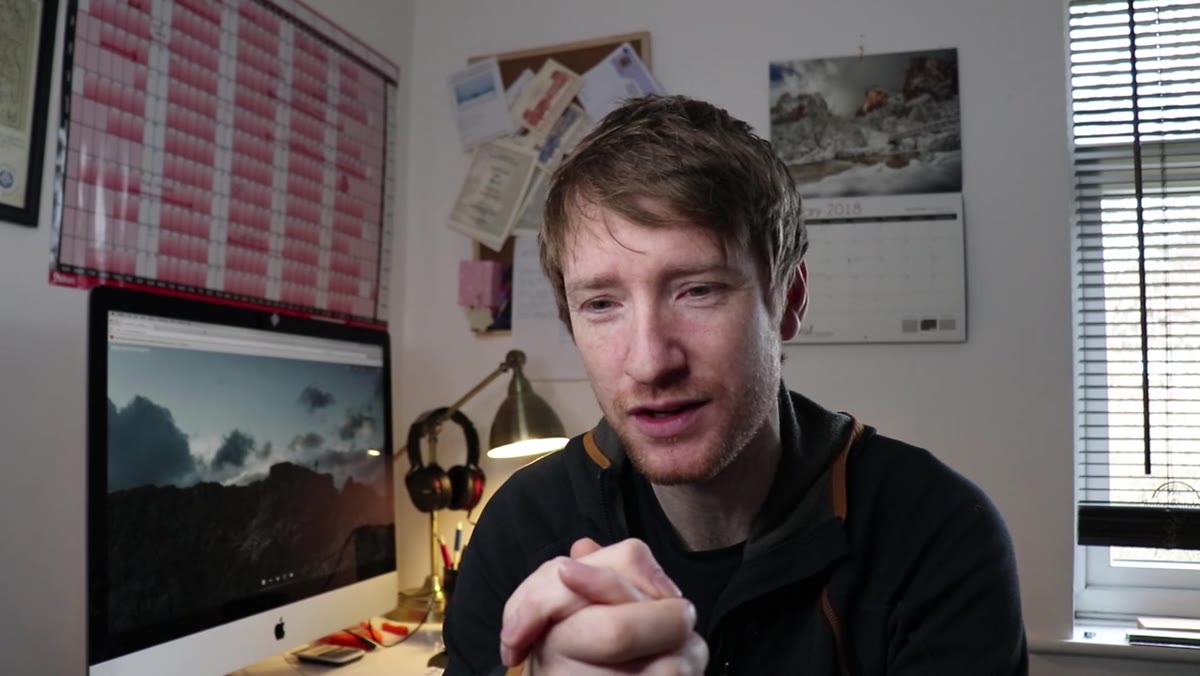 caption: Heaton discussing the importance of a unifying theme
This is the step most first-time exhibitors skip, and it’s the one that makes or breaks the whole thing. Heaton’s instinct was to pick his five personal favorites, and he admits that’s the wrong approach. What actually works is building a theme first and then finding the images that fit it. The theme acts as a filter. It gives the viewer a reason to move from one image to the next, and it gives the work a sense of intention.
caption: Heaton discussing the importance of a unifying theme
This is the step most first-time exhibitors skip, and it’s the one that makes or breaks the whole thing. Heaton’s instinct was to pick his five personal favorites, and he admits that’s the wrong approach. What actually works is building a theme first and then finding the images that fit it. The theme acts as a filter. It gives the viewer a reason to move from one image to the next, and it gives the work a sense of intention.
Heaton’s theme was geographical landscapes - not “landscapes” as a genre, but landscapes as a way of showing how dramatically different land looks from one part of the world to another. That framing gave him a clear yes/no test for every candidate image: does this show a distinctly different geography? If yes, it’s in consideration. If not, it’s out, no matter how much he loves it.
Step 3: Audit Your Catalog with the Theme as Your Only Filter
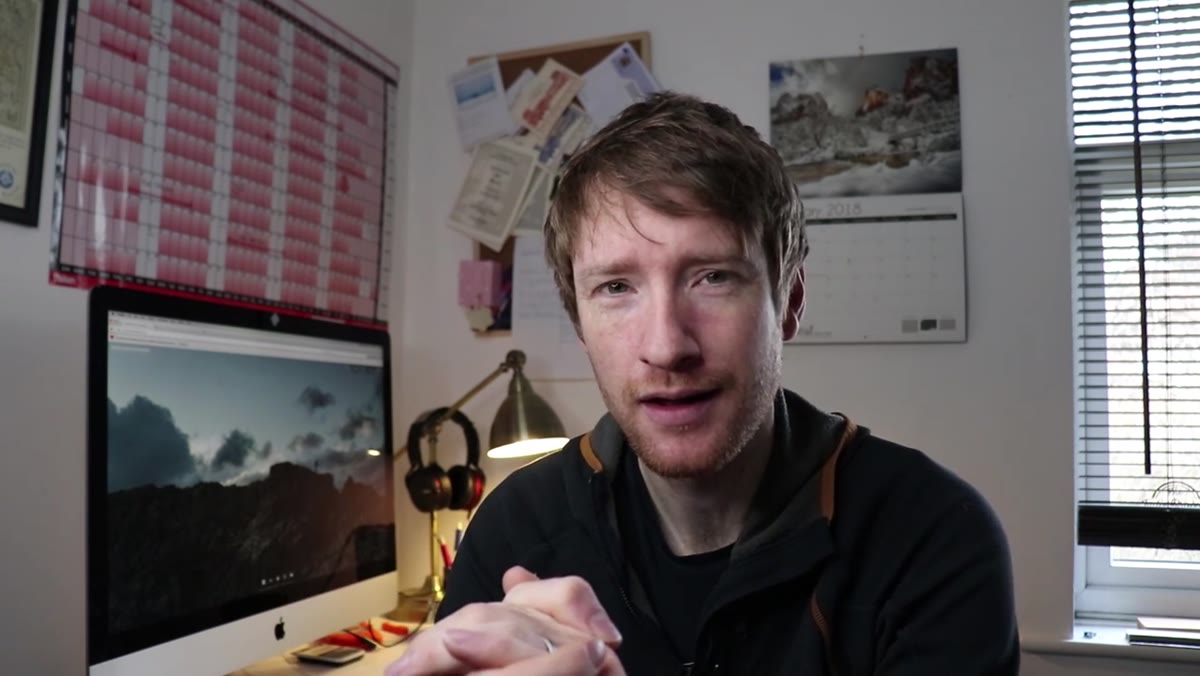 caption: Heaton combing through his Lightroom catalog for candidates
Once you have your theme, go through your archive with that one question in mind. Don’t evaluate technical quality yet. Don’t think about which images got the most likes. Just ask: does this image serve the theme? Heaton ended up with a set that spanned Northumberland’s coastal estuaries, the glacial Alps, Namibian sand dunes, Iceland’s volcanic highlands, and the English Lake District. Every single image earns its place by showing the viewer something geographically distinct.
caption: Heaton combing through his Lightroom catalog for candidates
Once you have your theme, go through your archive with that one question in mind. Don’t evaluate technical quality yet. Don’t think about which images got the most likes. Just ask: does this image serve the theme? Heaton ended up with a set that spanned Northumberland’s coastal estuaries, the glacial Alps, Namibian sand dunes, Iceland’s volcanic highlands, and the English Lake District. Every single image earns its place by showing the viewer something geographically distinct.
In practice, I’d recommend making a smart collection in Lightroom or a dedicated folder where you drag every candidate - even the ones you’re unsure about. Then do a second pass and cut ruthlessly. You want each image to feel necessary, not just good.
Step 4: Make Decisions About Framing and Finish Early
 caption: Heaton explaining his choice of unframed foam board mounting
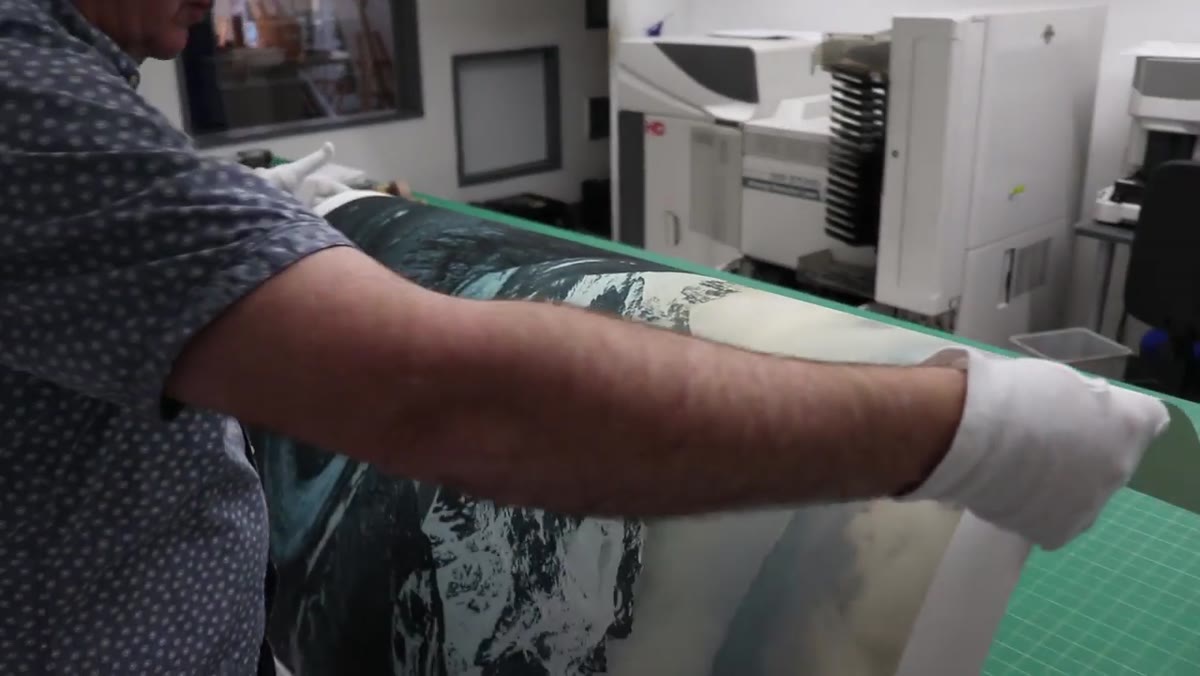
Print finishing is not a last-minute detail. It changes how the work reads in the space, and it affects your budget significantly. Heaton chose to mount his prints on foam board without any framing, no border, no mat, no glass. Just the image, rigid and clean, directly on the wall. That choice was intentional. It keeps the viewer’s eye inside the image rather than on the presentation around it, and it has a contemporary, minimalist look that suits landscape work well.
caption: Heaton explaining his choice of unframed foam board mounting
Print finishing is not a last-minute detail. It changes how the work reads in the space, and it affects your budget significantly. Heaton chose to mount his prints on foam board without any framing, no border, no mat, no glass. Just the image, rigid and clean, directly on the wall. That choice was intentional. It keeps the viewer’s eye inside the image rather than on the presentation around it, and it has a contemporary, minimalist look that suits landscape work well.
Think about your theme and subject matter when you make this call. Moody, dark images can handle a simple black frame. Airy, bright landscapes often benefit from the borderless look Heaton chose. Whatever you decide, keep it consistent across all the prints. Mixed framing styles in a small exhibition look like an accident.
Step 5: Choose One Paper Stock and Print Everything on It
 caption: Heaton selecting Hahnemühle German Etching paper for all prints
Heaton used Hahnemühle German Etching paper for all five images - a textured fine art stock he’d worked with before and trusted. The key word there is “all five.” Printing different images on different papers, even slightly different papers, creates a visual inconsistency that viewers can’t always name but always feel. The texture, the way light hits the surface, the tonality - these all shift with the paper stock.
caption: Heaton selecting Hahnemühle German Etching paper for all prints
Heaton used Hahnemühle German Etching paper for all five images - a textured fine art stock he’d worked with before and trusted. The key word there is “all five.” Printing different images on different papers, even slightly different papers, creates a visual inconsistency that viewers can’t always name but always feel. The texture, the way light hits the surface, the tonality - these all shift with the paper stock.
If you’re new to fine art printing, get sample packs from your print lab before you commit. Most professional labs offer them. Hold the samples in the actual light conditions of the gallery space if you can, because paper that looks gorgeous in daylight can look flat under the cool fluorescents common in commercial gallery spaces.
My Take: Give Yourself the “Stranger Test”
The one thing I’d add to Heaton’s process - something I started doing before any print decision - is what I call the stranger test. I show my shortlisted set to someone who doesn’t know my work and ask them one question: what do you think this collection is about? If they can tell me, in their own words, I have a coherent theme. If they say “beautiful nature stuff,” I go back to the drawing board.
It sounds simple, almost embarrassingly simple. But your theme needs to be legible to someone walking cold into a gallery, not just to you. You know the story behind every image. They don’t. Build the edit so the theme speaks without a caption.
The single most important takeaway from Heaton’s process is this: an exhibition is not a greatest hits collection. It’s an argument. Every image you include should support that argument, and every image that doesn’t - even a technically brilliant one you love - should stay on the hard drive.
Watch the full tutorial on YouTube to see Heaton walk through his actual image choices and hear him talk through the doubt and second-guessing in real time. That honesty alone is worth the watch.
Comments
Leave a Comment