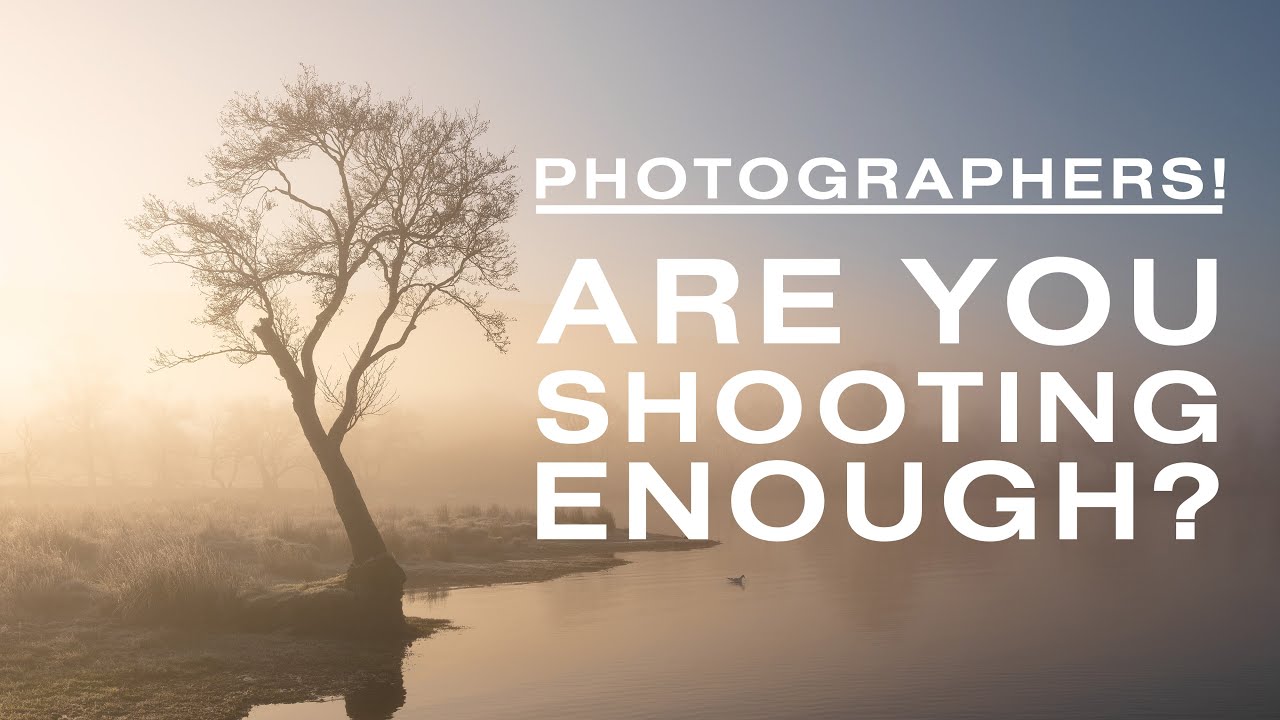
There’s a particular kind of guilt that follows photographers around like a shadow. You see a stunning sunrise on Instagram, and instead of feeling inspired, you feel a little ashamed. Why wasn’t I out there? I know that feeling well. Before I settled into a Sunday morning photo walk routine, I used to measure my worth as a photographer by how often I was out with my camera, which meant I felt like I was failing most of the time.
That’s exactly why this Thomas Heaton tutorial stopped me mid-scroll. Watch the full tutorial on YouTube. Heaton is a full-time landscape photographer based in the UK, the kind of person you’d assume is out shooting every single day. In this video, he digs into his actual Lightroom data from 2021 and asks a question most of us are too nervous to ask ourselves: how many times do you really need to go out to produce good work? The answer reframed how I think about productivity, quality, and what it means to have a successful year behind the camera.
The tutorial is structured as a data walkthrough rather than a traditional how-to, but the lessons are deeply practical. Heaton isn’t selling a fantasy. He’s showing you his real numbers, and then helping you build a more honest framework for your own shooting life.
Step 1: Pull All Your Images From the Year Into One Catalog View
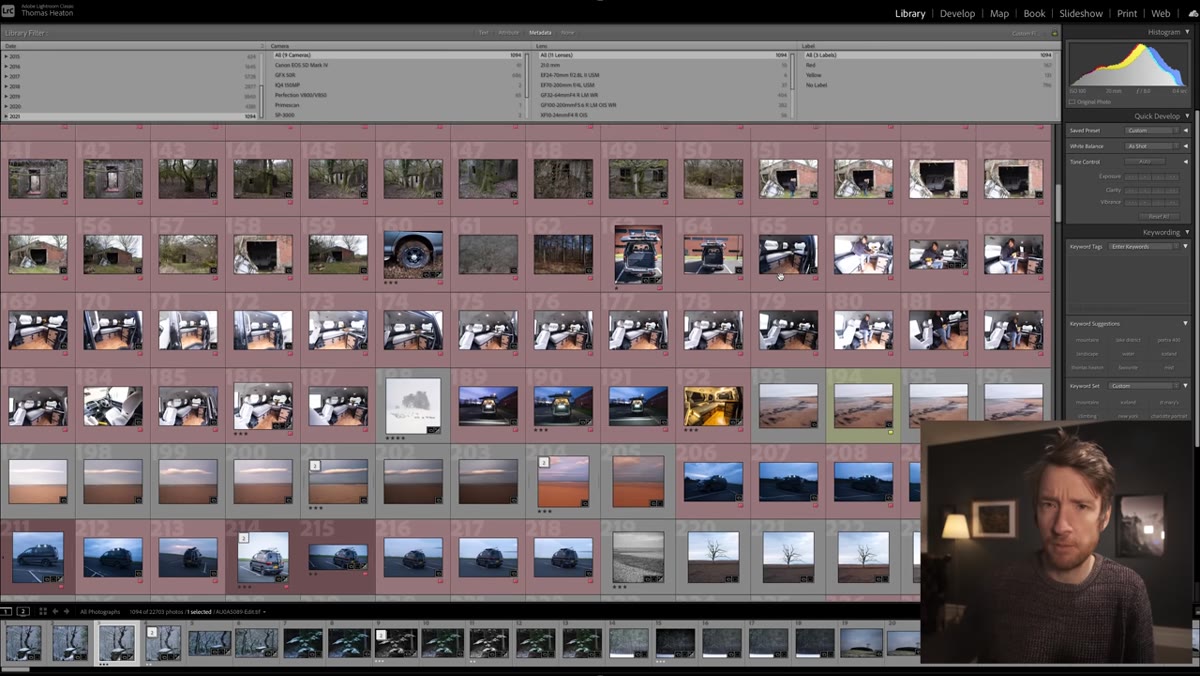 Lightroom catalog filtered to show all 2021 images
Before you can evaluate your output honestly, you need to see it all in one place. In Lightroom, use the filter bar to isolate images by capture date and narrow your view to a single calendar year. Heaton does this in Lightroom Classic using the metadata filter set to the year in question. If you shoot across multiple applications (he also uses Capture One for his Phase One camera), note those image counts separately so you can combine them later.
The goal here isn’t to judge yourself yet. It’s just to get a number. Raw totals feel scary, but they’re the starting point for everything useful that follows.
Step 2: Flag and Remove Images That Don’t Belong to Your Core Practice
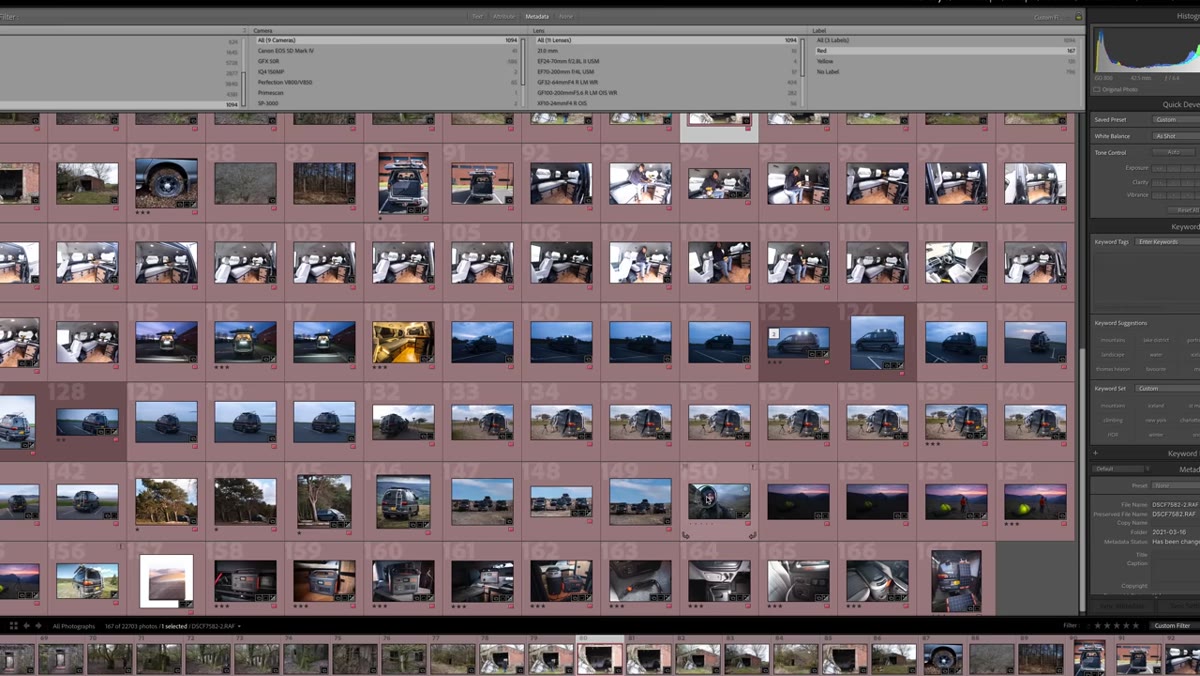 Red-labeled non-landscape images visible in Lightroom grid
Not everything in your catalog is a fair representation of your photography practice. Heaton flags non-landscape images (thumbnails, test shots, commission work) with a red label and removes them from his count. He also strips out the component frames from panoramic sequences, since stitching five to ten frames together produces one final image, and counting each raw frame separately inflates your numbers in a misleading way.
Go through your catalog and do the same for your own workflow. If you shoot events for income but landscape photography for creative growth, count them separately. Mixing professional obligation shots with personal creative work muddles the data and the conclusions you draw from it.
Step 3: Add Up Images Across Every System You Shoot With
 Side-by-side totals from Lightroom and Capture One noted on screen
Heaton lands on 796 images in Lightroom after filtering, plus 105 from Capture One, plus roughly 50 estimated film images he hadn’t scanned yet. That gives him a working total of around 950 exposures for the year. The specific numbers don’t matter as much as the method: account for every tool you actually used.
If you shoot with your phone, include those too. I sometimes prove a point to my students by pulling out my phone and getting the shot they’re struggling with. Those images count. If they end up in your portfolio, they belong in your data.
Step 4: Apply a Minimum Quality Threshold and Count Your Keepers
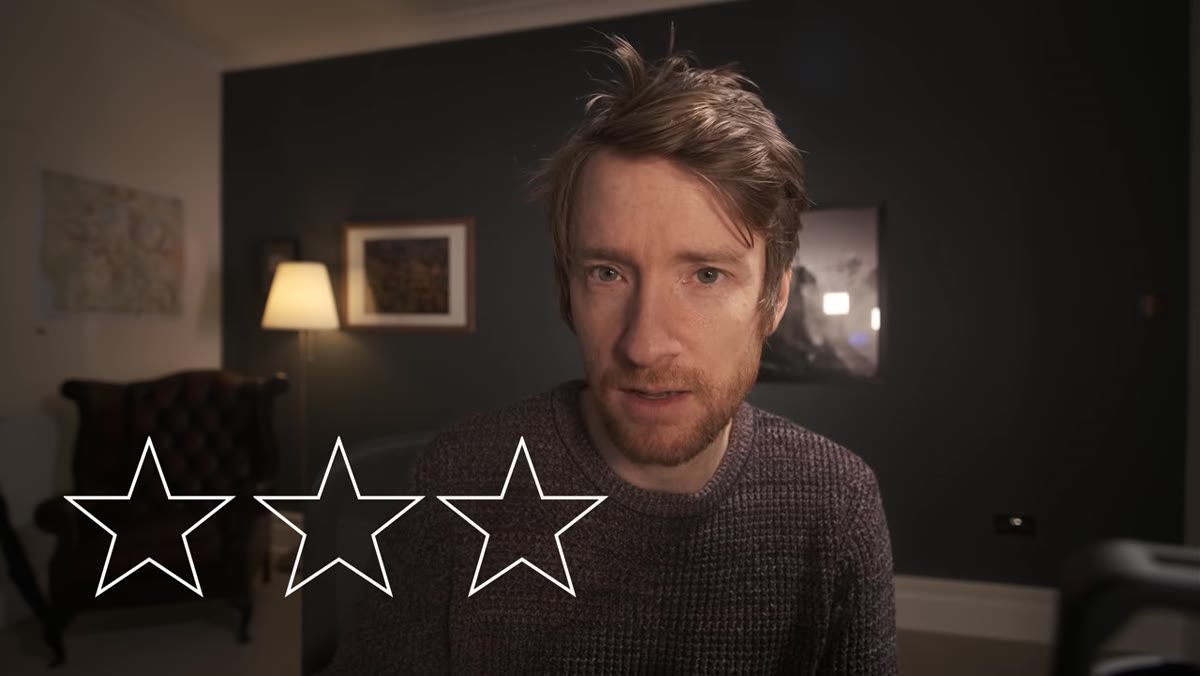 Three-star filter applied, showing 146 rated images in grid view
This is where the data gets interesting. Heaton uses a three-star rating in Lightroom to flag any image that has real potential: something he’d actually process, post to Instagram, feature on his website, or include in a YouTube video. He’s not looking for his all-time favorites here, just images that clear the bar of “worth finishing.”
Out of roughly 950 exposures, he ends up with 146 three-star images. That’s about 15 percent. Set your own threshold and be honest about it. A three-star rating in your catalog should mean something consistent: not “I might use this someday,” but “this is genuinely good enough to show people.”
Step 5: Count the Days You Actually Went Out and Shoot the Math
 The number 65 highlighted, representing total shooting days in 2021
Here’s the number that will either relieve you or completely reframe your self-criticism. Heaton went out with his camera 65 days in 2021. He’s a full-time landscape photographer. That works out to roughly once every five and a half days.
Divide your total exposures by your total shooting days and you get your average exposures per outing. For Heaton, that’s about 14 exposures per day in the field. Divide your keeper count by your shooting days and you get your average keepers per outing. His: approximately 2.24 images worth processing per day out. That number is worth sitting with.
Step 6: Calculate What You Actually Need From a Single Shoot
 Heaton working through keeper-per-day math on screen
Once you have your averages, you can work backward to build realistic expectations. If you want 100 portfolio-worthy images in a year and your average is two keepers per outing, you need about 50 shooting days. That’s less than one day per week. You don’t need to be out at every sunrise to build a meaningful body of work.
Heaton uses this math not to lower the bar, but to take the pressure off individual outings. If you go out and come back with nothing you love, that’s part of the average. One slow day doesn’t ruin your year.
What This Looks Like in Practice for Me
I ran this same exercise on my own Lightroom catalog after watching Heaton’s video, and the results were almost identical in ratio even though my total volume was lower. I went out with a “real” camera about 40 times in the year I tracked, got roughly 600 exposures, and flagged 71 keepers. That’s about 1.75 per outing.
What changed for me wasn’t the number, it was the way I thought about bad days. I used to treat a shoot with no strong images as wasted time. Now I treat it the same way I treat a Sunday walk where I don’t find anything worth posting: still good for my eye, still part of the process, still counting toward the year. The math gives you permission to be patient. And patience, more than gear or technique, is what actually separates photographers who grow from photographers who quit.
The single most useful idea in this tutorial is that frequency is not the same as productivity, and neither is the number of exposures you take. What matters is the ratio of time invested to meaningful images produced, and for a working professional who does this full time, that ratio is more modest than most beginners expect. Give yourself the same grace.
Watch the full tutorial on YouTube and then do your own catalog audit. The numbers won’t lie, but they might be kinder than you expected.
Comments
Leave a Comment