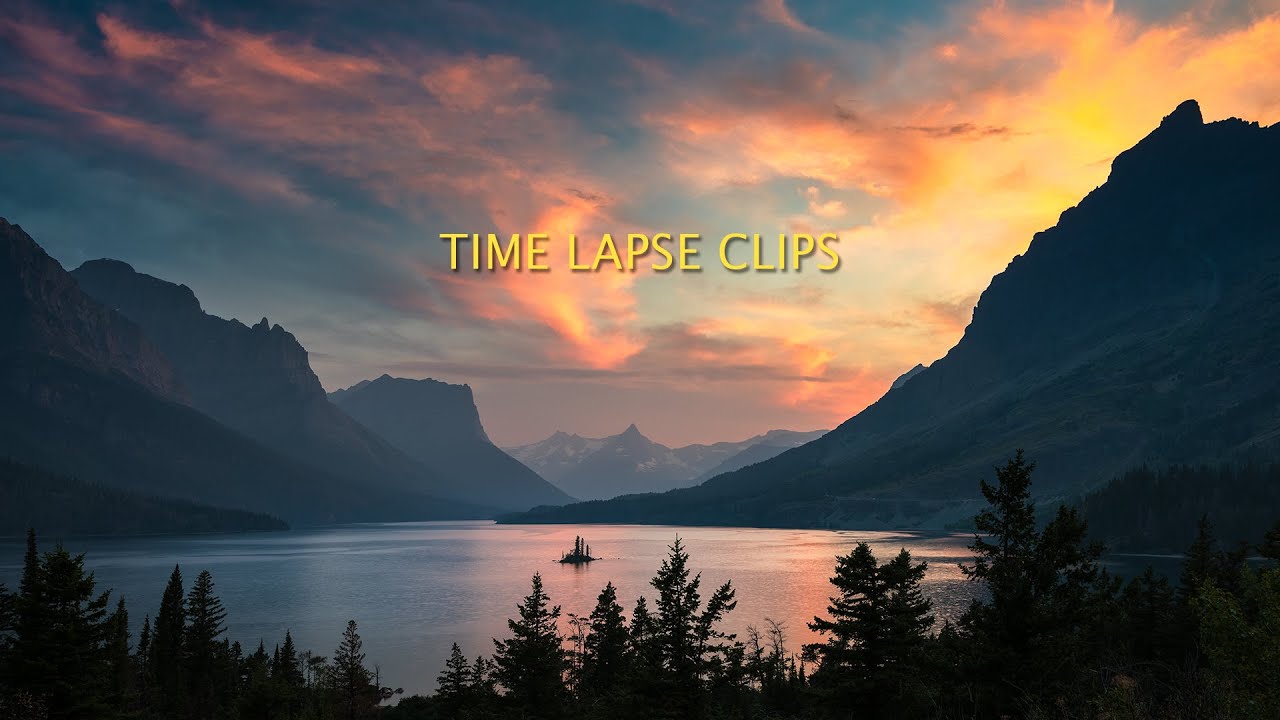
I’ll be honest: time-lapse has always been the technique I’d recommend to students before I’d fully committed to it myself. I shoot travel and lifestyle work, and for years I treated time-lapse as a “someday” skill. Something I’d pick up properly when I had the right gear, the right trip, the right block of time. Then I spent a Sunday morning on the Seattle waterfront watching the fog roll in over Elliott Bay, wishing I had something running on a tripod while I wandered around with my phone. That was the morning I stopped treating it as optional.
So when I came across Marc Muench’s compiled time-lapse clips, I sat down and actually studied them. The results are striking, and the gear story behind them is genuinely encouraging for anyone who’s told themselves they need a cinema rig to do this well.
Watch the full tutorial on YouTube
The Gear Case for Micro Four Thirds in Time-Lapse Work
Marc Muench captured these clips using Panasonic and Olympus Micro Four Thirds cameras, and that detail matters more than it might seem. The Micro Four Thirds system gets overlooked in serious landscape and motion work because the sensor is smaller than full-frame. But for time-lapse, that smaller body size is actually an asset. The cameras are lighter, which means less stress on motion rigs, easier balancing on sliders, and more flexibility about where you mount them. Wind on an exposed ridge at 5 a.m. is a real enemy of smooth motion, and a lighter rig is a more stable one.
The image quality in these clips holds up well. If you’re already shooting with a Panasonic Lumix or an Olympus OM-D and you’ve been waiting to “upgrade” before attempting time-lapse, these clips are a useful reality check. The limiting factor is almost never the sensor size. It’s planning, timing, and motion control.
What the Homemade Rail Is Actually Doing
The moving shots in this collection were captured using a hand-built rail combined with an Astro head for the panning movement. Let’s break down what that means technically, because it’s easy to gloss over.
A slider rail controls linear motion, moving the camera along a single axis, typically left to right or toward and away from the subject. The Astro head adds a rotational pan on top of that linear move. Combined, you get shots where the camera is both traveling and slowly turning, which creates a much more dynamic sense of depth than a static or purely panning shot. Your eye reads it as a living camera, not a locked-off frame.
The “homemade” part of that rail is worth noting. Marc built his own, which tells you something about what’s actually required. You don’t need a motorized carbon fiber slider with a companion app. A smooth, stable track with a reliable movement mechanism is the core requirement. If you’re handy, or know someone who is (my husband built me a tethering rig specifically to stop hearing me complain, so I understand the value of a crafty partner), a DIY slider is genuinely viable for this kind of work.
Setting Up a Shot: Interval, Duration, and Motion Rate
Here’s where beginners tend to stall out, so I want to be specific. Time-lapse is fundamentally a math problem. You’re deciding how many frames to collect over a given duration, then playing them back at a standard frame rate, usually 24 or 30 fps.
For slower-moving subjects like clouds, fog, or star movement, a common starting interval is one frame every 5 to 10 seconds. For faster-moving elements like traffic or crowds, you might drop to one frame every 1 to 2 seconds. If you’re targeting a 10-second clip at 24fps, you need 240 frames. At one frame every 5 seconds, that means 20 minutes of shooting minimum. Build that math into your location scouting and your morning.
The motion rate on the rail needs to match the interval and the desired output speed. Too fast and the camera position jumps visibly between frames. Too slow and you lose the sense of movement entirely. The sweet spot for a subtle, cinematic push is usually a very small increment per frame, think a few millimeters of travel per shot, calibrated to the total travel distance you have available on the rail.
Where I’d Push This Further (and Where It Gets Tricky)
The technique shown here works beautifully for landscapes with a clear horizon and predictable light. Where I’d add a note of caution is in mixed urban environments, specifically when you have foreground elements that move unpredictably. Trees, flags, people walking through frame: these can create strobing or ghosting artifacts in time-lapse that are hard to correct in post.
My own workaround when shooting in Seattle’s Pike Place Market area has been to shoot during lower-traffic windows, early morning on my Sunday walks, and to use a slightly longer shutter speed to introduce intentional motion blur into moving foreground elements. That blur actually smooths out the strobing effect and gives the clip a more polished, cinematic feel. It’s not always ideal for still image quality, but time-lapse is a video output. You’re optimizing for the sequence, not the individual frame.
The One Thing to Take Away
If you leave this with nothing else, let it be this: good time-lapse is mostly a planning and patience problem, not a gear problem. The compelling footage Marc Muench captured on compact Micro Four Thirds bodies with a homemade rail proves that the technique scales down to accessible equipment without sacrificing visual impact.
Watch the full video to see the actual clips in motion, because reading about time-lapse and watching smooth, well-executed panning shots are two very different experiences.
Comments (6)
This is the kind of content that keeps me coming back.
Quality content like this is rare. Keep it up.
Great breakdown. The step-by-step approach really helps.
Couldn't agree more. I've seen this make a huge difference in workflows work specifically.
Clear and practical. No fluff. Appreciate that.
Great article! I actually covered something related on my site — the color grading angle is really complementary to this.
Leave a Comment