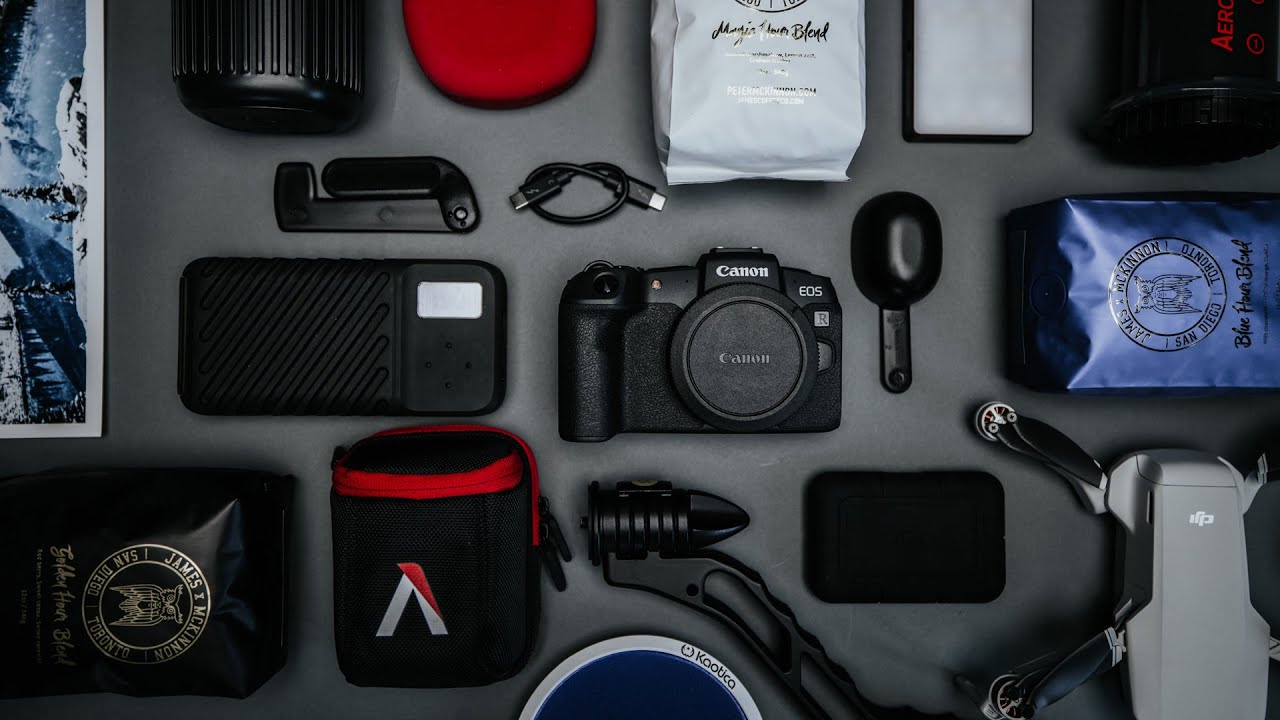
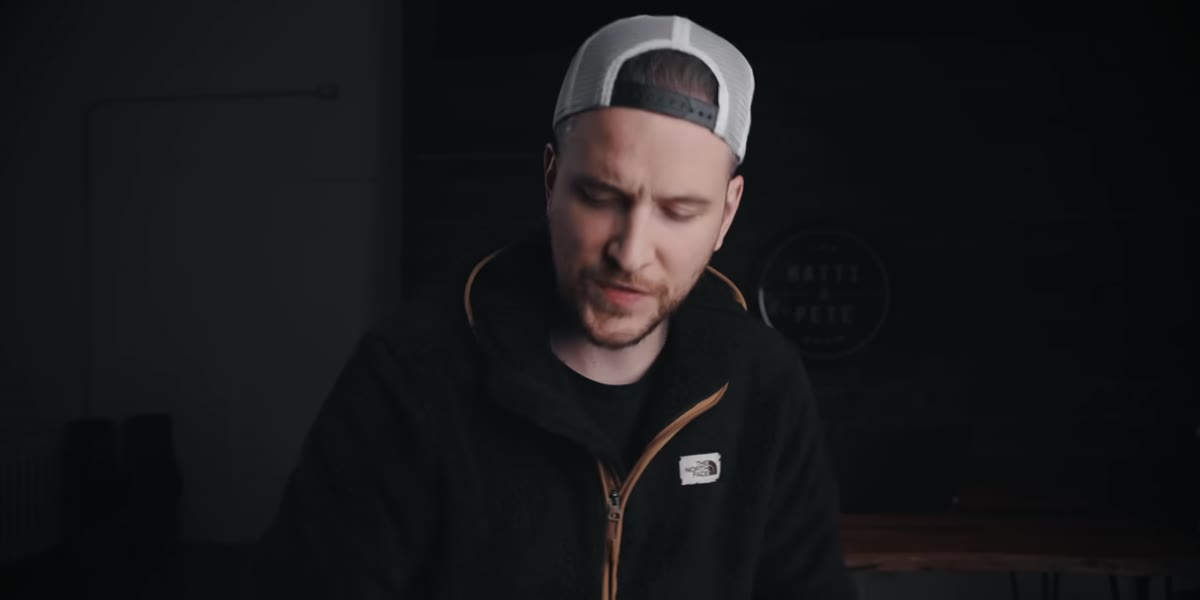
Every December I get the same text from at least three family members: “What do you want? Something photography related?” And every year I fumble through a half-baked answer because the honest list in my head is either too expensive to explain or too specific to justify over text. That’s exactly why I appreciated stumbling onto this gift guide from Peter McKinnon. Watch the full tutorial on YouTube
In this Peter McKinnon tutorial, he walks through eight items he genuinely uses or recommends, covering everything from portable storage to drones to audio gear. What makes it useful is that he is not just reading a sponsored list. He frames each item around a real problem it solves, which is exactly how I think about gear. The question is never “what is cool” but “what gets in my way and what fixes it.”
I am breaking this down step by step because a few of these picks genuinely changed how I think about my kit, and I think they will do the same for you.
Step 1: Start With Storage — The LaCie Rugged Pro SSD
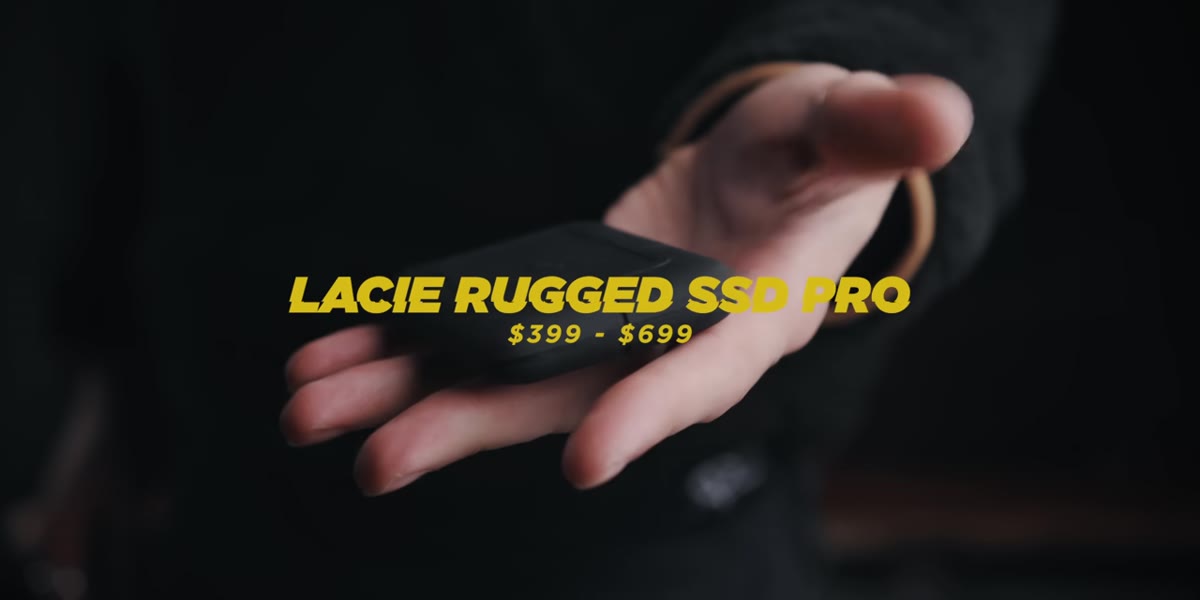 Compact black SSD drive held up to camera
Before you buy any new camera or lens, your storage situation needs to be solid. McKinnon leads with the LaCie Rugged Pro SSD, and it is a smart place to start. The older rugged drives were chunky orange bricks. This version is thin, small enough to slip into a jacket pocket, and comes in one or two terabyte options. Transfer speeds land around 2,800 megabytes per second, which means offloading a full day of shooting takes minutes rather than the painful stretch of time you are probably used to. It connects via USB-C, and the cable that comes with it is short and clean, not the tangled mess most of us have shoved in a bag somewhere.
The tradeoff is price. McKinnon is upfront about it. You are paying for the LaCie name, the rugged build, and the SSD speed, all at once. If you are on a budget, this is not your first stop. But if you shoot travel or work on location where a drive getting dropped or crushed is a real possibility, the premium starts to make a lot of sense.
Step 2: Rethink Your Tripod With the SwitchPod
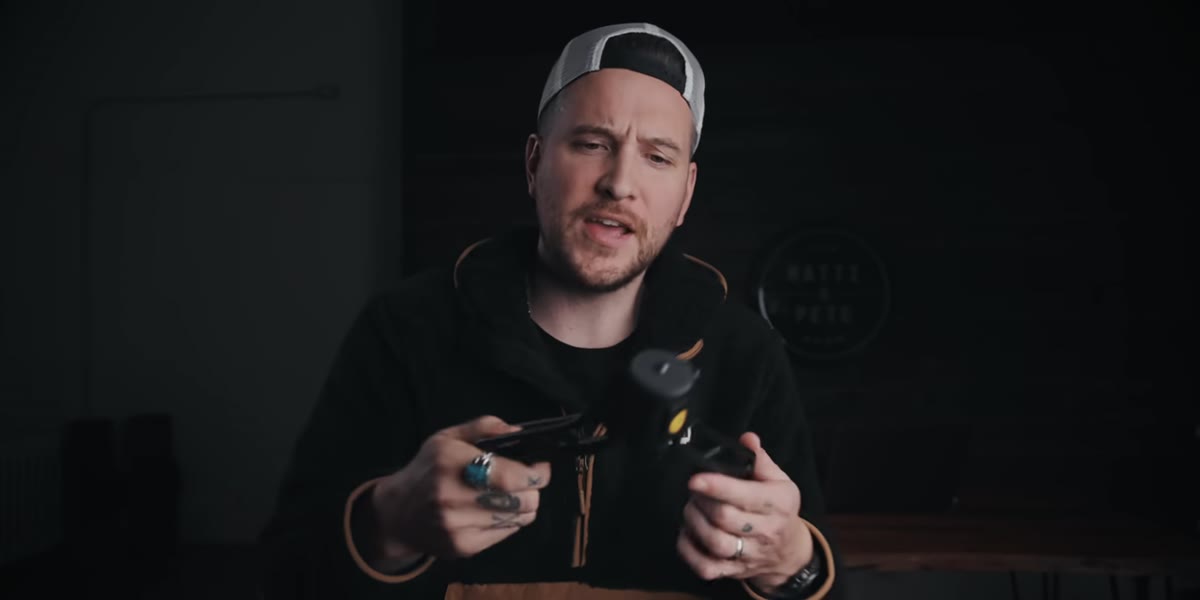 SwitchPod folded closed held in one hand
The SwitchPod is one of those products that sounds unnecessary until you understand the specific problem it solves. It is built for anyone who shoots video while moving, particularly vloggers or travel filmmakers. In its closed position, it functions as a grip with solid ergonomics, letting you hold your camera steady and facing yourself. Open it up, and it converts to a small tabletop tripod using a magnet-based hinge mechanism. No latches, no screwing anything in. It just snaps into place.
At $120, it is not cheap for what looks like a simple piece of hardware. But the convenience factor is real. If you are constantly switching between handheld self-filming and setting your camera down for a static shot, this removes the friction of that transition entirely. I keep a small tripod in my Sunday photo walk bag for exactly this kind of quick-setup situation, and something like this would absolutely earn its spot.
Step 3: Fix Your Audio With the Kaotica Eyeball
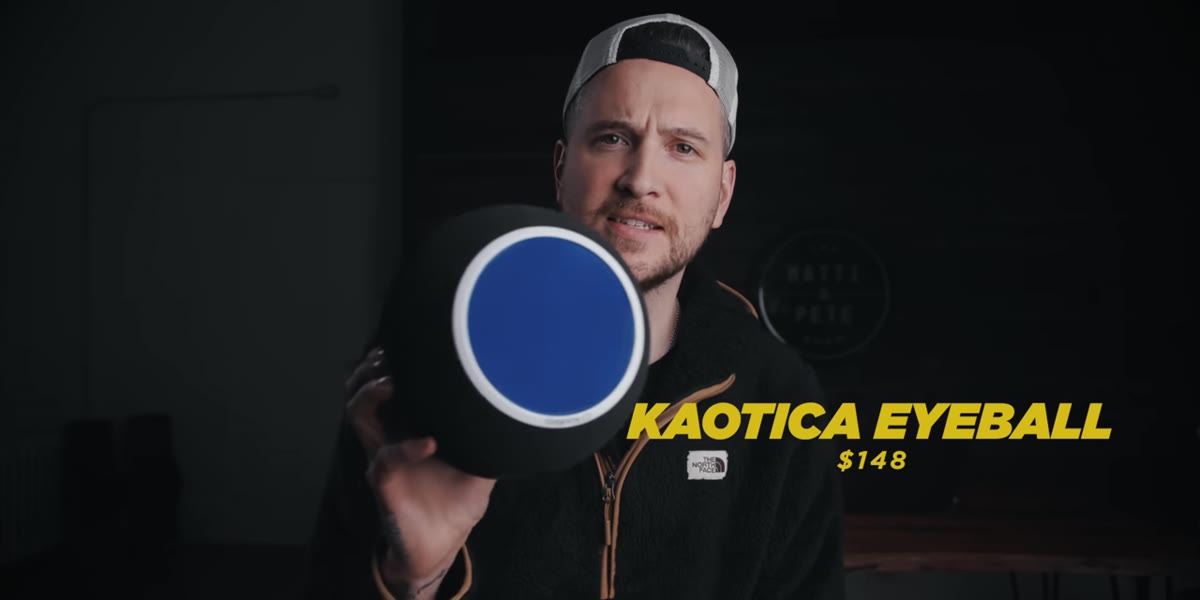 Foam ball attachment placed over microphone
This one surprised me. The Kaotica Eyeball is a foam enclosure that fits over your microphone and functions as a portable isolation shield. The idea is that it reduces room echo and reverb without requiring you to treat your walls with acoustic panels or hang sound blankets. If you do voiceover work, record podcasts, or narrate your own YouTube tutorials, bad room acoustics are probably the most common and most ignored problem in your setup.
McKinnon puts the price around $100 to $115. That sounds steep for a foam ball, but compare it to the cost of foam panels for even a small wall section, and the math shifts. It is not a perfect replacement for a fully treated room, but as a practical tool for someone recording in a living room or home office, it closes the gap meaningfully. If your audio sounds echoey and you have been putting off fixing it because the solution seems too complicated, this is the low-friction fix.
Step 4: Reconsider the Drone Category With the Mavic Mini
 DJI Mavic Mini drone sitting on flat surface
McKinnon is enthusiastic about the DJI Mavic Mini, and he frames it correctly: this is not about specs, it is about what you actually need. The Mavic Mini is small enough to fall under FAA registration requirements in the United States, which removes a real barrier for casual or travel shooters. It does the job for the situations where you want an aerial perspective without committing to the size, cost, and paperwork of a larger drone.
If you are a working professional who needs 4K RAW drone footage, this is not your tool. But if you are a travel photographer who wants to occasionally add a top-down or rising shot to a project, the Mavic Mini is genuinely good enough, and “good enough and always with you” beats “perfect and left at home.”
A Note From My Own Bag
I want to be honest about one pattern I see in gift guides like this, including this one. The items tend to cluster at a price point that assumes the recipient is already comfortable investing in gear. For someone just getting started, three of these eight items together could cost as much as a decent entry-level camera body.
My suggestion: use this list as a framework for understanding categories of need, not just specific products. The LaCie is about rugged, fast portable storage. The SwitchPod is about quick-deploy support. The Kaotica Eyeball is about accessible audio treatment. Once you understand the problem each category solves, you can find options at a range of price points. I still shoot on my phone sometimes specifically to remind myself that the tool matters less than the habit of showing up and making pictures. Gear lists are useful. They are not the whole story.
The single most important thing I took from McKinnon’s rundown is this: the best gear purchase solves a specific frustration you already have, not a theoretical future problem. If your drives are slow, fix that first. If your audio echoes, fix that before you buy a new microphone. Work the actual bottleneck.
Watch the full tutorial on YouTube to see all eight items and hear McKinnon’s full reasoning for each pick.
Comments (1)
I've been looking for exactly this kind of tutorial. Perfect timing.
Leave a Comment